# Introduction (https://getsteep.dev/steep.md)
steep is a test harness for terminal programs in Go. It runs your program in an emulated terminal, drives it with keys, text, mouse events, and resizes, and checks what it draws. It works with `go test` and the `testing` package, so there's nothing new to run.
```go
func TestMenu(t *testing.T) {
steep.NewHarness(t, newModel()).
Wait("Sencha").
KeyDown().
Assert("Matcha").
Key("enter").
Wait("Matcha is ready").
AssertSnapshot()
}
```
That test starts a [Bubble Tea](https://github.com/charmbracelet/bubbletea) model, waits for its menu to draw, presses the down arrow and enter, waits for the brew to finish, and compares the screen with a saved snapshot. If you turn recording on, steep also leaves you the run as a video:
This test, recorded by steep.
[Open the recording in the inspector](https://inspector.getsteep.dev/?url=https%3A%2F%2Fgetsteep.dev%2Fcasts%2Ffirst-test.cast)
> **Pre-1.0**
>
> steep's API may change in breaking ways until v1.0.0. Pin a version in your `go.mod` and check the release notes when you upgrade.
## What it tests [#what-it-tests]
steep has three harnesses, and they share the same inputs, waits, assertions, snapshots, and recordings:
| Harness | Runs | Use it for |
| --- | --- | --- |
| [`NewHarness`](https://getsteep.dev/steep/harnesses.md#model-harness) | A root `tea.Model` | A whole Bubble Tea program |
| [`NewComponentHarness`](https://getsteep.dev/steep/harnesses.md#component-harness) | A model with `View() string` | One component, such as a form or a list |
| [`NewExecHarness`](https://getsteep.dev/steep/harnesses.md#exec-harness) | Any command, on a pseudo-terminal | A built binary, or a program that doesn't use Bubble Tea |
## Installation [#installation]
To install:
```console
go get getsteep.dev/steep@latest
```
That's all a test needs. The terminal emulator is compiled into reel, so nothing else has to be installed to run tests, and that includes the snapshots and assertions.
Exports are off unless you turn them on. Video and WebP formats need [ffmpeg](https://ffmpeg.org) on your `PATH`, and [the rest need nothing](https://getsteep.dev/reel/formats.md). Fonts are built in, so recordings draw the same on any machine.
## Why test your TUI [#why-test-your-tui]
Most terminal programs are tested by running them and looking. That works until the program has more screens than you can walk through before each release. A test does the same walk every time, on every commit, at terminal sizes and colors you wouldn't think to try.
### Manual testing, and what replaces it [#manual-testing-and-what-replaces-it]
| You do this by hand | With steep |
| --- | --- |
| Run the program, press some keys, and look at the screen | `Key`, `Type`, and `Wait` do it in milliseconds, in `go test` |
| Drag the window to see if the layout breaks | `Resize(48, 16)`, then assert or compare a snapshot |
| Try the mouse, if you remember | `Locate(reel.Contains("Save")).LeftClick()` clicks what's on the screen |
| Check it in a terminal with fewer colors | `WithColor(steep.ColorANSI)` runs it as that terminal would |
| Notice that a screen looks different from last month | A snapshot fails, and its diff shows what changed |
| Ask someone to describe what went wrong | The failed test leaves a video and a file you can step through |
### Why not just test Update and View? [#why-not-just-test-update-and-view]
You can, and those tests are quick. Calling `Update` with a message and checking `View()` covers your logic, but it skips the parts of a terminal program that tend to break:
- **Commands.** `Update` returns a `tea.Cmd`. A unit test has to run it and feed the result back, and a real program does that concurrently.
- **Real input.** A real key press is bytes through a terminal, encoded by whatever keyboard mode your program asked for. A `tea.KeyPressMsg` you built by hand skips all of it.
- **What the terminal shows.** `View()` is a string with escape sequences. It isn't what's on the screen after the terminal handles wrapping, wide characters, and the alternate screen.
steep runs your program in a real `tea.Program`, attached to a terminal emulator. So a test sees the screen a user would, and you can still use [`Mutate`](https://getsteep.dev/steep/program.md) to reach into the model when you need to.
### What a test costs [#what-a-test-costs]
Tests of a screen can be brittle. A snapshot of a whole screen fails when anything on it changes, on purpose or not. You can keep that under control:
- Assert on the text that matters, and keep [snapshots](https://getsteep.dev/steep/snapshots.md) for screens where the layout itself is what you're testing.
- [Wait for what you expect](https://getsteep.dev/steep/checks.md#waiting-and-settling) rather than sleeping, so tests don't depend on how fast the machine is.
- Update snapshots on purpose with `UPDATE_SNAPSHOTS=true`, and read the diff before committing it.
### What steep won't do [#what-steep-wont-do]
- **It doesn't judge how a screen looks.** A snapshot says a screen changed. You decide whether it's better.
- **It doesn't test real terminals.** Your program runs against one emulator, [libghostty-vt](https://getsteep.dev/steep/how-it-works.md), not against iTerm2 or Windows Terminal. A bug in how a specific terminal handles a sequence won't show up.
- **It doesn't replace unit tests.** Keep them for logic. A steep test is for behavior a user would see.
## Where to go next [#where-to-go-next]
- [Your first test](https://getsteep.dev/steep/first-test.md): Write a test from an empty file, break it, and read the failure.
- [Add steep to an existing project](https://getsteep.dev/steep/existing-project.md): Start with a test that needs no refactoring, then go further only if it helps.
- [How it works](https://getsteep.dev/steep/how-it-works.md): What runs where, and how steep relates to reel.
steep records through [reel](https://getsteep.dev/reel.md), a Go library you can also use without tests, and the [`reel` CLI](https://getsteep.dev/cli.md) does the same without Go. The [inspector](https://inspector.getsteep.dev/) opens any recording, so you can step through a failure event by event.
# Your first test (https://getsteep.dev/steep/first-test.md)
In this tutorial you'll write a test of a small program, run it, make it fail, and fix it. It takes about ten minutes. You need Go and a directory to work in.
1. ### Create the module [#create-the-module]
```console
mkdir brew && cd brew
go mod init example.com/brew
go get charm.land/bubbletea/v2 getsteep.dev/steep@latest
```
2. ### Write a program to test [#write-a-program-to-test]
Put this in `main.go`. It's a list of teas: the arrow keys move a cursor, and enter orders the selected one.
```go title="main.go"
package main
import (
"fmt"
"strings"
tea "charm.land/bubbletea/v2"
)
type model struct {
teas []string
cursor int
ordered string
}
func newModel() model {
return model{teas: []string{"Sencha", "Matcha", "Oolong"}}
}
func (m model) Init() tea.Cmd { return nil }
func (m model) Update(msg tea.Msg) (tea.Model, tea.Cmd) {
if key, ok := msg.(tea.KeyPressMsg); ok {
switch key.String() {
case "down":
m.cursor = min(m.cursor+1, len(m.teas)-1)
case "up":
m.cursor = max(m.cursor-1, 0)
case "enter":
m.ordered = m.teas[m.cursor]
case "q":
return m, tea.Quit
}
}
return m, nil
}
func (m model) View() tea.View {
var b strings.Builder
for i, name := range m.teas {
cursor := " "
if i == m.cursor {
cursor = "> "
}
b.WriteString(cursor + name + "\n")
}
if m.ordered != "" {
fmt.Fprintf(&b, "\nOrdered %s\n", m.ordered)
}
return tea.NewView(b.String())
}
func main() {
if _, err := tea.NewProgram(newModel()).Run(); err != nil {
panic(err)
}
}
```
3. ### Write the test [#write-the-test]
Put this in `main_test.go`:
```go title="main_test.go"
package main
import (
"testing"
"getsteep.dev/steep"
)
func TestOrder(t *testing.T) {
steep.NewHarness(t, newModel()).
Wait("Sencha").
KeyDown().
Key("enter").
Wait("Ordered Matcha")
}
```
Each line does what a person would. `NewHarness` starts the program in an emulated terminal. `Wait` blocks until text is on the screen, because the program draws at its own pace. `KeyDown` and `Key` press keys.
You don't have to quit the program. The harness registers a test cleanup that does it.
4. ### Run it [#run-it]
```console
$ go test ./...
ok example.com/brew 0.052s
```
5. ### Make it fail [#make-it-fail]
Change `Wait("Ordered Matcha")` to `Wait("Ordered Oolong")`, then run the test again. After two seconds, the default timeout, steep gives up and prints what was on the screen:
```console
--- FAIL: TestOrder (2.01s)
main_test.go:14: Wait("Ordered Oolong"): reel: wait for contains ["Ordered Oolong"]: steep: timeout
last output:
Sencha
> Matcha
Oolong
Ordered Matcha
```
You can read that like a bug report: the test wanted `Ordered Oolong`, the screen said `Ordered Matcha`, and the cursor was on the wrong row.
6. ### Watch the failure [#watch-the-failure]
Run it again, recording failures as a GIF and keeping the files:
```console
STEEP_EXPORT_MODE=failure go test -artifacts ./...
```
steep prints the path of each file it wrote, under `_artifacts`. You didn't change the test to get this, and a passing test writes nothing. Open the `.gif` to watch the run, or drop the `.cast` onto the [inspector](https://inspector.getsteep.dev/) to step through it.
This is what a failure looks like in a recording. It's the same kind of failure, from the larger program these docs use:
[Open the recording in the inspector](https://inspector.getsteep.dev/?url=https%3A%2F%2Fgetsteep.dev%2Fcasts%2Ffail-wait.cast)
7. ### Fix it, and keep the screen [#fix-it-and-keep-the-screen]
Change the test back, and add a snapshot of the final screen:
```go title="main_test.go" {5}
steep.NewHarness(t, newModel()).
Wait("Sencha").
KeyDown().
Key("enter").
Wait("Ordered Matcha").
AssertSnapshot()
```
There's no snapshot to compare with yet, so the first run fails and tells you how to make one:
```console
$ go test ./...
--- FAIL: TestOrder (0.05s)
main_test.go:15: snapshot "testdata/TestOrder.snap" does not exist; set UPDATE_SNAPSHOTS=true to create it
$ UPDATE_SNAPSHOTS=true go test ./...
ok example.com/brew 0.051s
$ go test ./...
ok example.com/brew 0.049s
```
Commit `testdata/TestOrder.snap` with your code. From now on, the test fails if that screen changes, and the failure shows a diff.
## What you've learned [#what-youve-learned]
- A harness runs your program, and its methods are the things a person would do.
- `Wait` blocks until the screen shows something, and fails with what was there instead.
- Any test can be recorded from the environment, without changing it.
- Snapshots catch changes you weren't testing for.
## Next [#next]
- [Add steep to a project you already have](https://getsteep.dev/steep/existing-project.md).
- [Learn the difference between `Assert`, `Require`, and `Wait`](https://getsteep.dev/steep/checks.md).
- [Read how waiting and settling work](https://getsteep.dev/steep/checks.md#waiting-and-settling), which is where most flaky tests come from.
# Add steep to an existing project (https://getsteep.dev/steep/existing-project.md)
You don't need to restructure your program to test it. Each step below is useful by itself, so stop whenever the tests you have are catching what you care about.
## 1. Test the binary as it is [#1-test-the-binary-as-it-is]
An [exec harness](https://getsteep.dev/steep/harnesses.md#exec-harness) runs any command on a pseudo-terminal, so this needs no changes to your program, and it doesn't have to use Bubble Tea. Build your binary, start it, and check that the main screen comes up and that it quits cleanly:
```go title="main_test.go"
func TestSmoke(t *testing.T) {
bin := filepath.Join(t.TempDir(), "myapp")
if out, err := exec.Command("go", "build", "-o", bin, ".").CombinedOutput(); err != nil {
t.Fatalf("go build: %v\n%s", err, out)
}
h := steep.NewExecHarness(t, exec.Command(bin))
h.Wait("Main menu").Key("q")
if status := h.ExitStatus(); status != 0 {
t.Errorf("exit status = %d", status)
}
}
```
That single test catches a program that panics at startup, a screen that never draws, and a quit key that stopped working. Pick the path you'd click through before a release, and write that next.
The exec harness driving a compiled binary.
## 2. Run your model in the test [#2-run-your-model-in-the-test]
If you use Bubble Tea, swap to [`NewHarness`](https://getsteep.dev/steep/harnesses.md#model-harness) once you want to start from a particular state or look at the model. The steps stay the same, and tests get faster because nothing is compiled or started as a separate process.
```go
func TestSmoke(t *testing.T) {
steep.NewHarness(t, newModel()).
Wait("Main menu").
Key("q")
}
```
The only thing this asks of your code is a function that builds the model. If `main` builds it inline next to flag parsing and config loading, pull that part into a function.
Your model may need things a test shouldn't use, such as a real API client or the current time. Pass those in, the same as you would for any other test.
## 3. Test the hard components alone [#3-test-the-hard-components-alone]
A form or a table with a lot of states is easier to test alone than through the whole program. A [component harness](https://getsteep.dev/steep/harnesses.md#component-harness) runs anything with a `View() string` and an `Update` method:
```go
func TestPicker(t *testing.T) {
steep.NewComponentHarness(t, newPicker(items)).
Wait("first").
KeyDown().
Assert("second")
}
```
## 4. Add snapshots where layout matters [#4-add-snapshots-where-layout-matters]
Assertions check that text is there. They don't notice a border that's gone or a column that shifted. Use a [snapshot](https://getsteep.dev/steep/snapshots.md) for the few screens whose layout you care about, and test them at the sizes you support:
```go
for _, size := range [][2]int{{80, 24}, {120, 40}, {40, 12}} {
t.Run(fmt.Sprintf("%dx%d", size[0], size[1]), func(t *testing.T) {
steep.NewHarness(t, newModel(), steep.WithWindowSize(size[0], size[1])).
Wait("Main menu").
AssertSnapshot()
})
}
```
## 5. Run them in CI, and keep the evidence [#5-run-them-in-ci-and-keep-the-evidence]
A test that fails on someone else's machine is much easier to fix with a recording. Set two variables in your [CI job](https://getsteep.dev/steep/ci.md) and upload the directory:
```yaml
- run: go test ./...
env:
STEEP_EXPORT_MODE: failure
STEEP_EXPORT_DIR: ${{ github.workspace }}/steep-artifacts
```
## What to test first [#what-to-test-first]
Tests are worth the most where a bug would be expensive, or where you'd be unlikely to notice one. Good first choices:
- The path through your program that everybody uses.
- Anything that depends on the terminal's size, since it's tedious to check by hand.
- Bugs you've already fixed. Reproduce one in a test, then keep the test.
- Anything with a timer or background work, where [waits](https://getsteep.dev/steep/checks.md#waiting-and-settling) let you check the result without guessing at how long it takes.
Don't start by aiming for coverage of every screen. Snapshotting everything gives you a large suite that fails on every design change, and people learn to update it without reading the diff.
# Harnesses (https://getsteep.dev/steep/harnesses.md)
```mermaid
flowchart TD
A{Does the program use Bubble Tea?} -->|No| E[NewExecHarness]
A -->|Yes| B{Do you need flags, main, or the exit status?}
B -->|Yes| E
B -->|No| C{Is it a whole program?}
C -->|Yes| M[NewHarness]
C -->|No, one component| D[NewComponentHarness]
```
If you're not sure, start with `NewHarness`. It's the fastest way to test a Bubble Tea program and it gets you every feature. Reach for `NewExecHarness` when you want to test the program as a user runs it.
## What each can do [#what-each-can-do]
| | `NewHarness` | `NewComponentHarness` | `NewExecHarness` |
| --- | --- | --- | --- |
| Keys, text, paste, mouse, resize | ✓ | ✓ | ✓ |
| `Wait`, `Assert`, `Require`, `Locate` | ✓ | ✓ | ✓ |
| Text and JSON snapshots | ✓ | ✓ | ✓ |
| Recordings and stills | ✓ | ✓ | ✓ |
| Terminal state: title, cursor, clipboard | ✓ | ✓ | ✓ |
| `WaitFinished` | ✓ | ✓ | ✓ |
| `Mutate`, `SendProgram`, `QuitProgram` | ✓ | ✓ | |
| `FinalModel`, `FinalModelAs` | ✓ | ✓ | |
| Messages: `WaitMessage`, `AssertHasMessage` | ✓ | ✓ | |
| `WaitSettleMessages` | ✓ | ✓ | |
| `ExitStatus` | | | ✓ |
| Runs in your test's process | ✓ | ✓ | |
| Waits for the program at the start | ✓ | ✓ | |
Calling a method a harness doesn't support [fails the test](https://getsteep.dev/steep/failures.md#a-method-the-harness-cant-do) and says why.
## How they differ in practice [#how-they-differ-in-practice]
**Speed.** `NewHarness` and `NewComponentHarness` run in your test's process. An exec test also has to build and start a program.
**Coverage.** An exec test covers everything, including `main`, flag parsing, and configuration. A model test starts after all of that.
**The environment.** A model's program sees only `TTY_FORCE=1` and `TERM=xterm-256color` by default, unless you use [`WithEnvVars`](https://getsteep.dev/steep/harnesses.md#the-environment). A command gets `cmd.Env`, or the host's environment if that's nil.
**Coverage reports.** A model runs in your test's process, so `go test -cover` counts it. A separate binary needs `go build -cover` and `GOCOVERDIR` to be counted.
## Model harness [#model-harness]
`NewHarness` runs a root `tea.Model` in a real `tea.Program`, in your test's process.
```go
func TestMenu(t *testing.T) {
h := steep.NewHarness(t, newModel(), steep.WithWindowSize(100, 30))
h.Wait("Sencha")
}
```
It returns once the model has received its first message, or fails the test after the [timeout](https://getsteep.dev/steep/checks.md#waiting-and-settling). Your program sees a terminal of the size you asked for, and receives a `tea.WindowSizeMsg` like any other program.
### Options [#options]
Options given to `NewHarness` are the defaults for every method that takes options. A call's own options override them:
```go
h := steep.NewHarness(t, newModel(), steep.WithTimeout(5*time.Second))
h.Wait("Loaded") // up to 5s
h.Wait("Report ready", steep.WithTimeout(time.Minute)) // up to a minute
```
The ones you'll use most:
| Option | Sets |
| --- | --- |
| `WithWindowSize(w, h)` | The terminal's size. The default is 80 by 24. |
| `WithTimeout(d)` | How long a wait may take. The default is 2s. |
| `WithColor(p)` | The color support the terminal advertises. The default is `ColorANSI256`. |
| `WithEnvVars("K=V")` | The environment the program sees. |
| `WithContext(ctx)` | The parent context of waits and the program. The default is the test's. |
| `WithProgramOptions(...)` | Extra `tea.ProgramOption` values. |
All of them are on [pkg.go.dev](https://pkg.go.dev/getsteep.dev/steep#Option).
### The environment [#the-environment]
Without `WithEnvVars`, a model's program sees only `TTY_FORCE=1` and `TERM=xterm-256color`. Using it replaces those with the test process's environment plus your variables, so pass `TTY_FORCE` and `TERM` again if your program needs them. It panics on an entry that isn't `key=value`.
The test process's environment can hold tokens in CI, which your program could then read and draw.
### Color [#color]
Without `WithColor`, your program runs on a 256-color terminal, and Bubble Tea downsamples 24-bit colors to fit. Pass `steep.WithColor(steep.ColorTrueColor)` to test gradients and blends, or to see true colors in a recording. `ColorASCII` and `ColorANSI` test how the program degrades.
### Getting the model back [#getting-the-model-back]
Use `FinalModelAs` to check what the model ended up as, once the program has finished:
```go
m := steep.NewHarness(t, newModel()).
Wait("Sencha").
KeyDown().
Key("enter").
Wait("Matcha is ready").
QuitProgram().
FinalModelAs[*Model]()
if len(m.Served) != 1 {
t.Errorf("served = %v", m.Served)
}
```
### Reaching into the model [#reaching-into-the-model]
`Mutate` applies a function to the model on the program's goroutine. It's for states that would take too long to reach through the UI, and [Program and model](https://getsteep.dev/steep/program.md) covers it.
## Component harness [#component-harness]
Components don't usually implement `tea.Model`: they often return a plain string from `View`, and their `Update` might return only a command. `NewComponentHarness` wraps one so it runs in a real `tea.Program` anyway.
```go
type counter struct{ n int }
func (c *counter) Update(msg tea.Msg) tea.Cmd {
if key, ok := msg.(tea.KeyPressMsg); ok && key.String() == "+" {
c.n++
}
return nil
}
func (c *counter) View() string {
return "Cups " + strings.Repeat("+", c.n)
}
func TestCounter(t *testing.T) {
steep.NewComponentHarness(t, &counter{}, steep.WithWindowSize(24, 4)).
Wait("Cups").
Key("+", reel.Repeat(3)).
Wait("+++")
}
```
A component running in a terminal of its own.
### What a component needs [#what-a-component-needs]
It's checked when the test runs, not at compile time, because a generic constraint can't describe all the shapes components come in:
- A `View() string` method.
- An `Update` method that returns either a `tea.Cmd`, or the updated model and a `tea.Cmd`.
- `Init` is optional.
So all of these work, including most components from [Bubbles](https://github.com/charmbracelet/bubbles), which return themselves:
```go
func (c *counter) Update(msg tea.Msg) tea.Cmd
func (l List) Update(msg tea.Msg) (List, tea.Cmd)
func (f *Form) Update(msg tea.Msg) (*Form, tea.Cmd)
```
### Keep the terminal small [#keep-the-terminal-small]
The terminal only needs to be as large as the component. A small `WithWindowSize` makes snapshots shorter, easier to review, and less sensitive to changes elsewhere.
Everything else works the same as [`NewHarness`](https://getsteep.dev/steep/harnesses.md#model-harness), including `Mutate` and `FinalModelAs`, which use the type you passed in.
## Exec harness [#exec-harness]
`NewExecHarness` starts a command on a pseudo-terminal, and drives it with the same methods as the others. The program doesn't have to be written in Go, or use Bubble Tea.
```go
func TestBinary(t *testing.T) {
h := steep.NewExecHarness(t, exec.Command("./myapp", "--flag"))
h.Wait("ready").Key("q")
if status := h.ExitStatus(); status != 0 {
t.Errorf("exit status = %d", status)
}
}
```

### Differences from the model harness [#differences-from-the-model-harness]
**It doesn't wait at the start.** A command has no first message to wait for, so `NewExecHarness` returns as soon as the command has started. `Wait` for what it draws.
**It has an exit status.** `ExitStatus` waits for the command to finish and returns its status. On Unix, a command killed by a signal has status 128 plus the signal, as shells report it. A nonzero status isn't a failure by itself, so check it yourself. `WaitFinished` won't fail the test for it.
**There's no program to reach into.** These fail the test, since they need a `tea.Program` or its model:
- `SendProgram`, `QuitProgram`, `Mutate`, `FinalModel`, and `FinalModelAs`
- Anything that reads messages, such as `WaitMessage`, `AssertHasMessage`, and `WaitSettleMessages`
These options have no effect: `WithProgramOptions`, `WithRecordMessages`, and `WithSettleIgnoreMsgs`.
**It's killed at the end.** The cleanup kills the command if it's still running, so a test doesn't have to quit it.
### A command's environment [#a-commands-environment]
The command's environment is `cmd.Env`, or the host's when that's nil. Then:
- [`WithEnvVars`](https://getsteep.dev/steep/harnesses.md#the-environment) replaces variables of the same name.
- [`WithColor`](https://getsteep.dev/steep/harnesses.md#color) overrides the color variables. Without it, the command's color support is what `reel.Exec` sets.
### Building the binary [#building-the-binary]
Build it in the test so it can't be stale. `t.TempDir()` cleans it up:
```go
bin := filepath.Join(t.TempDir(), "myapp")
if out, err := exec.Command("go", "build", "-o", bin, ".").CombinedOutput(); err != nil {
t.Fatalf("go build: %v\n%s", err, out)
}
h := steep.NewExecHarness(t, exec.Command(bin))
```
If several tests use it, build it once in `TestMain`.
# Keyboard and mouse (https://getsteep.dev/steep/input.md)
## Keyboard and text [#keyboard-and-text]
Input goes through the terminal as real input would, encoded for whatever keyboard mode your program asked for.
Keys, repeats, and typed text, with the key overlay effect on.
```go
steep.NewHarness(t, newModel()).
Wait("Sencha").
KeyDown(reel.Repeat(2)).
KeyUp().
Key("/").
Type("green", reel.Delay(80*time.Millisecond)).
Wait("Filter: green").
KeyEsc()
```
### Keys [#keys]
`Key` presses one key, by name:
```go
h.Key("enter")
h.Key("ctrl+a")
h.Key("shift+tab")
h.Key("f5")
h.Key("space")
```
An unknown name fails the test, and so does a combination the program's keyboard mode can't encode, such as `ctrl+shift+a` without the kitty keyboard protocol. To see every name, see [`vt.ParseKey`](https://pkg.go.dev/getsteep.dev/steep/reel/vt#ParseKey).
The common keys have their own methods:
| Method | Key |
| --- | --- |
| `KeyUp`, `KeyDown`, `KeyLeft`, `KeyRight` | The arrows |
| `KeyEsc` | Escape |
| `KeyBackspace`, `KeyDelete` | Backspace and forward delete |
| `KeyCtrlC`, `KeyCtrlD` | `ctrl+c` and `ctrl+d` |
### Text [#text]
`Type` sends each character as a key press, as on a US layout, with shift for capitals and shifted symbols. Use `Key` for keys with modifiers.
```go
h.Type("hello").Key("enter")
```
Without a delay, the text is sent at once, as one input event. Your program still handles it key by key, so you'll usually want to `Wait` for the result.
### Paste [#paste]
`Paste` sends text as a paste, bracketed if your program enabled bracketed paste. That's different from `Type`: a program with bracketed paste receives one `tea.PasteMsg`, not a key per character.
```go
h.Paste("line one\nline two")
```
### Input options [#input-options]
`Key`, `Type`, and the mouse helpers take options from reel:
| Option | Does |
| --- | --- |
| `reel.Repeat(n)` | Presses the key, or types the text, `n` times |
| `reel.Delay(d)` | Pauses for `d` after each key press |
A delay only matters for recordings that should show text being typed, and for programs that need real time between keys. To set one for a whole test without editing it, use `STEEP_TYPING_DELAY`. A call's own `reel.Delay` wins.
### Ordering [#ordering]
Input reaches your program through the terminal, while `SendProgram` goes straight to the program. So mixing them can deliver events in a different order than you called them. To send a key after a message has taken effect, `Wait` for its result first.
Typing also scrolls a scrolled-up viewport back to the bottom first, as a real terminal does. Turn that off with `WithScrollOnInput(false)`.
## Mouse [#mouse]
Clicks on what's drawn, with the mouse effect showing them.
### Click what's on the screen [#click-whats-on-the-screen]
Coordinates break when a layout changes. `Locate` waits for something to be on the screen and returns where it is:
```go
h.Locate(reel.Contains("[ Save ]")).LeftClick()
// A field's value, six columns right of its label.
h.Locate(reel.Contains("Name:")).Offset(6, 0).LeftClick()
```
`Locate` waits the same way `WaitFor` does, so a test doesn't have to wait first. It finds the first match, and the location doesn't update if the program redraws afterward.
A condition has to locate something. `reel.NotContains` and `reel.ScreenFunc` hold without pointing at any cell, so they [fail the test](https://getsteep.dev/steep/failures.md#a-condition-that-locates-nothing). Clicking a location off the screen fails too.
### Click a cell [#click-a-cell]
Cells are numbered from 0, with `(0, 0)` at the top left.
```go
h.LeftClick(10, 4)
h.RightClick(10, 4)
h.MiddleClick(10, 4)
h.LeftClick(10, 4, reel.Repeat(2)) // a double click
h.MouseClick(vt.MouseLeft, 10, 4) // any button
```
### Drag [#drag]
`LeftDrag` presses at the first cell, moves through each cell of the straight line to the second, and releases there. Each step is its own event, so pass `reel.Delay` to slow a drag down for a recording.
```go
h.LeftDrag(5, 2, 40, 2)
h.MouseDrag(vt.MouseRight, 5, 2, 40, 2)
```
### One event [#one-event]
`Mouse` sends a single press, release, or motion, for what the other helpers don't cover:
```go
h.Mouse(vt.MousePress, vt.MouseLeft, 5, 2)
h.Mouse(vt.MouseRelease, vt.MouseLeft, 5, 2)
```
### Your program must ask for the mouse [#your-program-must-ask-for-the-mouse]
As with a real terminal, mouse events are dropped unless your program enabled mouse tracking. In Bubble Tea, that's `view.MouseMode`:
```go
v.MouseMode = tea.MouseModeCellMotion
```
A click without tracking does nothing and isn't an error, so if a click seems to be ignored, that's the first thing to check.
### Recording the mouse [#recording-the-mouse]
Mouse events aren't visible in a recording unless you add [`effects.Mouse`](https://getsteep.dev/reel/effects.md#mouse), which draws the pointer, clicks, and drags. It's how the recording above was made.
# Terminal (https://getsteep.dev/steep/terminal.md)
## Changing the terminal [#changing-the-terminal]
These act on the terminal around your program, rather than typing into it.
### Resize [#resize]
`Resize` resizes the terminal, and your program gets a `tea.WindowSizeMsg`. Wait for the redraw, then check the result:
```go
h.Wait("Sencha").
Resize(48, 16).
WaitSettle().
Assert("q quit")
```
For a command on an exec harness, its pseudo-terminal is resized too, so it gets a real `SIGWINCH`.
`Dimensions`, `Width`, `Height`, and `Bounds` return the terminal's size in cells.
### Focus [#focus]
`Focus` and `Blur` send a focus event, if your program enabled focus reporting. `IsFocused` returns the last known state. Terminals start focused.
```go
h.Blur().Wait("paused").Focus().WaitNot("paused")
```
### Scrolling [#scrolling]
`ScrollUp` moves the viewport toward older scrollback, without telling the program, so `View`, snapshots, and recordings show the older rows. The viewport stays put as the program writes more, until `ScrollDown`, `ScrollToBottom`, or input.
```go
h.ScrollUp(10)
h.ScrollToTop()
h.ScrollToBottom()
h.SetScrollbackSize(5000)
h.ClearScrollback()
```
The alternate screen has no scrollback, so these are for programs that print to the normal screen.
### Colors [#colors]
These set what your program finds when it asks the terminal about colors, so you can test a program that adapts to light and dark terminals:
```go
h := steep.NewHarness(t, newModel())
h.SetBgColor(lipgloss.Color("#ffffff"))
```
| Method | Sets |
| --- | --- |
| `SetFgColor`, `SetBgColor`, `SetCursorColor` | The current color |
| `SetDefaultFgColor`, `SetDefaultBgColor`, `SetDefaultCursorColor` | The color used once the current one is cleared |
A color your program sets itself, with OSC 10, 11, or 12, comes first, until it resets it.
### Clipboard [#clipboard]
`SetClipboard` sets what the program reads with OSC 52. `Clipboard` returns what it last wrote, as [below](#reading-what-the-program-told-it).
```go
h.SetClipboard("copied text")
```
### Color support [#color-support]
`WithColor` sets what the terminal advertises when the program starts:
| Value | Advertises |
| --- | --- |
| `ColorASCII` | No color (`NO_COLOR=1`) |
| `ColorANSI` | 16 colors (`TERM=xterm`) |
| `ColorANSI256` | 256 colors, the default (`TERM=xterm-256color`) |
| `ColorTrueColor` | 24-bit color (`COLORTERM=truecolor`) |
## Reading what the program told it [#reading-what-the-program-told-it]
A terminal holds more than a screen. Your program can set a title, move and hide the cursor, write to the clipboard, and report progress. The harness reads all of that from the emulator.
```go
h.Wait("Sencha").Key("enter").Wait("█")
if p := h.Progress(); p.Percent == 0 {
t.Errorf("progress = %+v", p)
}
h.Wait("Sencha is ready")
if got := h.Title(); got != "tea shop" {
t.Errorf("title = %q", got)
}
if !h.IsAltScreen() {
t.Error("should be on the alternate screen")
}
// tea.Raw runs as a command of its own, so the notification can land after
// the frame that announces it, and Wait can't see it arrive, since it doesn't
// change the screen.
deadline := time.Now().Add(5 * time.Second)
for len(h.Notifications()) == 0 && time.Now().Before(deadline) {
time.Sleep(5 * time.Millisecond)
}
if n := h.Notifications(); len(n) != 1 || n[0].Body != "Sencha is ready" {
t.Errorf("notifications = %+v", n)
}
```
This test: the progress bar and the toast are drawn from that same terminal state.
[Open the recording in the inspector](https://inspector.getsteep.dev/?url=https%3A%2F%2Fgetsteep.dev%2Fcasts%2Fbrew.cast)
### Screen [#screen]
| Method | Returns |
| --- | --- |
| `View()` | The screen's text. Every line is `Width` wide, and there are `Height` lines. |
| `Width()`, `Height()`, `Dimensions()`, `Bounds()` | The terminal's size in cells |
| `IsAltScreen()` | Whether it's on the alternate screen |
| `Scrollback()`, `ScrollbackCount()`, `ScrollbackOffset()` | The scrollback rows, how many there are, and how far the viewport is scrolled |
| `Image()`, `ImageInto(dst)` | The screen drawn as an image |
| `ModeSetting(mode)` | Whether a terminal mode is set |
### Cursor [#cursor]
| Method | Returns |
| --- | --- |
| `CursorPosition()` | The cell, or `(-1, -1)` while the viewport is scrolled off it |
| `CursorVisible()` | Whether it's shown |
| `CursorStyle()`, `CursorBlink()` | Its shape, and whether it blinks |
### What the program reported [#what-the-program-reported]
| Method | Returns | Sequence |
| --- | --- | --- |
| `Title()` | The window title | OSC 0, 2 |
| `WorkingDirectory()` | The last working directory | OSC 7 |
| `Clipboard()` | The latest clipboard write | OSC 52 |
| `Notifications()` | Desktop notifications | OSC 9, 777 |
| `Progress()` | The latest progress report | OSC 9;4 |
| `ProgramStatuses()` | Current status records, at most 256 | OSC 7501 |
| `Prompt()` | The latest semantic prompt step | OSC 133 |
| `Bell()` | The latest bell. Its `Count` is zero before the first. | BEL |
| `ResizeRequest()` | The last window-resize request, with `ok` false until one comes. The terminal isn't resized. | CSI 8 t |
### Colors and focus [#colors-and-focus]
`FgColor`, `BgColor`, and `CursorColor` return the emulator's current colors, and `IsFocused` its focus. See [Colors](#colors) to set them.
### Images [#images]
`Image` draws the screen with the Render options of the [recording profile](https://getsteep.dev/steep/recording.md#the-recording-profile). It reuses the image on the next call, so copy it if you need to keep it, or use `ImageInto`, which draws into an image you own. Comparing images with a golden file works, though [JSON snapshots](https://getsteep.dev/steep/snapshots.md#json-snapshots) are usually a better way to check styling, since they don't change when a font does.
# Program and messages (https://getsteep.dev/steep/program.md)
Prefer keys and clicks, since they test what a user does. These are for what's hard to reach that way. They need a `tea.Program`, so an [exec harness](https://getsteep.dev/steep/harnesses.md#exec-harness) can't use them.
## SendProgram [#sendprogram]
`SendProgram` sends a message straight to the program, as something outside it would, such as a `tea.Program.Send` from a background goroutine:
```go
h.SendProgram(dataLoadedMsg{rows: rows}).Wait("42 rows")
```
Since input goes through the terminal, mixing the two can deliver them out of order. See [Ordering](https://getsteep.dev/steep/input.md#ordering).
## Mutate [#mutate]
`Mutate` applies a function to the model on the program's goroutine, as part of its `Update` handling, so it's safe from races.
```go
steep.NewHarness(t, newModel()).
Wait("Sencha").
Mutate(func(m *Model) *Model {
m.Served = []string{"Matcha"}
return m
}).
Wait("1 served")
```
The function must take and return the type you passed to the harness, or the test fails. So for a harness of a `*Model`, that's `func(*Model) *Model`.
Use it sparingly, for states that would take too long to reach through the UI, or that would otherwise need test-only code in your model. A test that mutates its way to every screen doesn't check that a user can get there.
## QuitProgram [#quitprogram]
`QuitProgram` asks the program to shut down gracefully. You only need it to check what happens next, since the cleanup stops the program anyway:
```go
m := h.QuitProgram().FinalModelAs[*Model]()
```
## Sleep [#sleep]
`Sleep` lets the program run for a while, such as to hold on a screen in a recording.
```go
h.Sleep(500 * time.Millisecond)
```
Don't use it to wait for something to happen. It either wastes time or isn't long enough on a slow machine. [Wait for what you expect](https://getsteep.dev/steep/checks.md#waiting-and-settling) instead.
## Reaching the session [#reaching-the-session]
`Session` returns the [`reel.Session`](https://getsteep.dev/reel/sessions.md) your program runs in, for what the harness doesn't wrap, such as writing raw bytes to the terminal:
```go
h.Session().Write([]byte(ansi.SetModeInBandResize))
```
## Messages [#messages]
The harness keeps every message your model receives. It's useful when the thing you want to check doesn't draw anything, or to see that a command ran. It needs a `tea.Program`, so an [exec harness](https://getsteep.dev/steep/harnesses.md#exec-harness) can't use it.
```go
h := steep.NewHarness(t, newModel())
size := h.WaitMessage[tea.WindowSizeMsg]()
if size.Width != 80 {
t.Errorf("width = %d", size.Width)
}
h.Key("enter")
h.WaitLiveMessage[brewDoneMsg]()
h.RequireHasMessage[tea.KeyPressMsg]()
```
### Waiting [#waiting]
| Method | Considers | Returns |
| --- | --- | --- |
| `WaitMessage[T]()` | History and later messages | The first `T` |
| `WaitMessageWhere(fn)` | History and later messages | The first `T` that `fn` accepts |
| `WaitLiveMessage[T]()` | Only messages after the call | The first `T` |
| `WaitLiveMessageWhere(fn)` | Only messages after the call | The first `T` that `fn` accepts |
Use `WaitLive*` to wait for the response to something you just did. `WaitMessage` might return a matching message from before.
`T` is inferred from `fn` in the `Where` forms:
```go
msg := h.WaitMessageWhere(func(m tea.KeyPressMsg) bool {
return m.String() == "enter"
})
```
Keep `fn` quick. A wait that falls 32 messages behind misses the newer ones.
### Asserting [#asserting]
`AssertHasMessage[T]()` and `RequireHasMessage[T]()` check the history as it is, without waiting.
### Reading them yourself [#reading-them-yourself]
| Method | Returns |
| --- | --- |
| `MessageHistory()` | A copy of all messages so far |
| `Messages(ctx)` | Past messages, then new ones until `ctx` is done |
| `LiveMessages(ctx)` | New messages until `ctx` is done |
| `FilterMessagesType[T]()` | History messages of type `T` |
| `FilterMessagesFunc(fn)` | History messages of type `T` that `fn` accepts |
```go
for key := range h.FilterMessagesType[tea.KeyPressMsg]() {
t.Log(key.String())
}
```
The iterators buffer 32 new messages. A loop that falls further behind misses the newer ones, which `MessageHistory` still has.
### Recording them [#recording-them]
To put messages in a recording, so the [inspector](https://getsteep.dev/steep/debugging.md#step-through-a-failure-in-the-inspector) can show them, see [`WithRecordMessages`](https://getsteep.dev/steep/debugging.md#messages-and-source-lines).
# Waits and checks (https://getsteep.dev/steep/checks.md)
Every check in steep follows one naming convention, so the name tells you what happens if it fails.
| Prefix | If the check fails | Blocks? | Use it for |
| --- | --- | --- | --- |
| `Wait*` | Stops the test, after the timeout | Yes, until it holds | Anything the program still has to do |
| `Assert*` | Reports the failure, and the test carries on | No | Checking several things about a finished screen |
| `Require*` | Stops the test immediately | No | A check that the rest of the test depends on |
## The same failure, three ways [#the-same-failure-three-ways]
Here's how a test goes on after each kind of failure:
Assert: the test carries on, and the card lists both failures.
[Open the recording in the inspector](https://inspector.getsteep.dev/?url=https%3A%2F%2Fgetsteep.dev%2Fcasts%2Ffail-assert.cast)
Require: the test stops at the first.
[Open the recording in the inspector](https://inspector.getsteep.dev/?url=https%3A%2F%2Fgetsteep.dev%2Fcasts%2Ffail-require.cast)

Wait: the test gives the program time, then stops.
[Open the recording in the inspector](https://inspector.getsteep.dev/?url=https%3A%2F%2Fgetsteep.dev%2Fcasts%2Ffail-wait.cast)
With `Assert`, both missing teas are reported and the steps after them still run:
```go
h.Wait("Sencha").
Assert("Genmaicha").
Assert("Hojicha").
KeyDown().
Assert("Matcha")
```
With `Require`, the first failure ends the test, so `Hojicha` isn't checked:
```go
h.Wait("Sencha").
Require("Genmaicha").
Assert("Hojicha").
KeyDown()
```
[Failures](https://getsteep.dev/steep/failures.md) shows what each of these prints.
## Choosing [#choosing]
**Most of a test should be `Wait`.** A program draws at its own pace, and the check after an input usually runs before the program has redrawn. `Assert` right after `Key` is a race, so a test that does that passes on your machine and fails in CI.
**Use `Assert` once the screen has settled.** After a `Wait`, the screen has what you waited for, and an `Assert` can check the rest of it:
```go
h.Key("enter").
Wait("Order placed").
Assert("Matcha").
AssertNot("Error")
```
**Use `Require` when carrying on would be pointless.** If a dialog isn't open, the next ten steps will only fail with confusing messages.
## The checks [#the-checks]
Each of these has an `Assert` and a `Require` form. On a harness, they return the harness for chaining.
| Check | Holds when |
| --- | --- |
| `Assert(content)` | The text is on the screen. With a `[]string`, every one of them is. |
| `AssertNot(content)` | The text isn't. With a `[]string`, none of them is. |
| `AssertFor(cond)` | A [condition](https://getsteep.dev/steep/checks.md#conditions) holds |
| `AssertWidth(n)`, `AssertHeight(n)`, `AssertDimensions(w, h)` | The output has that size |
| `AssertHasMessage[T]()` | The model has received a `T` (see [Messages](https://getsteep.dev/steep/program.md#messages)) |
| `AssertSnapshot()`, `AssertJSON()` | The screen matches a [snapshot](https://getsteep.dev/steep/snapshots.md) |
The `Require` forms are `Require`, `RequireNot`, `RequireFor`, `RequireWidth`, `RequireHeight`, `RequireDimensions`, `RequireHasMessage`, `RequireSnapshot`, and `RequireJSON`.
The `Wait` family blocks on the same kinds of thing: `Wait(content)`, `WaitNot(content)`, `WaitFor(cond)`, `WaitSettle()`, `WaitSettleMessages()`, `WaitMessage[T]()`, and `WaitFinished()`.
## Checks without a harness [#checks-without-a-harness]
The package also has functions of the same names, which check anything with a `func() string`, so you can use them on a model's output without running a program. `Assert` returns whether it passed:
```go
func TestView(t *testing.T) {
view := func() string { return renderMenu(menu) }
if steep.Assert(t, view, "Sencha") {
steep.AssertWidth(t, view, 40)
}
steep.Require(t, view, []string{"Sencha", "Matcha"})
}
```
## Options [#options]
Every check takes options for that call only:
```go
h.Wait("Matcha is ready", steep.WithTimeout(10*time.Second))
```
`steep.WithANSI(false)` strips ANSI from a view you pass to the package's functions, such as `steep.Assert(t, view, "Sencha", steep.WithANSI(false))`. A harness checks the screen's text, which has none.
## Waiting and settling [#waiting-and-settling]
Your program runs concurrently with your test. After `Key("enter")` returns, the key has been sent, but your program may not have handled it, let alone redrawn. So a test has to wait for what it expects.
### Wait for what you expect [#wait-for-what-you-expect]
`Wait` blocks until text is on the screen, and returns as soon as it is. It's the check to reach for first.
```go
h.Key("enter").Wait("Order placed")
```
It doesn't poll. Screen waits are woken each time the terminal changes, so a wait returns right after the redraw, and doesn't cost anything while nothing happens.
| Wait | Until |
| --- | --- |
| `Wait(content)` | The text is on the screen. With a `[]string`, all of them are. |
| `WaitNot(content)` | The text is gone. With a `[]string`, all of them are. |
| `WaitFor(cond)` | A [condition](https://getsteep.dev/steep/checks.md#conditions) holds |
| `Locate(cond)` | The same, and it returns where the match is |
If it doesn't happen within the timeout, the test stops, and steep prints what was on the screen:
See [what that looks like](https://getsteep.dev/steep/failures.md#a-wait-that-times-out).
### Settling [#settling]
Sometimes there's no text to wait for. You pressed a key that should change nothing, or a screen's only difference is a color. For those, `WaitSettle` waits until the screen's text has stopped changing:
```go
h.Key("enter").
WaitSettle(). // The brew redraws every 60ms, so this returns once it's done.
Assert("Sencha is ready")
```
It returns once the screen's text hasn't changed for the settle period, 100ms by default, counting from the call. Each change restarts the count.
A brew redraws the screen every 60ms, so with a 100ms settle period the wait restarts on each change. It returns once 100ms pass with no change.
WaitSettle returns once the brew's redraws stop.
There are three things to know about it:
- **A change can come after the period.** If your program does something slow before it redraws, the screen may look settled before the change arrives. Prefer `Wait` when you know what to look for.
- **A repaint isn't a change.** Only the screen's text counts, so a color change or a redraw of the same text doesn't restart the period.
- **It never returns if the program never stops.** A spinner or a clock keeps the text changing, so the wait [fails at the timeout](https://getsteep.dev/steep/failures.md#a-settle-that-never-settles).
### Settling on messages [#settling-on-messages]
`WaitSettleMessages` waits until the model hasn't received a message for the settle period. That's useful for programs that are still working but not drawing, or for a screen with an animation that never stops. You can tell it which messages don't count:
```go
h := steep.NewHarness(t, newModel(), steep.WithSettleIgnoreMsgs(spinner.TickMsg{}))
h.Key("enter").WaitSettleMessages()
```
Pass a value of each type to ignore. Types have to match exactly. It needs a `tea.Program`, so an exec harness can't use it.
### Waiting for messages [#waiting-for-messages]
To wait for a specific message rather than a quiet period, use [`WaitMessage`](https://getsteep.dev/steep/program.md#messages).
### Which to use [#which-to-use]
```mermaid
flowchart TD
A{Do you know what will be on the screen?} -->|Yes| W[Wait or WaitFor]
A -->|No| B{Does the screen stop changing?}
B -->|Yes| S[WaitSettle]
B -->|No, it animates| C{Do you know the message that ends it?}
C -->|Yes| M[WaitMessage]
C -->|No| Q[WaitSettleMessages with WithSettleIgnoreMsgs]
```
### The timers [#the-timers]
| Option | Variable | Default | Controls |
| --- | --- | --- | --- |
| `WithTimeout` | `STEEP_TIMEOUT` | 2s | How long any blocking wait may take: startup, waits, settles, and mutations |
| `WithSettle` | `STEEP_SETTLE` | 100ms | The quiet period. Capped at 80% of the timeout. |
| `WithCheck` | `STEEP_CHECK` | 10ms | How often `WaitSettleMessages` re-checks. Screen waits don't poll. |
| `WithSlow` | `STEEP_SLOW` | Off | A sleep after every action, for programs that need real time between them |
A variable overrides its option unless the harness has `WithIgnoreEnv(true)`. So a slow CI machine can be handled with no code changes:
```console
STEEP_TIMEOUT=30s go test ./...
```
You can pass any of these to one call, such as `h.Wait("Report ready", steep.WithTimeout(time.Minute))`.
`WithSlow` isn't needed for recordings, which play back the timeline as it happened. It's for programs that need time between actions, or for slowing a demo down so it can be followed.
### Don't sleep [#dont-sleep]
```go
// Avoid: wastes a second, and fails on a machine that needs two.
h.Key("enter").Sleep(time.Second).Assert("Order placed")
// Better: returns as soon as it's true.
h.Key("enter").Wait("Order placed")
```
## Conditions [#conditions]
`WaitFor`, `AssertFor`, `RequireFor`, and `Locate` take a `reel.Condition`, which is more flexible than text.
```go
h.WaitFor(reel.Matches(regexp.MustCompile(`\d+ rows`)))
h.AssertFor(reel.NotContains("Error"))
h.Locate(reel.Contains("[ Save ]")).LeftClick()
```
| Condition | Holds when | Locates |
| --- | --- | --- |
| `reel.Contains(texts...)` | Every text is on the screen | Where each first appears |
| `reel.NotContains(texts...)` | None of them is | Nothing |
| `reel.Matches(re)` | The regular expression matches | Where it first matches |
| `reel.NotMatches(re)` | It doesn't match | Nothing |
| `reel.ScreenFunc(fn)` | `fn` returns true for the screen's text | Nothing |
| `reel.OnCursorLine(c)` | `c` holds for the cursor's line alone | What `c` locates |
### The cursor's line [#the-cursors-line]
`OnCursorLine` waits for a prompt without being fooled by the same text earlier on the screen. That's mostly useful for shells and programs that print rather than take over the screen:
```go
h := steep.NewExecHarness(t, exec.Command("bash", "--norc"))
h.WaitFor(reel.OnCursorLine(reel.Matches(regexp.MustCompile(`\$ $`))))
```
It doesn't hold while the viewport is scrolled away from the cursor.
### Your own conditions [#your-own-conditions]
`ScreenFunc` is for anything else. It's only checked when the screen changes, so it should depend on the text alone:
```go
h.WaitFor(reel.ScreenFunc(func(text string) bool {
return strings.Count(text, "✓") == 3
}))
```
A type with `Check` and `String` methods is a condition too, and its matches let `Locate` point at what it found. See [`reel.Condition`](https://pkg.go.dev/getsteep.dev/steep/reel#Condition).
### Text and ANSI [#text-and-ansi]
Screen conditions see the screen's text, with no escape sequences. So `reel.Contains("Matcha")` matches wherever that word is drawn, in any color. To check a color or style, use a [JSON snapshot](https://getsteep.dev/steep/snapshots.md#json-snapshots), or a [text snapshot](https://getsteep.dev/steep/snapshots.md#text-snapshots) with its ANSI sequences kept.
# Snapshots (https://getsteep.dev/steep/snapshots.md)
A snapshot saves the screen to a file the first time, and compares it from then on. It catches changes you weren't testing for: a border that moved, a column that disappeared, a color that changed.
```go
h.Wait("Sencha").AssertSnapshot()
```
## Which kind [#which-kind]
| | Text (`.snap`) | JSON (`.json`) | Image |
| --- | --- | --- | --- |
| Method | `AssertSnapshot`, `RequireSnapshot` | `AssertJSON`, `RequireJSON` | `Image`, `ImageInto`, or an export |
| Holds | The screen's text | Each cell, its style, and the terminal's state | Pixels |
| Sees color | No | Yes | Yes |
| Sees cursor, title | No | Yes | Cursor only |
| Diff is readable | Yes | Hard | No |
| Changes when | The text or layout changes | Anything on the screen changes | The font, too |
| Use it for | Layout. This is the default choice. | Exact styling | Visual review, not comparisons |
Start with text snapshots. Add a JSON snapshot only if a style is what you're testing.
## Without a harness [#without-a-harness]
The `snapshot` package works on any string, so you can use it without running a program:
```go
snapshot.AssertEqual(t, renderMenu(menu))
snapshot.RequireEqual(t, renderMenu(menu), snapshot.WithSuffix("empty"))
```
It also has `AssertJSONEqual` for a JSON string, and `AssertScreenEqual` for a `reel.Screen`.
## Text snapshots [#text-snapshots]
`AssertSnapshot` compares the screen's text with a `.snap` file. `RequireSnapshot` does the same, and stops the test if they differ. They're plain text, so they're easy to read and review:
```go
h.Wait("Sencha").
KeyDown().
Key("enter").
Wait("Matcha is ready").
AssertSnapshot()
```
That test's snapshot file holds this:
```text
╭──────────────────────────────────────────────────────────────────────╮
│ The Tea Shop │
│ │
│ Sencha green 1m │
│ Matcha green 0m │
│ Gyokuro green 2m │
│ Oolong oolong 3m │
│ Assam black 4m │
│ Darjeeling black 3m │
│ Pu-erh dark 5m │
│ │
│ Matcha is ready │
│ license tea-8f3a91c2d7 │
╰──────────────────────────────────────────────────────────────────────╯
↑/↓ choose / filter enter brew q quit
```
### Color [#color]
A harness compares the screen's text, which has no color. So `AssertSnapshot` fails when the text or layout changes, and not when only a color does. To catch that, use a [JSON snapshot](https://getsteep.dev/steep/snapshots.md#json-snapshots).
### With ANSI, and without [#with-ansi-and-without]
The `snapshot` package also compares any string you give it, such as what a component's `View` returns. That string can hold ANSI sequences, which are kept by default, so a color change fails the test. Each `ESC` byte is escaped as the text `\x1b`, so the file stays printable:
```go
view := (&counter{n: 2}).View()
snapshot.AssertEqual(t, view)
snapshot.AssertEqual(t, view, snapshot.WithANSI(false), snapshot.WithSuffix("plain"))
```
**Default**
```text
\x1b[1;38;2;166;216;111mCups\x1b[m \x1b[38;2;214;230;203m++\x1b[m
```
**WithANSI(false)**
```text
Cups ++
```
Keeping ANSI catches more and is harder to review. Strip it when the test is about layout.
### What gets normalized [#what-gets-normalized]
So that a snapshot is stable, these are applied before comparing:
| Normalization | Default | Option |
| --- | --- | --- |
| CRLF line endings become LF | Always | |
| ANSI sequences | Kept | `snapshot.WithANSI(false)` strips them |
| `ESC` bytes | Escaped as `\x1b` | `snapshot.WithEscapeESC(false)` keeps the raw byte |
| Spinner glyphs | Replaced with `?` | `snapshot.WithSpinners(true)` keeps them |
| Private-use glyphs, such as Nerd Font icons | Kept | `snapshot.WithPrivate(false)` replaces them with `?` |
### Your own normalization [#your-own-normalization]
To hide what changes between runs, like a time, add a transform. It runs on the bytes before comparing:
```go
stamp := regexp.MustCompile(`\d{2}:\d{2}:\d{2}`)
h.AssertSnapshot(snapshot.WithTransform(func(b []byte) []byte {
return stamp.ReplaceAll(b, []byte("00:00:00"))
}))
```
Better still, give the program a fixed clock in the test.
### When it fails [#when-it-fails]
A mismatch prints [a unified diff](https://getsteep.dev/steep/failures.md#a-snapshot-that-differs) from the file to the screen. An `AssertSnapshot` that fails lets the test carry on, and a `RequireSnapshot` doesn't, as with [other checks](https://getsteep.dev/steep/checks.md).
## JSON snapshots [#json-snapshots]
`AssertJSON` and `RequireJSON` save the screen as JSON: each cell with its content, colors, and attributes, plus the cursor, title, and colors of the terminal.
```go
steep.NewComponentHarness(t, &counter{n: 2}, steep.WithWindowSize(24, 4)).
Wait("++").
AssertJSON(snapshot.WithIndent(true))
```
Move over the cells to see what the snapshot holds for each. This is that test's real file:
The first cell of this snapshot's 24 by 4 grid:
```json
{
"content": "C",
"style": {
"fg": "#a6d86f",
"underline": 0,
"attrs": 1
},
"width": 1
}
```
### What it holds [#what-it-holds]
| Field | Holds |
| --- | --- |
| `rows`, `cols` | The size |
| `title` | The window title, if set |
| `alt_screen`, `focused` | The terminal's modes |
| `cursor` | `position`, `visible`, `style`, and `blink` |
| `fg_color`, `bg_color` | The terminal's default colors |
| `cells` | A row of cells per screen row |
Each cell has its `content` and `width`, and a `style` of `fg`, `bg`, `underline`, and `attrs`. A wide character's second column is an empty cell.
It's the JSON of a [`reel.Screen`](https://pkg.go.dev/getsteep.dev/steep/reel#Screen), the same as the `.json` output of an export and of `reel still` and `reel session screen -f json`.
### Format [#format]
`AssertJSON` writes compact JSON, one long line. `snapshot.WithIndent(true)` indents it with tabs, which makes a much larger file, but with diffs that show the cell that changed. Use that if people will read the diffs.
### When to use it [#when-to-use-it]
JSON snapshots are large, and they change whenever anything on the screen does. They're worth it when you need to check something a text snapshot can't see, such as that an error is red or a selected row is reversed. For a small region, a [component harness](https://getsteep.dev/steep/harnesses.md#component-harness) with a small terminal keeps the file manageable.
Failures don't print a readable diff, since the output is too large. To see what changed, update the snapshot and use `git diff`, preferably with `WithIndent(true)`, or open a recording in the [inspector](https://getsteep.dev/steep/debugging.md#step-through-a-failure-in-the-inspector) to look at the cells.
## Managing snapshots [#managing-snapshots]
### Creating and updating [#creating-and-updating]
A snapshot that doesn't exist [fails the test](https://getsteep.dev/steep/failures.md#a-missing-snapshot), so a forgotten file can't pass in CI.
Set `UPDATE_SNAPSHOTS=true` to write the files rather than compare them. Run the tests normally afterward, and read the diff before you commit:
```console
UPDATE_SNAPSHOTS=true go test ./...
git diff testdata/
```
`UPDATE_SNAPS` works the same way, for those coming from [go-snaps](https://github.com/gkampitakis/go-snaps). In code, `snapshot.WithUpdate(true)` does the same, though it's easy to commit by accident.
### Where files go [#where-files-go]
Snapshots go under `testdata`, relative to the test's package directory, named after the test:
| Test | File |
| --- | --- |
| `TestMenu` | `testdata/TestMenu.snap` |
| `TestMenu/narrow` | `testdata/TestMenu/narrow.snap` |
| `TestMenu`, with `WithSuffix("empty")` | `testdata/TestMenu-empty.snap` |
| `TestMenu`, the second snapshot | `testdata/TestMenu.02.snap` |
| `TestMenu`, the second, with `WithSuffix("empty")` | `testdata/TestMenu.02-empty.snap` |
A `.json` snapshot follows the same rules with its own count, so a test's first text snapshot and first JSON snapshot don't affect each other.
To use another directory:
| Way | Applies to |
| --- | --- |
| `snapshot.WithDir("golden")` | One call. It wins over the rest. |
| `STEEP_SNAPSHOT_DIR=golden` | Every harness snapshot, unless the harness has `WithIgnoreEnv(true)` |
### Several in one test [#several-in-one-test]
Each snapshot in a test takes the next number, so adding one in the middle renumbers the rest. Name them with a suffix to avoid that:
```go
h.Wait("Sencha").AssertSnapshot(snapshot.WithSuffix("menu"))
h.Key("/").Wait("Filter").AssertSnapshot(snapshot.WithSuffix("filter"))
```
Subtests get a directory of their own, which is a good fit for testing several sizes:
```go
for _, size := range [][2]int{{80, 24}, {40, 12}} {
t.Run(fmt.Sprintf("%dx%d", size[0], size[1]), func(t *testing.T) {
steep.NewHarness(t, newModel(), steep.WithWindowSize(size[0], size[1])).
Wait("Sencha").
AssertSnapshot()
})
}
```
### Keeping them useful [#keeping-them-useful]
- **Commit them**, and review their diffs as you would code. An update that nobody reads tests nothing.
- **Snapshot fewer screens at smaller sizes.** A small snapshot is one someone will read.
- **Fix the program's inputs.** Fixed times, names, and sizes mean there's nothing to normalize.
- **Mark them as generated** if the diffs are noisy on GitHub: `**/testdata linguist-generated=true` in `.gitattributes` collapses them by default.
# Recording (https://getsteep.dev/steep/recording.md)
Every harness records. Everything your program draws goes into the session's [timeline](https://getsteep.dev/steep/how-it-works.md#timeline-and-marks) as it happens, whether you ever export it or not. By default, it stays in memory for `h.Timeline()` and nothing is written.
An export happens once, in `Close`, after your test is done. It replays the timeline through a renderer and writes files.
```mermaid
flowchart LR
A[Test runs] --> B[Timeline in memory]
B --> C{Close: does the policy say to export?}
C -->|No| D[Nothing is written]
C -->|Yes| E[Replay, draw, apply effects]
E --> F[Files]
```
## What this means for your tests [#what-this-means-for-your-tests]
**Recording doesn't slow a test.** A test only pays for copying the bytes your program writes. Drawing frames happens in the export, after the test.
**A recording plays back in real time.** Frames are shown for as long as they were on the screen. A test that takes 40ms makes a 40ms recording. So to make a demo that can be followed, slow it down with one of these:
| To | Use |
| --- | --- |
| Show text being typed | `reel.Delay`, or `STEEP_TYPING_DELAY` |
| Pause after every action | [`WithSlow`](https://getsteep.dev/steep/checks.md#the-timers), or `STEEP_SLOW` |
| Hold on a screen | `h.Sleep(d)` |
| Pause in playback, without slowing the test | [`effects.Pause`](https://getsteep.dev/reel/effects.md#pause-and-holdlast) |
| Play everything slower or faster | `Profile.Speed`, or `STEEP_EXPORT_SPEED` |
**The `.cast` file is the recording itself.** The other formats are drawn from it, so you can record once in CI, and decide later how the result should look: [from Go](https://getsteep.dev/reel/exporting.md#re-exporting-from-cast), or [with the CLI](https://getsteep.dev/cli/edit-recordings.md), as `reel export TestMenu_failed.cast -o menu.webp --keys`.
## The recording profile [#the-recording-profile]
`WithRecording` takes a [`reel.Profile`](https://getsteep.dev/reel/exporting.md). It doesn't export by itself: it says what to write when a [policy](https://getsteep.dev/steep/recording.md#when-artifacts-are-written) asks for an export.
```go
h := steep.NewHarness(t, newModel(),
steep.WithRecording(reel.Profile{
Outputs: reel.MustFiles("{name}_{status}.gif", "{name}_{status}.cast"),
Render: []render.Option{
render.WithWindowChrome(true),
render.WithPadding(10),
},
Effects: []reel.Effect{
steep.Logo(2 * time.Second),
effects.Keys(time.Second),
effects.Pause(),
steep.Outro(2 * time.Second),
},
}),
steep.WithExportOnFailure(),
)
```
### Fields [#fields]
| Field | Sets | Variable |
| --- | --- | --- |
| `Outputs` | The files to write, with their [options](https://getsteep.dev/reel/formats.md) | `STEEP_EXPORT` |
| `Render` | [How frames are drawn](https://getsteep.dev/reel/rendering.md#window-look) | `STEEP_RENDERER_SCALE`, `STEEP_RENDERER_FONT_FAMILY` |
| `Effects` | [Effects](https://getsteep.dev/reel/effects.md), in any order | None |
| `FPS` | The frame timing grid. The default is 20. | `STEEP_EXPORT_FPS` |
| `Speed` | Playback speed. 2 plays twice as fast. | `STEEP_EXPORT_SPEED` |
| `Fit` | The largest image size, chosen by scaling the font | None |
| `Title` | The recording's name | None |
| `Vars` | Extra path variables | None |
### One profile for a whole test suite [#one-profile-for-a-whole-test-suite]
Keep the profile in a helper, so every test records alike:
```go
func recordingOptions() []steep.Option {
return []steep.Option{
steep.WithRecording(reel.Profile{
Render: []render.Option{render.WithWindowChrome(true)},
Effects: []reel.Effect{effects.Keys(time.Second), effects.Pause(), steep.Outro(2 * time.Second)},
}),
steep.WithExportOnFailure(),
}
}
```
A profile holds no state, so it's safe to share between parallel tests. Calling `WithRecording` more than once merges them with `Profile.Merge`.
### Changing it from the environment [#changing-it-from-the-environment]
Variables patch the profile, rather than replacing it:
- `STEEP_EXPORT` replaces the outputs and stills. Anything in it that doesn't parse [fails the test](https://getsteep.dev/steep/failures.md#an-output-that-doesnt-parse).
- `STEEP_EXPORT_FPS` and `STEEP_EXPORT_SPEED` replace those fields.
- `STEEP_RENDERER_*` are appended to `Render`.
Effects have no variable, so they stay as the code sets them.
### Redacting secrets [#redacting-secrets]
If a program shows something secret, conceal it first. A profile with `effects.Redact` must leave out `.cast`, since a `.cast` holds the raw recording:
```go
steep.WithRecording(reel.Profile{
Outputs: reel.MustFiles("{name}.gif"),
Effects: []reel.Effect{effects.Redact(effects.Env("API_TOKEN")), effects.Keys(time.Second)},
})
```
Trying to write both is an error wrapping `reel.ErrRawOutput`. See [Redact](https://getsteep.dev/reel/redact.md).
## When artifacts are written [#when-artifacts-are-written]
Nothing is written unless a policy says to. There are two ways to set one, and the environment overrides code unless the harness has `WithIgnoreEnv(true)`.
| Policy | In code | In the environment |
| --- | --- | --- |
| Never (the default) | | `STEEP_EXPORT_MODE=off` |
| When the test failed | `steep.WithExportOnFailure()` | `STEEP_EXPORT_MODE=failure` |
| Always | `steep.WithExportAlways()` | `STEEP_EXPORT_MODE=on` |
`WithExportAlways` doesn't export a skipped test.
### The cases [#the-cases]
The export runs once, in `Close`, which runs as a test cleanup.
| What happened | Exported? |
| --- | --- |
| The test passed, with `WithExportOnFailure` | No |
| The test passed, with `WithExportAlways` | Yes, with `{status}` as `passed` |
| An `Assert` or a `t.Error` failed | Yes, with `{status}` as `failed` |
| A `Require`, a `Wait`, or `t.Fatal` stopped the test | Yes |
| The test panicked | Yes. The result lists `test panicked`. |
| The test was skipped, with `WithExportAlways` | No |
| The test was killed by `go test -timeout` | **No** |
| A panic on another goroutine killed the test binary | **No** |
The last two end the process before cleanups run. To keep a recording of a test that hangs, make sure the harness's timeout is much shorter than the one for `go test`. Then a wait fails, rather than the process being killed.
### Where files go [#where-files-go]
Paths in a profile are relative to the artifacts directory, chosen in this order:
1. `STEEP_EXPORT_DIR`, unless the harness has `WithIgnoreEnv(true)`
2. `WithArtifacts(dir)`
3. `t.ArtifactDir()`, which `go test` removes unless you pass `-artifacts`
An absolute output path ignores all of these. A relative directory is relative to the test's package directory, so `./...` writes one per package. Use an absolute path to collect everything in one place, as in [CI](https://getsteep.dev/steep/ci.md).
So the same export gets kept or removed depending on the flags:
```console
# Written, and kept in go test's artifact directory.
STEEP_EXPORT_MODE=failure go test -artifacts ./...
# Written, then removed when the test ends. The test logs that it happened.
STEEP_EXPORT_MODE=failure go test ./...
# Written to testdata/out in each package, and kept.
STEEP_EXPORT_MODE=failure STEEP_EXPORT_DIR=testdata/out go test ./...
```
The second case logs this, so it's not silent:
```console
=== RUN TestExportRemoved
harness.go:233: steep: export: /tmp/go-test is removed when the test ends; pass -artifacts to go test, or set STEEP_EXPORT_DIR or WithArtifacts
harness.go:233: steep: export: wrote /tmp/go-test/TestExportRemoved.snap
--- PASS: TestExportRemoved
PASS
ok getsteep.dev/steep/_examples/docs-demos
```
### File names [#file-names]
Without outputs, a profile writes `{name}_{status}.gif` and `{name}_{status}.cast`. Output paths take these variables:
| Variable | Is |
| --- | --- |
| `{name}` | The test's name, with everything but letters and digits replaced by `_` |
| `{status}` | `passed` or `failed` |
| `{mark}` | The mark's label, for [stills](https://getsteep.dev/steep/recording.md#stills). `input:1` is written as `input-1`, since `:` isn't allowed in file names on Windows. |
| `{duration}` | The recording's length, rounded to 100ms, such as `4.2s` |
| `{timestamp}` | Its start in UTC, as `20060102T150405` |
Add your own with `Profile.Vars`. An unknown name is an error. Two tests with the same `{name}`, or two outputs with the same path, would collide, so include `{name}` if several tests share a directory.
Each export logs the paths it wrote. Files are written to a temporary name and moved into place when complete, so a failed export leaves an existing file as it was.
## Logo and Outro [#logo-and-outro]
steep adds two effects to [reel's](https://getsteep.dev/reel/effects.md). `Logo` opens a recording with steep's logo and the test's name. `Outro` ends it with the result.
```go
steep.WithRecording(reel.Profile{
Effects: []reel.Effect{
steep.Logo(2 * time.Second),
effects.Keys(time.Second),
effects.Pause(),
steep.Outro(2 * time.Second),
},
})
```

A passing test.
[Open the recording in the inspector](https://inspector.getsteep.dev/?url=https%3A%2F%2Fgetsteep.dev%2Fcasts%2Ffirst-test.cast)

A failing test lists its failures.
[Open the recording in the inspector](https://inspector.getsteep.dev/?url=https%3A%2F%2Fgetsteep.dev%2Fcasts%2Ffail-assert.cast)
### Logo [#logo]
`Logo(d)` shows the animated logo for `d` before the first frame, with steam rising while the recording's title, the test's name, fades in. A terminal too small for the logo gets a plain `steep` card, and a `d` of zero or less shows nothing.
### Outro [#outro]
`Outro(d)` shows a card for `d` after the last frame: PASS or FAIL, the test's name, and the first line of as many failures as fit. Pass your own lines to show those instead:
```go
steep.Outro(2*time.Second, effects.Line{Text: "That's the shop"})
```
For a failed test, the last frame before the card plays for at least 3s, so the failing screen can be read.
Failures reported through your own `t.Error` aren't on the card. It lists what the harness reported, from `steep.Result`. The test still counts as failed, so it still says FAIL.
### Order [#order]
Effects [sort themselves](https://getsteep.dev/reel/effects.md#order), and cards run last. So an `effects.Pause` pauses on the screen the test failed on, with a badge, before the card shows.
`Profile.Speed` doesn't scale these. A `Speed` of 2 plays the recording twice as fast and leaves the cards as long.
## Stills [#stills]
A still is one moment of a recording. They're good for documentation, and for reviewing what a test saw at each step without watching a video.
```go
h := steep.NewHarness(t, newModel(),
steep.WithStills(steep.StillPNG, steep.HookInput),
steep.WithExportAlways(),
)
h.Wait("Sencha").
KeyDown().
KeyDown().
Key("enter").
Wait("Gyokuro is ready")
```
That writes one file per input, from the mark of each:
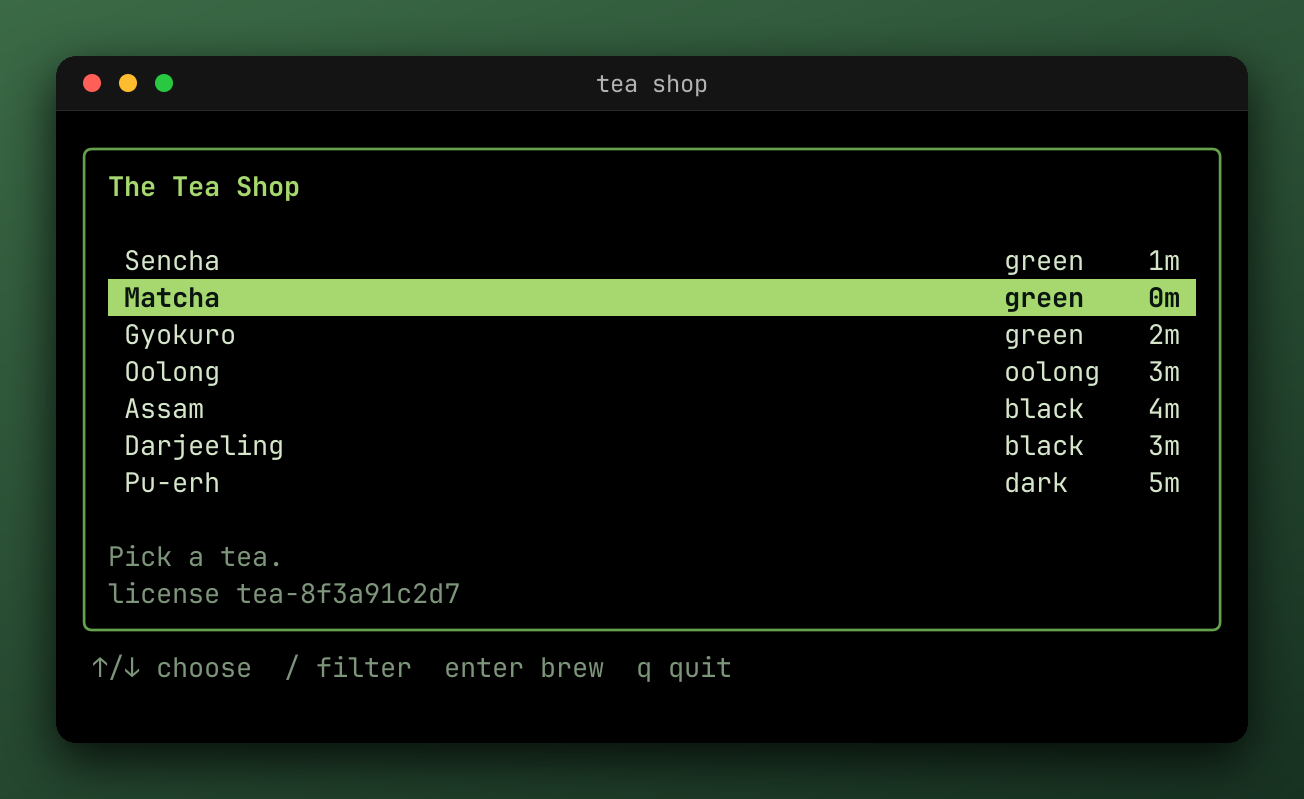
TestStills_passed_input-1.png
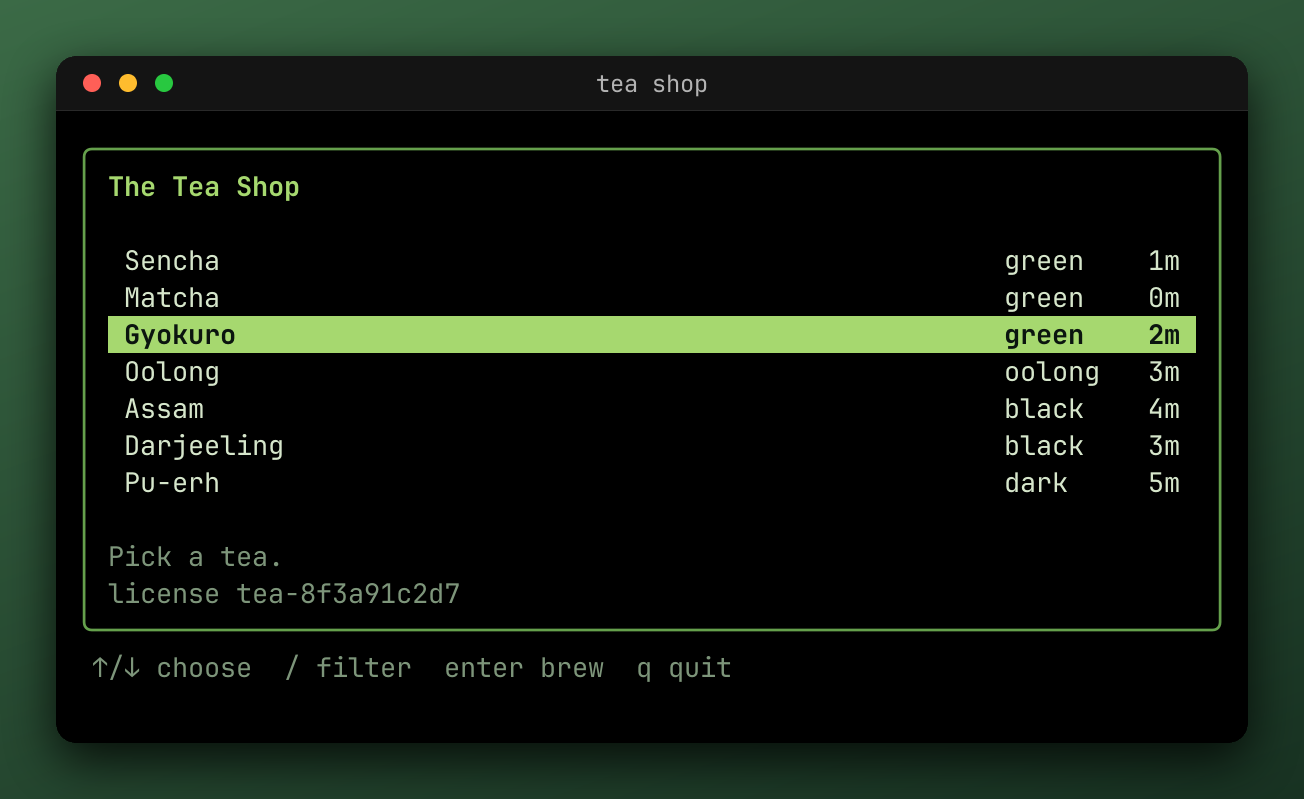
TestStills_passed_input-2.png
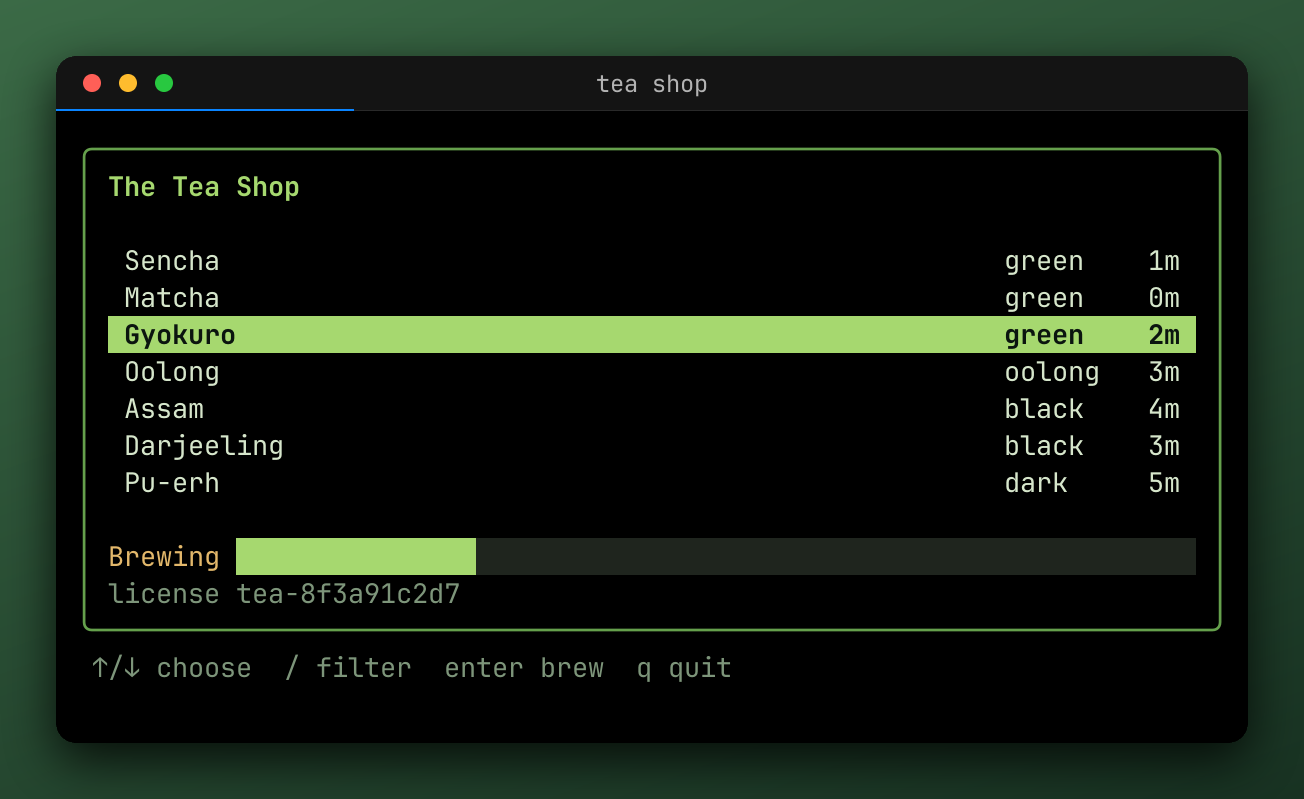
TestStills_passed_input-3.png
### WithStills [#withstills]
`WithStills(kinds, events...)` takes the kinds to write, combined with `|`, and the events to write them at. Without events, it uses input, terminal, program, wait, ready, and close.
| Kind | Writes |
| --- | --- |
| `steep.StillPNG` | `{name}_{status}_{mark}.png`, drawn with the profile's `Render` options and its still effects |
| `steep.StillSnapshot` | `{name}_{status}_{mark}.snap`, the screen's text, as `h.View()` showed it |
Calls accumulate. Stills are only written when the recording is exported, so they need an [export policy](https://getsteep.dev/steep/recording.md#when-artifacts-are-written) too.
For a single PNG of the last frame, add a `.png` output to the profile instead.
### From the environment [#from-the-environment]
An output in `STEEP_EXPORT` whose path holds `{mark}` is a still:
```console
# A PNG at every mark of the default events.
STEEP_EXPORT_MODE=on STEEP_EXPORT='{name}_{mark}.png' go test -artifacts ./...
# The screen's text after each input.
STEEP_EXPORT_MODE=on STEEP_EXPORT='{name}_{mark}.snap?match=input:*' go test -artifacts ./...
# Only the failures.
STEEP_EXPORT_MODE=failure STEEP_EXPORT='{name}_{mark}.png?match=failure:*' go test -artifacts ./...
```
`match=` takes a [`path.Match`](https://pkg.go.dev/path#Match) pattern and `marks=` an exact label. Both repeat. A pattern that matches no mark isn't an error, and a `marks=` label that's missing is [reported at the end](https://getsteep.dev/steep/debugging.md#missing-marks).
### Which effects run [#which-effects-run]
Stills skip most effects, because an overlay or a card doesn't belong in one. Only [concealers](https://getsteep.dev/reel/redact.md), such as redaction, and effects that say they apply to stills run on them. A `.snap` still skips effects altogether, so it shows what a redaction hides.
# Export configurator (https://getsteep.dev/steep/configurator.md)
Pick what you want to export, and copy the result. It writes the variables for any test, without changing it, a step for a GitHub Actions job, the Go options to keep in your code, or a `reel` CLI command for a recording you already have.
The interactive configurator on this page builds the commands below from dropdowns. These are its defaults and the options it offers.
```sh
STEEP_EXPORT_MODE='failure' \
STEEP_EXPORT='{name}_{status}.gif,{name}_{status}.cast' \
go test -artifacts ./...
```
```sh
reel export 'recording.cast' --no-cast-effects \
-o 'out.gif' \
-o 'out.cast' \
--keys \
--pause
```
| Output | Format | Needs ffmpeg | Parameters |
| --- | --- | --- | --- |
| `.gif` | GIF | no | `max-bytes` (5MB, 10MB, 25MB), `loop` (forever, once), `optimize` (all, none, frames, dirty, quantize) |
| `.webp` | WebP | yes | `quality` (90, 80, 70, 60), `loop` (forever, once) |
| `.mp4` | MP4 | yes | `quality` (90, 80, 70, 60), `full-chroma` (true, false) |
| `.webm` | WebM | yes | `quality` (90, 80, 70, 60), `full-chroma` (true, false) |
| `.cast` | asciicast | no | `version` (2, 3) |
| `.png` | PNG | no | `match` (mark pattern) |
| `.snap` | Screen text | no | `match` (mark pattern) |
| `.json` | Screen JSON | no | `match` (mark pattern) |
## How to read the output [#how-to-read-the-output]
The **Shell** and **GitHub Actions** tabs only set variables, so they work on any test as it is. Variables [override code](https://getsteep.dev/steep/environment.md), so they replace the formats your test sets, and they can't add effects.
The **Go** tab is what to put in the test if you want this all the time, and it's the only one of the three that sets effects.
The **reel CLI** command works without Go and on any asciicast file, including what a test wrote. It's the same pipeline, so you can record in CI and render later on your own machine. Its export command passes `--no-cast-effects`, so only the effects you chose here apply, not those the file recorded. See [Edit existing recordings](https://getsteep.dev/cli/edit-recordings.md).
## Related [#related]
- [Output formats](https://getsteep.dev/reel/formats.md) describes every format and option.
- [Environment variables](https://getsteep.dev/steep/environment.md) lists the rest of the variables.
- The [export cookbook](https://getsteep.dev/reel/cookbook.md) has real examples.
# Failures and troubleshooting (https://getsteep.dev/steep/failures.md)
The output on this page is real. Each is from a test in [`failures_test.go`](https://github.com/lrstanley/steep/blob/master/_examples/docs-demos/failures_test.go), run with `go test`.
| Failure | Stops the test? | Recorded? |
| --- | --- | --- |
| [A failed `Assert`](#a-failed-assert) | No | Yes, as `failure:n` |
| [A failed `Require`](#a-failed-require) | Yes | Yes |
| [A wait that times out](#a-wait-that-times-out) | Yes | Yes |
| [A settle that never settles](#a-settle-that-never-settles) | Yes | Yes |
| [A snapshot that differs](#a-snapshot-that-differs) | With `Require` | Yes |
| [A missing snapshot](#a-missing-snapshot) | With `Require` | Yes |
| [A method the harness can't do](#a-method-the-harness-cant-do) | Yes | Yes |
| [A condition that locates nothing](#a-condition-that-locates-nothing) | Yes | Yes |
| [An output that doesn't parse](#an-output-that-doesnt-parse) | Yes, at the start | No |
| [A hook's error](#a-hooks-error) | Yes | Yes |
| [A program that fails](#a-program-that-fails) | Yes | Yes |
| [A test that panics](#a-test-that-panics) | Yes | Yes |
| [`go test -timeout`](#go-test--timeout) | Kills the process | **No** |
## A failed Assert [#a-failed-assert]
`Assert` reports the failure and the test carries on, so you see every problem in a run.

[Open the recording in the inspector](https://inspector.getsteep.dev/?url=https%3A%2F%2Fgetsteep.dev%2Fcasts%2Ffail-assert.cast)
```console
--- FAIL: TestFailAssert
failures_test.go:32: expected output to satisfy contains ["Genmaicha"]
output:
╭──────────────────────────────────────────────────────────────────────╮
│ The Tea Shop │
│ │
│ Sencha green 1m │
│ Matcha green 0m │
│ Gyokuro green 2m │
│ Oolong oolong 3m │
│ Assam black 4m │
│ Darjeeling black 3m │
│ Pu-erh dark 5m │
│ │
│ Pick a tea. │
│ license tea-8f3a91c2d7 │
╰──────────────────────────────────────────────────────────────────────╯
↑/↓ choose / filter enter brew q quit
failures_test.go:33: expected output to satisfy contains ["Hojicha"]
output:
╭──────────────────────────────────────────────────────────────────────╮
│ The Tea Shop │
│ │
│ Sencha green 1m │
│ Matcha green 0m │
│ Gyokuro green 2m │
│ Oolong oolong 3m │
│ Assam black 4m │
│ Darjeeling black 3m │
│ Pu-erh dark 5m │
│ │
│ Pick a tea. │
│ license tea-8f3a91c2d7 │
╰──────────────────────────────────────────────────────────────────────╯
↑/↓ choose / filter enter brew q quit
harness.go:233: steep: export: wrote ../../docs/public/demos/fail-assert.webp
harness.go:233: steep: export: wrote ../../docs/public/casts/fail-assert.cast
FAIL
FAIL getsteep.dev/steep/_examples/docs-demos
FAIL
```
## A failed Require [#a-failed-require]
`Require` reports the same failure and stops, so the later steps don't run.
```console
--- FAIL: TestFailRequire
failures_test.go:41: expected output to satisfy contains ["Genmaicha"]
output:
╭──────────────────────────────────────────────────────────────────────╮
│ The Tea Shop │
│ │
│ Sencha green 1m │
│ Matcha green 0m │
│ Gyokuro green 2m │
│ Oolong oolong 3m │
│ Assam black 4m │
│ Darjeeling black 3m │
│ Pu-erh dark 5m │
│ │
│ Pick a tea. │
│ license tea-8f3a91c2d7 │
╰──────────────────────────────────────────────────────────────────────╯
↑/↓ choose / filter enter brew q quit
harness.go:233: steep: export: wrote ../../docs/public/demos/fail-require.webp
harness.go:233: steep: export: wrote ../../docs/public/casts/fail-require.cast
FAIL
FAIL getsteep.dev/steep/_examples/docs-demos
FAIL
```
## A wait that times out [#a-wait-that-times-out]
The message says what the wait wanted, and shows the screen as it was. Compare the two. The default timeout is 2s, so a slow program can hit this, and `STEEP_TIMEOUT` raises it.

[Open the recording in the inspector](https://inspector.getsteep.dev/?url=https%3A%2F%2Fgetsteep.dev%2Fcasts%2Ffail-wait.cast)
```console
--- FAIL: TestFailWait
failures_test.go:50: Wait("Genmaicha"): reel: wait for contains ["Genmaicha"]: steep: timeout
last output:
╭──────────────────────────────────────────────────────────────────────╮
│ The Tea Shop │
│ │
│ Sencha green 1m │
│ Matcha green 0m │
│ Gyokuro green 2m │
│ Oolong oolong 3m │
│ Assam black 4m │
│ Darjeeling black 3m │
│ Pu-erh dark 5m │
│ │
│ Pick a tea. │
│ license tea-8f3a91c2d7 │
╰──────────────────────────────────────────────────────────────────────╯
↑/↓ choose / filter enter brew q quit
harness.go:233: steep: export: wrote ../../docs/public/demos/fail-wait.webp
harness.go:233: steep: export: wrote ../../docs/public/casts/fail-wait.cast
FAIL
FAIL getsteep.dev/steep/_examples/docs-demos
FAIL
```
## A settle that never settles [#a-settle-that-never-settles]
The screen was still changing when the timeout came, usually because of a spinner or a clock. Use `Wait` or [`WaitSettleMessages`](https://getsteep.dev/steep/checks.md#settling-on-messages). The `(for 100ms)` is the quiet period it was looking for.
```console
--- FAIL: TestFailSettle
failures_test.go:73: reel: wait for settle: steep: timeout (for 100ms)
last output:
frame x
harness.go:233: steep: export: /tmp/go-test is removed when the test ends; pass -artifacts to go test, or set STEEP_EXPORT_DIR or WithArtifacts
harness.go:233: steep: export: wrote /tmp/go-test/TestFailSettle_failed.gif
harness.go:233: steep: export: wrote /tmp/go-test/TestFailSettle_failed.cast
FAIL
FAIL getsteep.dev/steep/_examples/docs-demos
FAIL
```
## A snapshot that differs [#a-snapshot-that-differs]
The diff goes from the file to the screen, so `-` is what was expected and `+` is what the test saw. If the change is right, [update the snapshot](https://getsteep.dev/steep/snapshots.md#managing-snapshots).
[Open the recording in the inspector](https://inspector.getsteep.dev/?url=https%3A%2F%2Fgetsteep.dev%2Fcasts%2Ffail-snapshot.cast)
```console
--- FAIL: TestFailSnapshot
failures_test.go:79: snapshot "../../docs/fixtures/TestFailSnapshot.snap" does not match:
--- ../../docs/fixtures/TestFailSnapshot.snap
+++ actual
@@ -7,9 +7,9 @@
│ Oolong oolong 3m │
│ Assam black 4m │
│ Darjeeling black 3m │
-│ Genmaicha dark 5m │
+│ Pu-erh dark 5m │
│ │
-│ Choose one. │
+│ Pick a tea. │
│ license tea-8f3a91c2d7 │
╰──────────────────────────────────────────────────────────────────────╯
↑/↓ choose / filter enter brew q quit
harness.go:233: steep: export: wrote ../../docs/public/demos/fail-snapshot.webp
harness.go:233: steep: export: wrote ../../docs/public/casts/fail-snapshot.cast
FAIL
FAIL getsteep.dev/steep/_examples/docs-demos
FAIL
```
## A missing snapshot [#a-missing-snapshot]
There's no file to compare with, which is a failure so that CI can't quietly pass without one. Create it with `UPDATE_SNAPSHOTS=true`, and commit it.
```console
--- FAIL: TestFailSnapshotMissing
failures_test.go:85: snapshot "/tmp/go-test/TestFailSnapshotMissing.snap" does not exist; set UPDATE_SNAPSHOTS=true to create it
harness.go:233: steep: export: /tmp/go-test is removed when the test ends; pass -artifacts to go test, or set STEEP_EXPORT_DIR or WithArtifacts
harness.go:233: steep: export: wrote /tmp/go-test/TestFailSnapshotMissing_failed.gif
harness.go:233: steep: export: wrote /tmp/go-test/TestFailSnapshotMissing_failed.cast
FAIL
FAIL getsteep.dev/steep/_examples/docs-demos
FAIL
```
## A method the harness can't do [#a-method-the-harness-cant-do]
An exec harness has no program to quit, so this fails the test and says so. Its failure is `Fatalf`, so the test stops.
```console
--- FAIL: TestFailExecProgram
failures_test.go:91: steep: Harness.QuitProgram needs a tea.Program, and this harness runs a command (see NewExecHarness)
harness.go:233: steep: export: /tmp/go-test is removed when the test ends; pass -artifacts to go test, or set STEEP_EXPORT_DIR or WithArtifacts
harness.go:233: steep: export: wrote /tmp/go-test/TestFailExecProgram_failed.gif
harness.go:233: steep: export: wrote /tmp/go-test/TestFailExecProgram_failed.cast
FAIL
FAIL getsteep.dev/steep/_examples/docs-demos
FAIL
```
## A condition that locates nothing [#a-condition-that-locates-nothing]
`Locate` needs a cell. `reel.NotContains` and `reel.ScreenFunc` hold without pointing at one. Clicking off the screen, as with too large an `Offset`, fails in the same way.
```console
--- FAIL: TestFailLocate
failures_test.go:97: steep: not contains ["Genmaicha"] holds but locates nothing
harness.go:233: steep: export: /tmp/go-test is removed when the test ends; pass -artifacts to go test, or set STEEP_EXPORT_DIR or WithArtifacts
harness.go:233: steep: export: wrote /tmp/go-test/TestFailLocate_failed.gif
harness.go:233: steep: export: wrote /tmp/go-test/TestFailLocate_failed.cast
FAIL
FAIL getsteep.dev/steep/_examples/docs-demos
FAIL
```
## An output that doesn't parse [#an-output-that-doesnt-parse]
An entry in `STEEP_EXPORT` that doesn't parse fails the test when the harness starts, so a typo can't lose you a recording. The rest of the variables are more forgiving: a value that doesn't parse is ignored.
```console
--- FAIL: TestFailBadExport
options.go:522: steep: STEEP_EXPORT: reel: output "out.gif?bogus=1": unknown parameter "bogus"
FAIL
FAIL getsteep.dev/steep/_examples/docs-demos
FAIL
```
## A hook's error [#a-hooks-error]
An error from a [hook](https://getsteep.dev/steep/debugging.md#hooks) fails the test immediately.
## A program that fails [#a-program-that-fails]
`WaitFinished` and `FinalModel` fail with `the program failed:` if the program returned an error other than `tea.ErrProgramKilled`, or if it panicked. So does `Close`, so a failed program fails the test even if nothing waited for it.
Bubble Tea catches a panic in `Update`, `View`, or a command, and prints `Caught panic:` and a stack to the test's output, so look there for where it happened.
## A test that panics [#a-test-that-panics]
The cleanup still runs, so the recording is written, and `test panicked` is added to the result. `go test` prints the panic and its stack as usual.
## go test -timeout [#go-test--timeout]
`go test` kills the whole process when its timeout passes, before any cleanups run. Nothing is written, and the output shows only the stacks of the running goroutines. Keep [the harness's timeout](https://getsteep.dev/steep/checks.md#the-timers) well below it.
## Troubleshooting [#troubleshooting]
### A test fails, or is flaky [#a-test-fails-or-is-flaky]
#### It passes alone and fails in CI [#it-passes-alone-and-fails-in-ci]
Most flaky tests check something before the program has drawn it.
- **`Assert` right after an input.** The program hasn't redrawn yet. Use `Wait`. See [Assert vs Require vs Wait](https://getsteep.dev/steep/checks.md#choosing).
- **The timeout is too short.** The default is 2s, and a loaded CI machine can take longer. Set `STEEP_TIMEOUT=30s` on the job, and see if the failures go away.
- **`Sleep` instead of a wait.** It only works if the machine is fast enough. [Wait for what you expect](https://getsteep.dev/steep/checks.md#dont-sleep).
- **`WaitSettle` returned too early.** If the program does something slow before redrawing, the screen looks settled. Wait for the text.
#### A wait times out, but the text is on the screen [#a-wait-times-out-but-the-text-is-on-the-screen]
Look at the `last output` in the failure.
- **The text is styled in pieces.** It doesn't matter for `Wait`, which checks the screen's text.
- **The text is wrapped or cut off.** It has to be on the screen in one piece. Check the terminal's size, or use `WithWindowSize`.
- **It appeared and went away.** Waits see the current screen. If a message shows briefly, wait for what follows it, or open the [recording](https://getsteep.dev/steep/debugging.md#step-through-a-failure-in-the-inspector).
- **A wide character.** Text is compared as the screen has it. Check for a character that looks like the one you typed.
#### A key seems to be ignored [#a-key-seems-to-be-ignored]
- **The program wasn't ready.** A key sent before the program has set up its screen may go to the wrong place. `Wait` for the screen first.
- **The name is wrong.** An unknown key name fails the test, but `Type("\n")` and `Key("enter")` aren't always the same to a program. Use `Key`.
- **A mode can't encode it.** Combinations such as `ctrl+shift+a` need the kitty keyboard protocol, and fail without it.
#### A mouse click does nothing [#a-mouse-click-does-nothing]
Your program must ask for the mouse, with `view.MouseMode`, or events are dropped. See [Mouse](https://getsteep.dev/steep/input.md#your-program-must-ask-for-the-mouse). Also check the coordinates, which start at 0. `Locate` avoids having to know them.
#### Snapshots fail in CI but pass locally [#snapshots-fail-in-ci-but-pass-locally]
- **Colors.** A JSON snapshot's colors depend on the color profile. Set `WithColor` explicitly.
- **The environment.** A program under `NewExecHarness` sees the host's environment, including `TERM` and `NO_COLOR`.
- **Times, paths, and names.** Anything from the machine ends up in the snapshot. Pass in fixed values, or use `snapshot.WithTransform`.
- **Line endings.** Check `.gitattributes` on Windows runners. Snapshots are compared with LF.
#### The snapshot's numbers changed [#the-snapshots-numbers-changed]
Each snapshot in a test takes the next number, so a new one in the middle renumbers the rest. [Name them with a suffix](https://getsteep.dev/steep/snapshots.md#several-in-one-test).
### Nothing was recorded [#nothing-was-recorded]
Go through these in order:
1. **Is there a policy?** Without `STEEP_EXPORT_MODE` or `WithExport*`, nothing's written.
2. **Did the test fail?** `failure` mode writes nothing for a passing test.
3. **Was it removed?** Look for `is removed when the test ends` in the output. Pass `-artifacts`, or set `STEEP_EXPORT_DIR`.
4. **Are you looking in the right directory?** A relative `STEEP_EXPORT_DIR` is relative to each test's package directory. The test logs each path it wrote, with `-v` or on failure.
5. **Was it killed?** A `go test -timeout` writes nothing. See [the cases](https://getsteep.dev/steep/recording.md#the-cases).
### An export failed [#an-export-failed]
#### ffmpeg, `reel.ErrRawOutput`, and exports reel refuses [#ffmpeg-reelerrrawoutput-and-exports-reel-refuses]
See [reel's troubleshooting](https://getsteep.dev/reel/troubleshooting.md), which these come from. A profile with `effects.Redact` can't [also write `.cast`](https://getsteep.dev/steep/recording.md#redacting-secrets).
#### A mark is missing [#a-mark-is-missing]
A profile looked for a mark the recording doesn't have. See [Missing marks](https://getsteep.dev/steep/debugging.md#missing-marks).
#### The recording is too fast to follow [#the-recording-is-too-fast-to-follow]
Recordings play in real time, and a test takes milliseconds. See [How recording works](https://getsteep.dev/steep/recording.md#what-this-means-for-your-tests).
#### The colors look wrong [#the-colors-look-wrong]
The default is a 256-color terminal, so Bubble Tea downsamples 24-bit colors. Use `steep.WithColor(steep.ColorTrueColor)`.
#### Icons or emoji are boxes [#icons-or-emoji-are-boxes]
reel embeds a font, but not every glyph. See [Fonts](https://getsteep.dev/reel/rendering.md#fonts) to add a Nerd Font, or `STEEP_RENDERER_FONT_FAMILY` to change it for one run.
### Getting help [#getting-help]
Open [an issue](https://github.com/lrstanley/steep/issues) or ask on [Discord](https://liam.sh/chat). A `.cast` of the failure helps a lot, if there's nothing secret in it.
# Debugging (https://getsteep.dev/steep/debugging.md)
## Step through a failure in the inspector [#step-through-a-failure-in-the-inspector]
A test failed, and you have a `.cast` file. The [inspector](https://inspector.getsteep.dev/) is a web page that replays it. It runs in your browser, and the file never leaves it.
1. #### Record the failure [#record-the-failure]
Record with everything the inspector can show:
```console
STEEP_EXPORT_MODE=failure \
STEEP_EXPORT='{name}.cast' \
STEEP_SOURCE=on \
STEEP_RECORD_MESSAGES=on \
go test -artifacts -run TestMenu ./...
```
The test's output has the path to the file it wrote.
2. #### Open it [#open-it]
Go to [inspector.getsteep.dev](https://inspector.getsteep.dev/) and drop the file onto the page. To try this without a failure of your own, [open the one from this page](https://inspector.getsteep.dev/?url=https%3A%2F%2Fgetsteep.dev%2Fcasts%2Ffail-wait.cast).
3. #### Find the failure [#find-the-failure]
The timeline has a lane for each kind of event, and failures stand out on it. Select one to see the screen at that moment, and the message. With sources recorded, the Recording tab says which line of the test reported it.
4. #### Step backward [#step-backward]
Use the event list to step through what happened before the failure. After each event, you see the screen as it was. Look for the input that should have changed the screen, and the output that followed it, if any.
Some questions this answers quickly:
- **Did the key arrive?** Look for its input event, and the output after it.
- **Did the program respond late?** Compare the time of the output with the wait's timeout.
- **Was the text there and gone again?** Step through the frames around the wait.
- **Did the model get the message?** With messages recorded, they're in the event list too.
### Share it [#share-it]
A `.cast` is a text file, and small enough to attach to a bug report. Anyone can open it, and [you can link to one](https://getsteep.dev/reel/inspecting.md#linking-to-a-recording).
> **Check what's in it**
>
> A `.cast` holds everything the program drew and every key typed into it. [Redaction effects](https://getsteep.dev/reel/redact.md) don't change it, which is why a profile can't have both. Check for secrets before sharing one.
## Logging [#logging]
Turn on logging to see what a test did, in order, around a failure. It doesn't need a code change:
```console
STEEP_LOG=on go test -v -run TestMenu ./...
```
In code, use `WithLog`:
```go
h := steep.NewHarness(t, newModel(), steep.WithLog(t))
```
Each is a hook that logs every action before and after it runs, through `t.Log`. With `-v` or a failure, they show up in the test's output.
### To your own logger [#to-your-own-logger]
`LoggerHook` takes a `*slog.Logger`, such as to send them somewhere else, or to change the level:
```go
logger := slog.New(slog.NewJSONHandler(os.Stderr, nil))
h := steep.NewHarness(t, newModel(), steep.WithHooks(steep.LoggerHook(t, logger)))
```
### Logs from your program [#logs-from-your-program]
A program under a model harness runs in your test's process. So it can log to `t` if you pass that in. Otherwise, write to a file or a buffer, since printing to stdout from a Bubble Tea model won't reach the emulated terminal:
```go
m := newModel()
m.log = func(format string, args ...any) { t.Logf(format, args...) }
h := steep.NewHarness(t, m)
```
## Marks [#marks]
`Mark` names a moment in the recording:
```go
h.Wait("Sencha").
Mark("login:done").
KeyDown(reel.Repeat(3)).
Mark("step:3")
```
Marks don't change what the test does. They're how you say "here" to everything that reads the recording later: a [still at each mark](https://getsteep.dev/steep/recording.md#stills), an [effect between two marks](https://getsteep.dev/reel/effects.md), or a [`Timeline.Between`](https://getsteep.dev/reel/how-it-works.md#timelines-and-asciicast) that cuts a window out of a recording. The [inspector](https://getsteep.dev/steep/debugging.md#step-through-a-failure-in-the-inspector) shows them on its timeline.
### Naming [#naming]
Use the form `category:value`, so tools can group marks by the text before the first `:`. The label must not be empty.
These categories are the harness's own, and using one is a test error:
`input`, `terminal`, `program`, `wait`, `ready`, `close`, `assert`, `capture`, `failure`
### The harness's marks [#the-harnesss-marks]
The harness marks each action once it's done, and each failure as it's reported, as [Timeline and marks](https://getsteep.dev/steep/how-it-works.md#timeline-and-marks) describes. To turn them off, because a recording has too many to read or they get in your way:
```go
steep.WithAutoMarks(false) // none
steep.WithAutoMarks(false, "assert", "capture") // not these
steep.WithAutoMarks(false), steep.WithAutoMarks(true, steep.MarkFailure) // only failures
```
Calls apply in order. Annotations are still recorded. A category that an output or still asks for is marked anyway, so its stills are written.
### Missing marks [#missing-marks]
A profile can look for a mark that never happened, such as a pause on `step:3` in a test that failed at `step:1`. That doesn't stop an export. For a failed test it's logged, and for a passing test it's a test error, since a passing test should reach its own marks. `failure:n` marks are the exception, so one profile can pause on `failure:1` whatever the result.
## Messages and source lines [#messages-and-source-lines]
Two options add more to a recording. They're off by default, and you can turn them on from the environment for one run:
```console
STEEP_RECORD_MESSAGES=on STEEP_SOURCE=on STEEP_EXPORT_MODE=failure go test -artifacts ./...
```
### Messages [#messages]
`WithRecordMessages(true)` records each message the model receives as a `steep.message` annotation, of its type and `%+v` value. Then the [inspector](https://getsteep.dev/steep/debugging.md#step-through-a-failure-in-the-inspector) shows what the model received between two frames.
It's off by default because programs that tick or animate get many messages, and each one grows the timeline and the `.cast` file.
> **Secrets**
>
> `tea.EnvMsg` is never recorded, since it holds the whole environment. Other messages are recorded as they are, including any secret they hold. Don't share a recording with messages if your model handles secrets.
An exec harness has no messages, so this does nothing there.
### Source lines [#source-lines]
`WithSource(true)` records where in your test each annotation and mark came from: the file, line, and function of the test's line that led to it, past any helpers. In the inspector, each mark and failure then links back to its line.
File paths are relative to the module's root, so a recording doesn't contain home or build directories. `steep.start` also gets the test's package, its module, and its directory in the module.
Annotations and marks that no line of the test led to don't get a source. That includes messages the model receives, and anything `Close` does as a cleanup.
While it's off, no stack is walked, so it costs nothing.
## Hooks [#hooks]
A hook is a function that runs before and after each harness action. The logger is one, and you can write your own to take a screenshot on every wait, or to check an invariant all the way through a test.
```go
var h *steep.Harness
checkNoErrors := func(event steep.HookEvent, stage steep.HookStage, _ any) error {
if event == steep.HookInput && stage == steep.HookStageAfter && strings.Contains(h.View(), "Error") {
return errors.New("the program drew an error")
}
return nil
}
h = steep.NewHarness(t, newModel(), steep.WithHooks(checkNoErrors))
```
An error from a hook fails the test immediately. `WithHooks` calls accumulate.
### Events [#events]
| Event | Fires for | Metadata |
| --- | --- | --- |
| `HookInput` | Keyboard, paste, and mouse actions | `InputMeta` |
| `HookTerminal` | Changes to the terminal, such as a resize | None |
| `HookProgram` | Actions on the program, such as a message sent to it | None |
| `HookWait` | Waits and sleeps | `WaitMeta` |
| `HookReady` | The program's start | None |
| `HookClose` | The program's end, and the harness's | `WaitMeta`, for `WaitFinished` |
| `HookAssert` | Assertions | `AssertMeta` |
| `HookCapture` | Snapshot comparisons and image captures | `CaptureMeta` |
The stage is `HookStageBefore` or `HookStageAfter`. The metadata marshals to JSON as the matching fields of the annotation the harness records, and has a `LogValue` for `slog`.
```go
func(event steep.HookEvent, stage steep.HookStage, metadata any) error {
if meta, ok := metadata.(steep.InputMeta); ok && stage == steep.HookStageBefore {
t.Logf("%s %s", meta.Kind, meta.Key)
}
return nil
}
```
See [pkg.go.dev](https://pkg.go.dev/getsteep.dev/steep#Hook) for every field.
### Order [#order]
A mark is placed once an action is done, before its After hooks run. So an After hook can look at a timeline that already has the action's mark.
# Running in CI (https://getsteep.dev/steep/ci.md)
steep tests are ordinary Go tests, so `go test ./...` is enough. The rest of this page is about getting a recording when one fails.
## GitHub Actions [#github-actions]
Record failures to one directory, and upload it if the job fails:
```yaml title=".github/workflows/test.yml"
- name: Test
run: go test ./...
env:
STEEP_EXPORT_MODE: failure
STEEP_EXPORT: "{name}.gif?max-bytes=5MB,{name}.cast"
STEEP_EXPORT_DIR: ${{ github.workspace }}/steep-artifacts
STEEP_TIMEOUT: 30s
- name: Upload recordings
uses: actions/upload-artifact@v7
if: failure()
with:
name: steep-recordings
path: steep-artifacts
if-no-files-found: ignore
```
`STEEP_EXPORT_DIR` is absolute because a relative one is per package. The [configurator](https://getsteep.dev/steep/configurator.md) writes this for your choices.
## Choosing what to keep [#choosing-what-to-keep]
- **`.cast`** is small, needs nothing else, and has everything: use the [inspector](https://getsteep.dev/steep/debugging.md#step-through-a-failure-in-the-inspector) on it, or render it later with any effects.
- **`.gif`** can be watched right away, with no tools. `max-bytes` keeps it from growing too large.
- **`.mp4`, `.webm`, `.webp`** need ffmpeg on the runner.
Add `STEEP_SOURCE: "on"` to link failures in the inspector back to their lines, and `STEEP_RECORD_MESSAGES: "on"` if you're debugging model behavior. Mind that messages can hold secrets, and artifacts are visible to anyone who can see the run.
## Secrets [#secrets]
A recording holds everything your program drew, and a `.cast` holds every key typed. Your program sees the variables you give it, and with [`WithEnvVars`](https://getsteep.dev/steep/harnesses.md#the-environment) or `NewExecHarness`, it can see the runner's whole environment. If a test handles a secret, either don't upload that test's recordings, or redact it in the [profile](https://getsteep.dev/steep/recording.md#redacting-secrets).
## Timeouts [#timeouts]
CI machines are slower and busier than yours. Raise steep's timeout with `STEEP_TIMEOUT`, and keep `go test -timeout` far above it, so a stuck test fails a wait and leaves a recording rather than being killed.
## Updating snapshots [#updating-snapshots]
Make sure CI never sets `UPDATE_SNAPSHOTS`, since a run that writes instead of compares can't fail. Update them locally, or in a job you run on purpose:
```console
UPDATE_SNAPSHOTS=true go test ./...
git diff --stat testdata/
```
## The race detector [#the-race-detector]
Run with `-race` too. A model harness runs your program in the test's process, so races between your commands and your model will show up.
```console
go test -race -count 3 ./...
```
`-count` is an easy way to find flaky tests before CI does. Snapshots are fine with it: their numbering restarts for each run.
# Environment variables (https://getsteep.dev/steep/environment.md)
These let you record, tune, or debug any test without changing it:
```console
STEEP_EXPORT_MODE=on STEEP_EXPORT='{name}.mp4,{name}_{mark}.png?match=wait:*' go test -artifacts ./...
```
The `STEEP_*` variables override options set in code, unless the harness has `WithIgnoreEnv(true)`. The [configurator](https://getsteep.dev/steep/configurator.md) writes them for you.
## Timing [#timing]
| Variable | Value | Replaces |
| --- | --- | --- |
| `STEEP_TIMEOUT` | A duration, default `2s` | [`WithTimeout`](https://getsteep.dev/steep/checks.md#the-timers) |
| `STEEP_SETTLE` | A duration, default `100ms` | [`WithSettle`](https://getsteep.dev/steep/checks.md#the-timers) |
| `STEEP_CHECK` | A duration, default `10ms` | [`WithCheck`](https://getsteep.dev/steep/checks.md#the-timers) |
| `STEEP_SLOW` | A duration | [`WithSlow`](https://getsteep.dev/steep/checks.md#the-timers) |
| `STEEP_TYPING_DELAY` | A duration to pause after each key press of `Type` and `Key`, unless a call passes `reel.Delay` | `reel.WithTypingDelay` |
## Debugging [#debugging]
| Variable | Value | Replaces |
| --- | --- | --- |
| `STEEP_LOG` | `on`, `true`, or `1` adds the logging hook | [`WithLog`](https://getsteep.dev/steep/debugging.md#logging) |
| `STEEP_RECORD_MESSAGES` | `on` or `off` (or `true`, `1`, `false`, `0`) | [`WithRecordMessages`](https://getsteep.dev/steep/debugging.md#messages-and-source-lines) |
| `STEEP_SOURCE` | `on` or `off` (or `true`, `1`, `false`, `0`) | [`WithSource`](https://getsteep.dev/steep/debugging.md#messages-and-source-lines) |
## Exports [#exports]
| Variable | Value | Replaces |
| --- | --- | --- |
| `STEEP_EXPORT_MODE` | `on` (or `always`, `true`, `1`), `failure` (or `on-failure`), or `off` (or `false`, `0`) | [`WithExportAlways`](https://getsteep.dev/steep/recording.md#when-artifacts-are-written), [`WithExportOnFailure`](https://getsteep.dev/steep/recording.md#when-artifacts-are-written) |
| `STEEP_EXPORT` | A comma-separated list of [outputs](https://getsteep.dev/reel/formats.md) | The profile's `Outputs`, and `WithStills` |
| `STEEP_EXPORT_DIR` | A directory. A relative one is relative to the test's package. | [`WithArtifacts`](https://getsteep.dev/steep/recording.md#when-artifacts-are-written) |
| `STEEP_EXPORT_FPS` | A number | `Profile.FPS` |
| `STEEP_EXPORT_SPEED` | A number | `Profile.Speed` |
| `STEEP_RENDERER_SCALE` | A number | Added to `Profile.Render`, as `render.WithScale` |
| `STEEP_RENDERER_FONT_FAMILY` | A font family | Added to `Profile.Render`, as `render.WithFontFamilyName` |
Each entry in `STEEP_EXPORT` is a path with optional query parameters, such as `{name}_{status}.gif?max-bytes=5MB`. A path that holds `{mark}` with no `marks=` or `match=` is a still at each mark of the events `WithStills` uses by default.
## Snapshots [#snapshots]
| Variable | Value | Replaces |
| --- | --- | --- |
| `STEEP_SNAPSHOT_DIR` | The default directory. A directory passed to a snapshot call still wins. | [`snapshot.WithDir`](https://getsteep.dev/steep/snapshots.md#where-files-go) |
| `UPDATE_SNAPSHOTS` | A boolean. Writes snapshots rather than comparing them. | `snapshot.WithUpdate` |
| `UPDATE_SNAPS` | The same, for those coming from go-snaps | `snapshot.WithUpdate` |
The two `UPDATE_*` variables aren't `STEEP_*`, so `WithIgnoreEnv` doesn't affect them. A `snapshot.WithUpdate` in code wins over them.
## How values are parsed [#how-values-are-parsed]
A value that doesn't parse is ignored, so the option in code still applies. The exception is `STEEP_EXPORT`: an entry that doesn't parse [fails the test](https://getsteep.dev/steep/failures.md#an-output-that-doesnt-parse), so a typo can't cost you a recording.
## Your program's environment [#your-programs-environment]
These are read by the test, and they don't reach your program. By default a model's program sees only `TTY_FORCE=1` and `TERM=xterm-256color`. See [`WithEnvVars`](https://getsteep.dev/steep/harnesses.md#the-environment).
The [`reel` CLI](https://getsteep.dev/cli/configuration.md) has its own `REEL_*` variables.
# How it works (https://getsteep.dev/steep/how-it-works.md)
steep does not have a terminal of its own. It's a test API on top of [reel](https://getsteep.dev/reel.md), and reel owns the terminal, the recording, and the export.
```mermaid
flowchart LR
T[Your test] -->|Key, Wait, Assert| H[steep Harness]
H -->|input| S[reel Session]
P[Your program] -->|output| S
S -->|input| P
S --> V[Terminal emulator]
S --> L[Timeline]
L -->|at Close, if asked| E[reel Export]
E --> F[GIF, WebP, MP4, .cast, .snap]
H -.->|reads the screen| V
```
## The parts [#the-parts]
**Your test** calls methods on a `steep.Harness`.
**The harness** starts your program and connects it to a session. It turns your calls into input, runs waits and assertions against the screen, and adds what the test did to the recording. It knows about Bubble Tea, `testing.TB`, and snapshots. Nothing below it does.
**The session** is `reel.Session`. It owns a terminal emulator, and it's the only path between your program and that terminal: the program writes output to it and reads input from it. It's the `Session` that makes the program think it's on a terminal.
**The terminal emulator** is `reel/vt`, a build of [libghostty-vt](https://github.com/ghostty-org/ghostty) compiled to WebAssembly and translated to Go, so there's no cgo and nothing to install. It parses what your program writes and keeps the screen, which is what steep's waits and assertions read.
**The timeline** is `reel.Timeline`, an append-only log of every byte the program wrote, every input sent, and every mark and annotation, each with a millisecond offset. Recording costs one copy of those bytes, so it doesn't slow your test.
**The export** is `reel.Export`. It replays a timeline into a fresh terminal, draws frames, runs them through effects, and writes files. It runs after your test is done, and only if an [export policy](https://getsteep.dev/steep/recording.md#when-artifacts-are-written) asks for it.
## What each harness connects [#what-each-harness-connects]
The harnesses differ only in how the program reaches the session:
| Harness | The program runs | Connected through |
| --- | --- | --- |
| `NewHarness` | In your test's process, in a `tea.Program` | The session's reader and writer, as the program's input and output |
| `NewComponentHarness` | The same, with your component wrapped in a model | The same |
| `NewExecHarness` | In its own process | A pseudo-terminal, through `reel.Exec` |
Everything after the session is the same, which is why the three share their waits, assertions, snapshots, and recordings. It's also why some methods are only on two of them: an exec harness has no model to `Mutate`, and no messages to wait for.
## Why this design [#why-this-design]
**A real program, not a simulation.** Your program runs in a `tea.Program` and writes real escape sequences. The emulator handles them the way a terminal does, so a test sees wrapped lines, wide characters, and alternate screens as they are.
**The recording is the run.** An export replays the same bytes the test saw, and a `.cast` file holds all of them. Exporting the same `.cast` with the same profile writes the same GIF. So you can decide what a recording should look like after the test, or on another machine.
**Deterministic exports, not deterministic runs.** Exports are reproducible, because they're replays. The run itself isn't: your program runs in real time on real goroutines. That's why a test [waits](https://getsteep.dev/steep/checks.md#waiting-and-settling) for what it expects to see, instead of assuming the program has got there.
## Harness lifecycle [#harness-lifecycle]
```mermaid
sequenceDiagram
participant T as Test
participant H as Harness
participant P as Program
T->>H: NewHarness
H->>P: Start in a session
P-->>H: First message
H-->>T: Harness (ready)
T->>H: Key, Wait, Assert...
H->>P: Input
P-->>H: Output
T-->>H: Test ends, cleanup runs Close
H->>P: Stop
H->>H: Export, if the policy says to
```
### Start [#start]
`NewHarness` starts your model in a `tea.Program`, connected to a new session of 80 by 24 cells, or the size from `WithWindowSize`. It waits up to the [timeout](https://getsteep.dev/steep/checks.md#waiting-and-settling) for the model's first message, then returns. If that doesn't come, the test fails there.
`NewExecHarness` starts the command and returns at once, since a command has no first message to wait for. It's up to you to `Wait` for what it draws. If the command can't be started, the test fails.
Both register `Close` as a test cleanup, so you don't have to call it. You can call it yourself to end the program partway through a test, and later calls do nothing.
### Run [#run]
Most methods are actions, and return the harness so you can chain them. Each action is marked in the timeline once it's done, as `input:1`, `wait:1`, and so on (see [Timeline and marks](https://getsteep.dev/steep/how-it-works.md#timeline-and-marks)). [Hooks](https://getsteep.dev/steep/debugging.md#hooks) run before and after each action.
A failed `Assert` carries on. A failed `Require` or `Wait` stops the test with `FailNow`, which runs the cleanups, including `Close`. See [Assert vs Require vs Wait](https://getsteep.dev/steep/checks.md).
### End [#end]
If your program quits on its own, `Close` has nothing to stop. To check how it ended, use one of these before the test ends:
| Method | Waits for the program to finish, then |
| --- | --- |
| `WaitFinished` | Fails the test if it panicked, or returned an error other than `tea.ErrProgramKilled` |
| `FinalModel` | Returns the root model |
| `FinalModelAs[M]` | Returns the root model as `M`, failing the test if it isn't one |
| `ExitStatus` | Returns a command's exit status (`NewExecHarness` only) |
`Close` does this, in order:
1. Places the `close:1` mark, which is where a recording ends. The program's repaint as it exits is left out.
2. Stops the program. For a command, that kills it if it's still running.
3. Exports, once, if the [export policy](https://getsteep.dev/steep/recording.md#when-artifacts-are-written) says to. It knows by then whether the test failed.
4. Releases the terminal.
Since `Close` runs as a cleanup, a test that fails, calls `FailNow`, or panics still exports. A test killed by `go test -timeout`, or a panic on another goroutine, doesn't get that far and writes nothing.
## Timeline and marks [#timeline-and-marks]
Everything your program draws and everything your test does goes into a [timeline](https://getsteep.dev/reel/how-it-works.md#timelines-and-asciicast). You can read it during a test with `h.Timeline()`, and a `.cast` file is the same thing saved to disk.
It holds [what the program wrote, what it was sent, and what happened to the terminal](https://getsteep.dev/reel/how-it-works.md#events), along with marks, and annotations recording what the test did and found.
### Marks [#marks]
A mark names a moment. The harness places one when each action is done, labeled with the event and a count: `input:2`, `wait:1`, `assert:3`. Each failure gets one too, as `failure:1`, numbered in the order they're reported.
Marks are what make the rest of a recording addressable:
- A [still](https://getsteep.dev/steep/recording.md#stills) is one image per mark.
- An effect can run `Between("input:3", "wait:2")`.
- `effects.PauseAtMarks(2*time.Second, "failure:1")` pauses a recording on the first failure.
- The [inspector](https://getsteep.dev/steep/debugging.md#step-through-a-failure-in-the-inspector) lists them on its timeline.
Place your own with `h.Mark("login:done")`, and see [Your own marks](https://getsteep.dev/steep/debugging.md#marks) for the rules.
#### When an action's mark lands [#when-an-actions-mark-lands]
While exporting, input, terminal, and program actions aren't marked the moment they're sent. The harness waits for the program to paint its response: until its output has been quiet for the `WithCheck` interval, or, if it writes nothing, for the `WithSettle` period, and at least 50ms. So a still at `input:2` shows the result of that input, not the screen before it.
A response made later, such as by a command, might not be painted by then. If it matters, `Wait` for it and take the still at the wait's mark instead.
### Annotations [#annotations]
Annotations are what let a `.cast` file explain itself. steep records:
| Kind | What it holds |
| --- | --- |
| `steep.start` | The harness's configuration |
| `steep.ready`, `steep.exit` | The program's start and end |
| `steep.input` | Each input |
| `steep.terminal`, `steep.program` | Terminal changes and actions on the program |
| `steep.wait.start`, `steep.wait.end` | Each wait and how it ended |
| `steep.assert`, `steep.snapshot` | Each assertion and snapshot comparison, and its outcome |
| `steep.failure` | Each failure |
| `steep.message` | Each message the model receives, only with [`WithRecordMessages`](https://getsteep.dev/steep/debugging.md#messages-and-source-lines) |
| `steep.result` | The result |
Text fields over 4 KiB are cut and marked as truncated. The format is described by [`annotation.schema.json`](https://github.com/lrstanley/steep/blob/master/reel/annotation.schema.json), and [Annotations](https://getsteep.dev/reel/inspecting.md#annotations) has more on reading them.
# Introduction (https://getsteep.dev/reel.md)
reel emulates terminal programs and turns what they draw into images and video. It's a Go library with three parts that also work on their own: a terminal emulator, a recording of everything that happens to it, and an export that turns the recording into files.
```go
s, _ := reel.Open(ctx, 72, 16, reel.WithTitle("hello"))
defer s.Close()
s.Write([]byte("Hello, \x1b[32mworld\x1b[0m!\r\n"))
s.Mark("hello:done")
err := reel.Export(ctx, s.Timeline(), reel.Profile{
Outputs: reel.MustFiles("hello.gif", "hello.cast"),
})
```
The recording most of this section's pages show, exported with one change at a time.
[Open the recording in the inspector](https://inspector.getsteep.dev/?url=https%3A%2F%2Fgetsteep.dev%2Fcasts%2Ftour.cast)
## Which should I use? [#which-should-i-use]
| Use | When | Gets you |
| --- | --- | --- |
| [steep](https://getsteep.dev/steep.md) | You're writing Go tests of a terminal program | Waits, assertions, snapshots, and recordings of failures |
| reel (this section) | You want recordings from Go, without a test: generating demos, or building a tool | The session, the timeline, and the export pipeline |
| [The `reel` CLI](https://getsteep.dev/cli.md) | You don't want to write Go | Tapes, recording your own terminal, and rendering `.cast` files |
steep is built on reel, and so is the CLI. So the formats, effects, and look here work the same in all three.
## What's in the module [#whats-in-the-module]
| Package | What it does |
| --- | --- |
| [`reel`](https://pkg.go.dev/getsteep.dev/steep/reel) | Sessions, timelines, and exports |
| [`reel/effects`](https://pkg.go.dev/getsteep.dev/steep/reel/effects) | Key overlays, cards, pauses, highlights, zooms, and redaction |
| [`reel/render`](https://pkg.go.dev/getsteep.dev/steep/reel/render) | Rasterizes a screen into an image, with fonts, colors, and window chrome |
| [`reel/sink`](https://pkg.go.dev/getsteep.dev/steep/reel/sink) | Encodes frames to PNG and GIF, and through ffmpeg to MP4, WebM, and WebP |
| [`reel/vt`](https://pkg.go.dev/getsteep.dev/steep/reel/vt) | The terminal emulator, a checked-in build of libghostty-vt |
## Installation [#installation]
```console
go get getsteep.dev/steep/reel@latest
```
The terminal emulator and a default font are compiled in, so nothing else has to be installed for GIF, PNG, asciicast, or text outputs.
MP4, WebM, and animated WebP go through [ffmpeg](https://ffmpeg.org), which has to be on your `PATH`. `reel.Export` checks every output before it draws anything, so a missing ffmpeg fails at once. To use a specific binary, pass [`sink.WithFFmpeg`](https://pkg.go.dev/getsteep.dev/steep/reel/sink#WithFFmpeg) in `Profile.Encode`.
## Where to go next [#where-to-go-next]
- [Your first recording](https://getsteep.dev/reel/first-recording.md): Record a command and export it, from an empty file.
- [How it works](https://getsteep.dev/reel/how-it-works.md): How a session becomes files.
- [Output formats](https://getsteep.dev/reel/formats.md): Every format and option, compared.
- [Effects](https://getsteep.dev/reel/effects.md): What you can do to a recording.
# Your first recording (https://getsteep.dev/reel/first-recording.md)
In this tutorial you'll run a real command in an emulated terminal, type into it, and export the result. You need Go and a directory to work in.
1. ### Create the module [#create-the-module]
```console
mkdir record && cd record
go mod init example.com/record
go get getsteep.dev/steep/reel@latest
```
2. ### Run a command in a session [#run-a-command-in-a-session]
A session owns a terminal. `reel.Exec` runs a command in it on a pseudo-terminal. Put this in `main.go`:
```go title="main.go"
package main
import (
"context"
"log"
"os/exec"
"regexp"
"time"
"getsteep.dev/steep/reel"
"getsteep.dev/steep/reel/effects"
)
func main() {
ctx, cancel := context.WithTimeout(context.Background(), time.Minute)
defer cancel()
s, err := reel.Open(ctx, 72, 16, reel.WithTitle("bash"), reel.WithTypingDelay(60*time.Millisecond))
if err != nil {
log.Fatal(err)
}
defer s.Close()
cmd := exec.CommandContext(ctx, "bash", "--norc")
proc, err := reel.Exec(ctx, s, cmd)
if err != nil {
log.Fatal(err)
}
// Wait for the prompt, on the cursor's line.
if _, err := s.Wait(ctx, reel.OnCursorLine(reel.Contains("$ "))); err != nil {
log.Fatal(err)
}
if err := s.Type("echo hello from reel\n"); err != nil {
log.Fatal(err)
}
// At the start of a line, so it isn't the command being echoed.
if _, err := s.Wait(ctx, reel.Matches(regexp.MustCompile(`(?m)^hello from reel`))); err != nil {
log.Fatal(err)
}
if err := s.Mark("hello:done"); err != nil {
log.Fatal(err)
}
if err := s.Type("exit\n"); err != nil {
log.Fatal(err)
}
if _, err := proc.Wait(); err != nil {
log.Fatal(err)
}
err = reel.Export(ctx, s.Timeline(), reel.Profile{
Outputs: reel.MustFiles("demo.gif", "demo.cast", "shot-{mark}.png?marks=hello:done"),
Effects: []reel.Effect{effects.Keys(time.Second), effects.Pause()},
})
if err != nil {
log.Fatal(err)
}
}
```
3. ### Run it [#run-it]
```console
$ go run .
$ ls
demo.cast demo.gif go.mod go.sum main.go shot-hello-done.png
```
Nothing was drawn while the command ran. reel logged what happened, and drew it during the export. Open `demo.gif` to watch it.
4. ### Export it again, differently [#export-it-again-differently]
`demo.cast` is the whole recording, so you don't need to run the command again. Add this to a new `main.go`, or use the [CLI](https://getsteep.dev/cli/edit-recordings.md):
```go
f, err := os.Open("demo.cast")
if err != nil {
log.Fatal(err)
}
defer f.Close()
tl, err := reel.ReadTimeline(f)
if err != nil {
log.Fatal(err)
}
err = reel.Export(ctx, tl, reel.Profile{
Outputs: reel.MustFiles("framed.gif"),
Render: []render.Option{render.WithWindowChrome(true), render.WithPadding(12)},
})
```
## What you've learned [#what-youve-learned]
- A session holds a terminal and logs everything into a timeline.
- `Exec` connects a command to a session.
- An export replays a timeline, so it can run later, any number of times, from a file.
- A `.cast` is the recording, and the other formats are made from it.
## Next [#next]
- [Sessions](https://getsteep.dev/reel/sessions.md) cover driving a program, and waiting for it.
- [Output formats](https://getsteep.dev/reel/formats.md) compares what you can write.
- [Effects](https://getsteep.dev/reel/effects.md) changes what the recording shows.
# Sessions and commands (https://getsteep.dev/reel/sessions.md)
A `reel.Session` owns a terminal emulator, and logs everything done through it.
```go
s, err := reel.Open(ctx, 80, 24, reel.WithTitle("demo"))
if err != nil {
return err
}
defer s.Close()
```
A program writes output with `s.Write` and reads input with `s.Read`, which makes a session an `io.ReadWriter` you can hand to a program, such as a `tea.Program` with `tea.WithInput` and `tea.WithOutput`. Or use a driver: [`Exec`](https://getsteep.dev/reel/sessions.md#running-commands) for a command, and [`Attach`](https://getsteep.dev/reel/sessions.md#replaying-recordings) for a recording.
## Input [#input]
| Method | Sends |
| --- | --- |
| `Type(text, opts...)` | Text, as a key press per character on a US layout |
| `Key(name, opts...)` | One key, such as `enter`, `ctrl+c`, `shift+tab`, or `f5` |
| `Paste(text)` | A paste, bracketed if the program enabled it |
| `Click(button, x, y, opts...)` | A press and release at a cell |
| `Drag(button, from, to, opts...)` | A press, motion through each cell, and a release |
| `Mouse(action, button, x, y)` | A single mouse event, if the program asked for them |
Keys are encoded for the keyboard mode the program set. `reel.Delay` pauses after each key press, and `reel.Repeat` repeats it.
## The terminal [#the-terminal]
| Method | Does |
| --- | --- |
| `Resize(cols, rows)` | Resizes the terminal, and an `Exec` process's pseudo-terminal |
| `Focus(on)` | Sets focus, and tells a program that asked |
| `ScrollUp`, `ScrollDown`, `ScrollToTop`, `ScrollToBottom` | Moves the viewport, without telling the program |
| `SetScrollbackSize(lines)`, `ClearScrollback()` | Manages history |
| `SetForeground`, `SetBackground`, `SetCursorColor` | Sets colors, and their `SetDefault*` forms set the fallbacks |
| `Mark(label)`, `Annotate(a)` | Adds to the timeline |
## Waiting [#waiting]
`Wait` blocks until a condition holds, checking whenever the screen changes. Pass a context with a deadline to time out:
```go
ctx, cancel := context.WithTimeout(ctx, 5*time.Second)
defer cancel()
res, err := s.Wait(ctx, reel.Contains("ready"))
```
The [conditions](https://getsteep.dev/steep/checks.md#conditions) are `Contains`, `NotContains`, `Matches`, `NotMatches`, `ScreenFunc`, and `OnCursorLine`. A failed wait returns a `*WaitError`, which has the screen it last saw.
| Method | Waits until |
| --- | --- |
| `Wait(ctx, cond)` | A condition holds |
| `WaitSettle(ctx, quiet)` | The screen's text hasn't changed for `quiet` |
| `WaitIdle(ctx, since, quiet, limit)` | The program has responded to something and gone quiet |
## Reading [#reading]
| Method | Returns |
| --- | --- |
| `Screen()` | The screen, as a `*reel.Screen`, which marshals to the JSON snapshots use |
| `ScreenText()` | The text as `Wait` checks it |
| `State()` | The terminal's state: title, cursor, progress, and more |
| `Terminal()` | The `vt.Terminal`, for reading. Changes made through it aren't recorded. |
| `Timeline()` | The timeline |
## Options [#options]
| Option | Does |
| --- | --- |
| `WithTitle(title)` | Names the recording |
| `WithTypingDelay(d)` | Pauses after each key press, so a recording shows typing |
| `WithSkipPristine()` | Skips the bare terminal before the first paint and after the last, for programs that write queries first or clear the screen as they exit, as Bubble Tea does |
| `WithScrollback(lines)` | Sets how much history is kept |
| `WithScrollOnInput(enabled)` | Sets whether input scrolls a scrolled viewport back down |
| `WithSource(enabled)`, `WithSourceSkip(pkgs...)` | Records where in Go source each mark and annotation came from |
| `WithoutQueries()` | Leaves out query annotations |
| `WithCellSize(w, h)` | Sets the pixel size of a cell that programs read |
| `WithKittyFiles()`, `WithKittyStorage(n)` | Controls Kitty graphics |
| `WithRuntime(rt)` | Opens the terminal from your own pool |
| `WithUnknownSequence(fn)` | Calls `fn` with sequences the terminal drops |
Sessions are safe for concurrent use. `Close` returns the terminal to its pool, and the timeline stays readable afterward.
## Writing without a program [#writing-without-a-program]
A session doesn't need a program. You can write to it directly, which suits generating a demo or reproducing a bug from escape sequences:
```go
s.Write([]byte("\x1b[1mBold\x1b[0m, and a \x1b]8;;https://getsteep.dev\x07link\x1b]8;;\x07\r\n"))
```
See [`_examples/reel-export`](https://github.com/lrstanley/steep/blob/master/_examples/reel-export/main.go).
## Running commands [#running-commands]
`reel.Exec` runs a command in a session, on a pseudo-terminal, and records when it exits. The command can be anything that runs in a terminal.
```go
cmd := exec.CommandContext(ctx, "bash", "--norc")
proc, err := reel.Exec(ctx, s, cmd)
if err != nil {
return err
}
s.Wait(ctx, reel.OnCursorLine(reel.Contains("$ ")))
s.Type("ls\n")
s.Wait(ctx, reel.OnCursorLine(reel.Contains("$ ")))
s.Type("exit\n")
status, err := proc.Wait()
```
`Process.Wait` returns the exit status. On Unix, a command killed by a signal has status 128 plus the signal, as shells report it.
Resizing the session resizes the pseudo-terminal, and the command gets a `SIGWINCH`.
### What a recording can expose [#what-a-recording-can-expose]
A command gets `cmd.Env`, or your whole environment if that's nil, and in CI or your shell that can include tokens. reel doesn't write the environment into a recording, but it records everything the command prints and every key typed. A `.cast` file keeps all of it as plain text. So a shell running `env`, a program printing its config, or a debug log can put a secret in the file.
Give the command only what it needs:
```go
cmd := exec.CommandContext(ctx, "bash", "--norc")
cmd.Env = []string{"PATH=" + os.Getenv("PATH"), "HOME=" + os.Getenv("HOME")}
```
[`Redact`](https://getsteep.dev/reel/redact.md) hides a value from images and videos. It can't help a `.cast` file, so a profile with `Redact` can't write one. If a recording might hold a secret, don't share its `.cast`.
### Bubble Tea, in your process [#bubble-tea-in-your-process]
To record a `tea.Program` without building a binary, connect it to the session directly:
```go
s, err := reel.Open(ctx, 80, 24, reel.WithSkipPristine())
// ...
p := tea.NewProgram(model, tea.WithInput(s), tea.WithOutput(s), tea.WithWindowSize(80, 24))
```
`Session.Write` acts like a terminal in its default, cooked mode: each `LF` is written as `CR LF`, as a pseudo-terminal's `ONLCR` does, so a program starts a new line with `LF`. On Windows, Bubble Tea writes `LF` to mean only "down a row", so open the session with `reel.WithoutONLCR()` there. Use `WithoutONLCR` too when you forward output that already went through a pseudo-terminal, such as an SSH session's. `reel.Exec` and `reel.Attach` always write their output as is.
`WithSkipPristine` leaves out the blank terminal before the first paint, since Bubble Tea writes capability queries first, and the one it leaves after leaving the alternate screen. A blank terminal between two paints, such as a program exiting before the next command runs, is kept.
To do this in a test, [steep](https://getsteep.dev/steep/harnesses.md#model-harness) is built for it.
## Replaying recordings [#replaying-recordings]
reel can export what was recorded elsewhere.
### asciicast [#asciicast]
`reel.ReadTimeline` reads a v2 or v3 file, such as one from [asciinema](https://asciinema.org), which [exports the same way](https://getsteep.dev/reel/exporting.md#re-exporting-from-cast) as reel's own.
### script(1) [#script1]
`reel.Attach` replays output recorded elsewhere into a session. Pass the timing file with `WithTiming`, for the output's times. Without one, the output plays at once.
```console
script --log-out typescript --log-timing timing --command htop
```
```go
s, err := reel.Open(ctx, 80, 24)
// ...
typescript, err := os.Open("typescript")
// ...
timing, err := os.Open("timing")
// ...
if err := reel.Attach(ctx, s, typescript, reel.WithTiming(timing)); err != nil {
return err
}
err = reel.Export(ctx, s.Timeline(), reel.Profile{Outputs: reel.MustFiles("htop.gif")})
```
The session's size has to match the terminal the recording was made in, since the typescript doesn't say. See [`_examples/reel-attach`](https://github.com/lrstanley/steep/blob/master/_examples/reel-attach/main.go), and [`reel attach`](https://getsteep.dev/cli/commands/attach.md) for the same from the CLI.
# Inspecting recordings (https://getsteep.dev/reel/inspecting.md)
## The inspector [#the-inspector]
The [inspector](https://inspector.getsteep.dev/) opens `.cast` files from reel, steep, or anything else that writes asciicast. You can scrub through the events on a timeline, and see the screen, terminal state, colors, escape sequences, and annotations after any of them.
[Open a sample of a failing test](https://inspector.getsteep.dev/?url=https%3A%2F%2Fgetsteep.dev%2Fcasts%2Ffail-wait.cast), or [the tour](https://inspector.getsteep.dev/?url=https%3A%2F%2Fgetsteep.dev%2Fcasts%2Ftour.cast), which has sources and messages recorded.
### What it shows [#what-it-shows]
- **A timeline** with a lane for each kind of event, including marks and failures.
- **The frame** after any event. It's drawn by reel's own renderer, compiled to WebAssembly, so it matches what an export writes. Mouse input is drawn over it. Hold ctrl and scroll to zoom in on it.
- **The terminal's state**: modes, cursor, colors, title, and what the program reported.
- **Each event's detail**, including the raw escape sequences.
- **Annotations** from steep: inputs, waits, assertions, and failures.
- **The test's line**, with [sources recorded](https://getsteep.dev/steep/debugging.md#messages-and-source-lines), for marks and annotations, and in the Recording tab, where each failure was reported.
### Privacy [#privacy]
Casts never leave your browser. The last 20 opened are kept in IndexedDB, and the address only names them, so those addresses only work in the browser that stored the cast.
### Linking to a recording [#linking-to-a-recording]
`?url=` opens a cast another host serves, if that host allows cross-origin requests:
```text
https://inspector.getsteep.dev/?url=https://example.com/test.cast
```
That's how every "Open in the inspector" link on this site works. For a host of your own, the file needs a header such as:
```text
Access-Control-Allow-Origin: https://inspector.getsteep.dev
```
The address also keeps how it's being viewed: the event (`#e=123`), the list's filters, the timeline's hidden lanes and axis, the playback speed, and the tab. So you can link to a specific moment.
## Annotations [#annotations]
An annotation is a structured note in a timeline. Players ignore it. It's what lets a `.cast` file record what a test did, and what effects it had.
In a `.cast` file, each is an event with a code of reel's own, which other players skip. [`annotation.schema.json`](https://github.com/lrstanley/steep/blob/master/reel/annotation.schema.json) describes every kind, and it's available in Go as `reel.AnnotationSchema`.
### The kinds [#the-kinds]
| Kind | Written by | Holds |
| --- | --- | --- |
| `reel.effect` | An export to `.cast` | An effect's description, so an export of the file can apply it |
| `reel.query` | A session | A query the program sent, and the terminal's reply |
| `reel.mark` | A session with `WithSource` | Where in source a mark was placed |
| `steep.*` | A [harness](https://getsteep.dev/steep/how-it-works.md#annotations) | What the test did and found |
### Reading them [#reading-them]
```go
for a := range tl.Annotations() {
if a.Kind != "steep.failure" {
continue
}
var failure struct {
Message string `json:"message"`
}
if err := a.Decode(&failure); err != nil {
return err
}
fmt.Println(a.At(), failure.Message)
}
```
### Writing your own [#writing-your-own]
```go
a, err := reel.NewAnnotation("myapp.checkpoint", map[string]any{"step": 3})
if err != nil {
return err
}
err = s.Annotate(a)
```
`Annotate` returns an error wrapping `ErrInvalidAnnotation` if the schema doesn't allow it. Marks are their own event, so use `Mark` for those.
### Source [#source]
A session opened `WithSource` records where in Go source each mark and annotation came from: the line of the test that led to it. `WithSourceSkip` adds packages to skip, for a harness built on reel, as steep is.
## Player and Imager [#player-and-imager]
### Player [#player]
`reel.Player` steps through a timeline's events, replaying them as `Export` does, so you can look at the terminal after any event. It's what the [inspector](https://getsteep.dev/reel/inspecting.md#the-inspector) is built on.
```go
p, err := reel.NewPlayer(ctx, tl, render.WithWindowChrome(true))
if err != nil {
return err
}
defer p.Close()
for i := range p.Len() {
if err := p.Seek(i + 1); err != nil {
return err
}
screen := p.Screen()
frame := p.Frame()
_, _ = screen, frame
}
img, err := p.Image()
```
| Method | Does |
| --- | --- |
| `Seek(n)` | Applies the first `n` events. Seeking back replays from the start, or from a checkpoint. |
| `Pos()`, `Len()` | Reports the events applied, and the total |
| `Screen()`, `Frame()` | Returns the screen and state after the applied events |
| `Image()`, `Layout()` | Draws it, and says where the screen sits in the image |
| `SetOptions(opts...)` | Replaces the render options, from the next `Image` |
| `Prepare(limit, budget)` | Works toward keeping `limit` checkpoints, for fast seeks back |
| `Rasterizer()` | Returns what `Image` draws with, such as for an effect's `Context` |
`Image` reuses its image on the next call, so copy it if you keep it. A player isn't safe for concurrent use.
### Imager [#imager]
`reel.Imager` draws a session's screen as it is now, such as for a test to look at, or a tool to show a live preview:
```go
im, err := reel.NewImager(s, render.WithScale(2))
if err != nil {
return err
}
defer im.Close()
img, err := im.Image()
```
`Image` reuses its result, so copy it, or use `ImageInto` with an `*image.NRGBA` of your own. It's what [`Harness.Image`](https://getsteep.dev/steep/terminal.md#images) uses, and it's safe for concurrent use.
# Exporting (https://getsteep.dev/reel/exporting.md)
`reel.Export` replays a timeline and writes the outputs of a `reel.Profile`.
```go
err := reel.Export(ctx, tl, reel.Profile{
Outputs: reel.MustFiles("demo.gif", "demo.cast"),
Render: []render.Option{render.WithWindowChrome(true)},
Effects: []reel.Effect{effects.Keys(time.Second), effects.Pause()},
FPS: 30,
Title: "demo",
})
```
Every field but `Outputs` has a usable zero value. A profile holds no state, so parallel recordings can share one.
## Fields [#fields]
| Field | Sets |
| --- | --- |
| `Outputs` | The [files to write](https://getsteep.dev/reel/formats.md). It must not be empty. |
| `Render` | [How frames are drawn](https://getsteep.dev/reel/rendering.md#window-look). A palette here replaces the timeline's. |
| `Fit` | The largest size in pixels, chosen by scaling the font so text stays sharp. An error with `render.WithScale`. |
| `Rasterizer` | Your own frame drawing, in place of `Render`. |
| `Encode` | Options for every frame output, from the [`sink` package](https://pkg.go.dev/getsteep.dev/steep/reel/sink). |
| `Effects` | [Effects](https://getsteep.dev/reel/effects.md), in any order. |
| `FPS` | The delay grid: frames play whole steps of 10ms × max(1, 100/FPS). Zero means 20, and the most is 100. |
| `Speed` | Playback speed. 2 plays twice as fast, and zero means 1. |
| `Title` | Names the recording, for cards and `.cast` outputs. Defaults to the timeline's. |
| `Meta` | Passed to effects in `Context.Meta`. reel never reads it. |
| `Vars` | Extra path variables. |
`FPS` isn't a frame rate in the usual sense. Frames aren't drawn at a fixed rate: each visible change is a frame, ending on the step nearest its time. Of the changes on one step, only the newest shows.
`Profile.Merge` combines two profiles, for a base profile and a change to it.
## Paths [#paths]
Output paths take variables in braces. An unknown name is an error, and so are two outputs with one path.
| Variable | Is |
| --- | --- |
| `{duration}` | The window's length rounded to 100ms, such as `4.2s` |
| `{timestamp}` | Its start in UTC, as `20060102T150405`, or now if it has none |
| `{mark}` | The mark's label, for an output of stills |
| Yours | From `Profile.Vars`, by name without braces |
Missing directories are created. Each output is written to a temporary file and moved into place when complete.
## Errors [#errors]
- All outputs are checked and created before any frame is drawn, so a missing ffmpeg fails at once.
- A mark the profile looks for that the window doesn't have doesn't stop the export. The outputs are written, and `Export` then returns a `NoMarkError` for each. `reel.MissingMarks(err)` separates them from other errors.
- A profile with a concealer or a cutter, plus a `.cast` output, returns `ErrRawOutput` before anything's written.
- Canceling `ctx` stops the export, which then writes nothing.
## Stills and cuts [#stills-and-cuts]
### Stills [#stills]
A path with `{mark}` and a `marks=` or `match=` writes one file per mark, rather than a recording:
```go
reel.MustFiles(
"shot-{mark}.png?match=brew:*",
"done.snap?marks=brew:done",
)
```
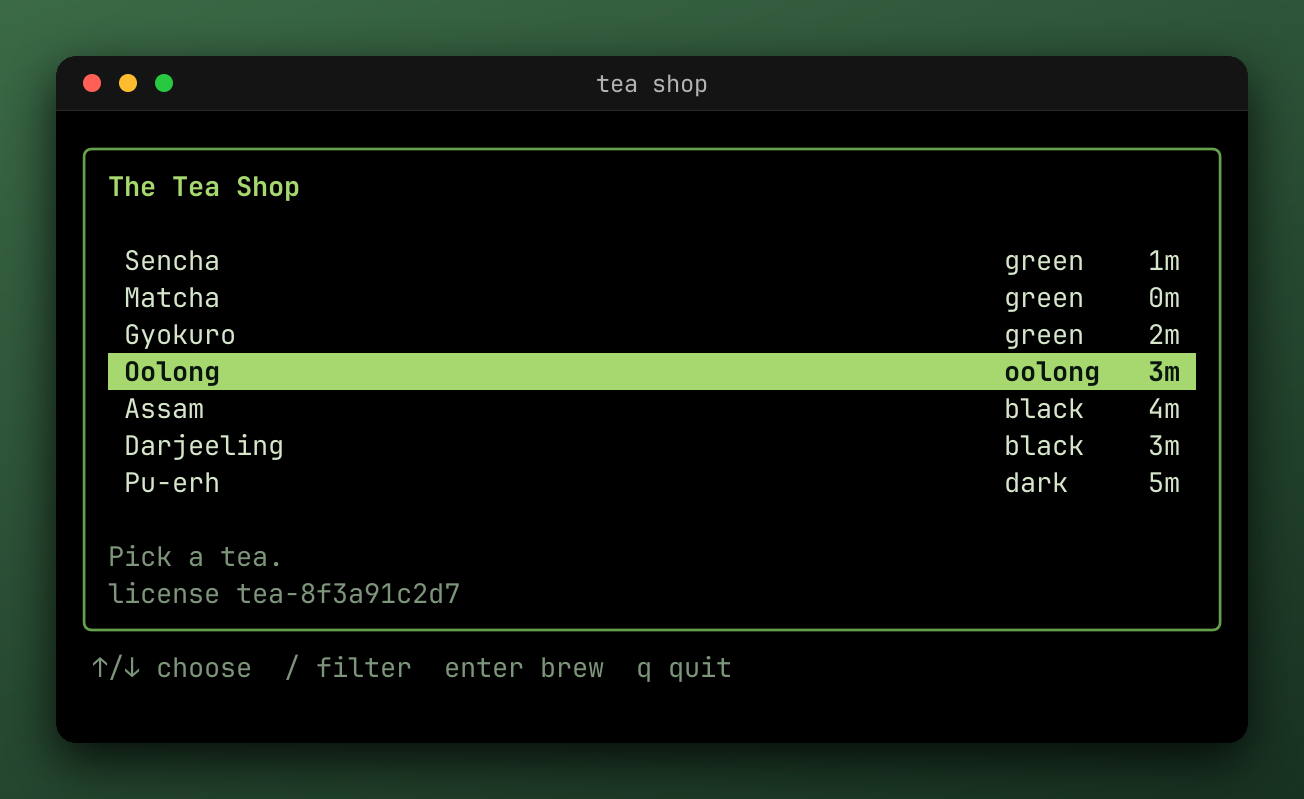
mark-brew-start.png
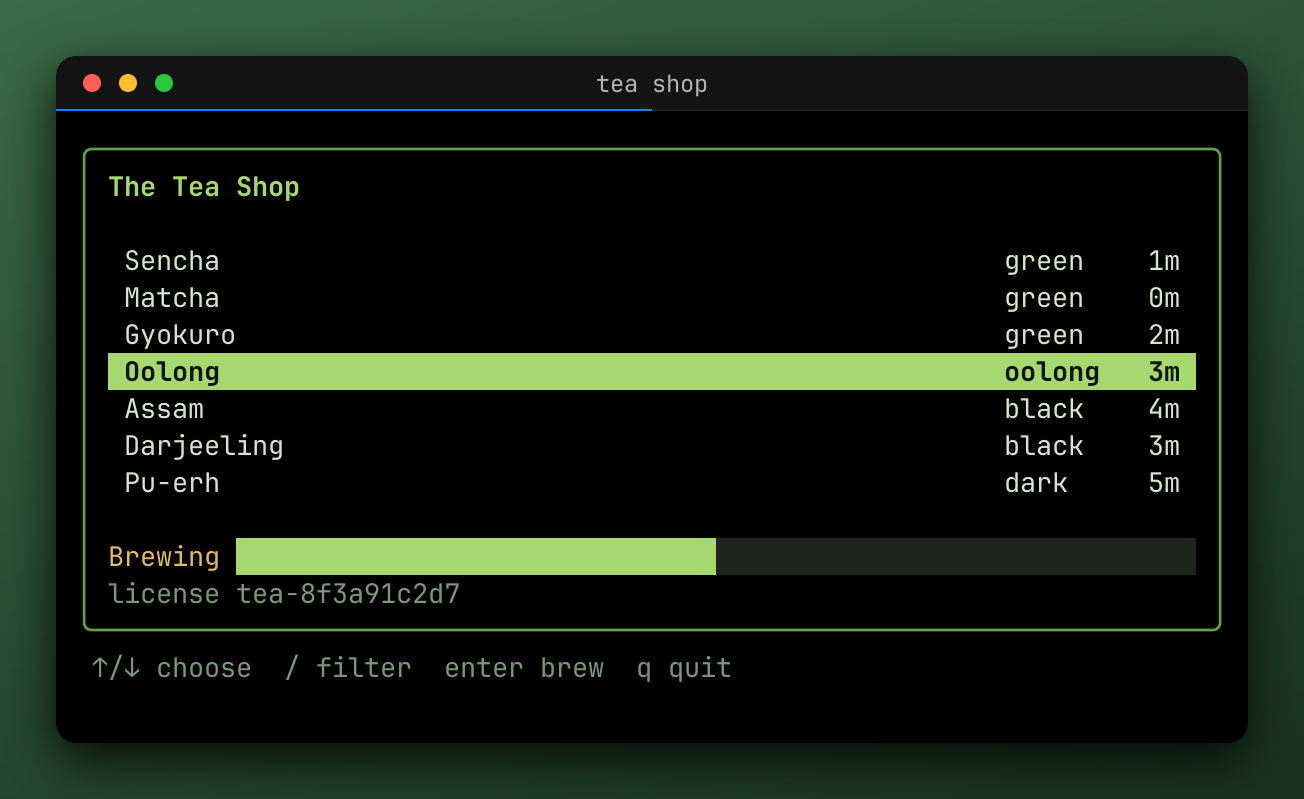
mark-brew-mid.png
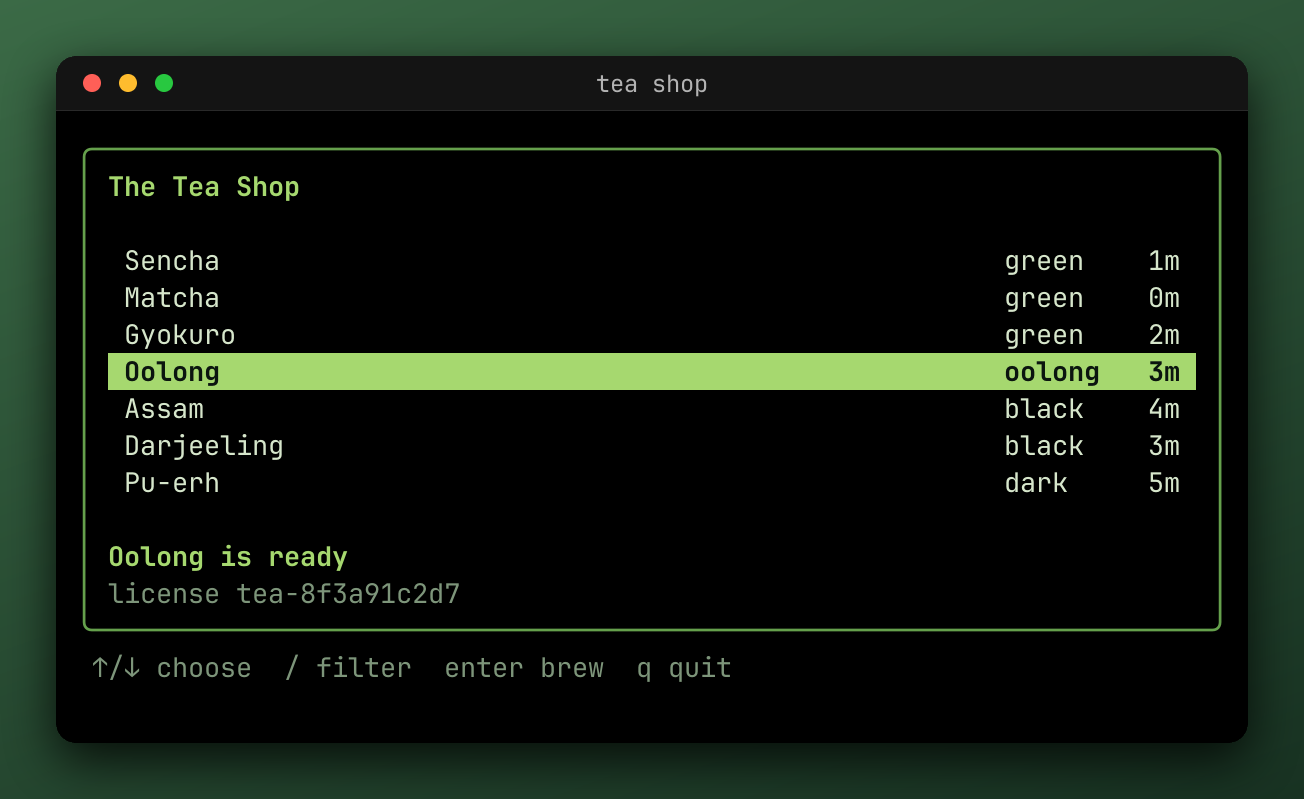
mark-brew-done.png
In the file name, `{mark}` is the label with each character that Windows doesn't allow replaced by `-`, so `brew:start` is `brew-start`. Two labels written the same, such as `step:1` and `step-1`, are an error.
A repeated label uses its first mark in the window. A `marks=` label that's missing writes nothing, and is reported as a `NoMarkError` once the other outputs are written. A `match=` pattern that matches nothing isn't an error.
Stills run through only [concealers](https://getsteep.dev/reel/redact.md) and still effects, so they don't have key overlays or cards on them, and a still can't be matched by a live `Record`, which starts before the marks exist.
For a single image of the last frame, write a plain `.png`.
### Cuts [#cuts]
`Timeline.Between` returns the part between two marks, and an empty label means the start or the end:
```go
window, err := tl.Between("brew:start", "brew:done")
if err != nil {
return err
}
err = reel.Export(ctx, window, reel.Profile{Outputs: reel.MustFiles("brew.webp")})
```
The brew, cut out of the tour.
Effects look at the same window, so a mark outside it doesn't exist for them. Replaying still starts from the beginning, to reach the screen at the start of the window.
To cut out the middle instead, keeping what's on either side, use [`effects.Hide`](https://getsteep.dev/reel/effects.md#hide).
### Where a test's recording ends [#where-a-tests-recording-ends]
A harness ends its own exports where `Close` starts, so the program's repaint as it exits is left out. Exporting `h.Timeline()` yourself needs the same cut:
```go
window, err := h.Timeline().Between("", "close:1")
```
## Re-exporting from .cast [#re-exporting-from-cast]
A `.cast` file is the whole timeline, so you can export it again at any time:
```go
f, err := os.Open("demo.cast")
if err != nil {
return err
}
defer f.Close()
tl, err := reel.ReadTimeline(f)
if err != nil {
return err
}
err = reel.Export(ctx, tl, reel.Profile{Outputs: reel.MustFiles("demo.webp")})
```
Exports are deterministic. The same timeline and the same profile write the same files, from the original or from its `.cast`, except for invalid UTF-8 output, which is saved as U+FFFD, and cuts.
### Getting the effects back [#getting-the-effects-back]
When a `.cast` is written, each effect that can describe itself is recorded in it as an annotation. `effects.FromTimeline` reads them back:
```go
fx, err := effects.FromTimeline(tl)
if err != nil {
return err
}
err = reel.Export(ctx, tl, reel.Profile{
Outputs: reel.MustFiles("again.gif"),
Effects: fx,
})
```
A description loses a little:
- A region of your own has none, so the file leaves that effect out.
- An `Env` region is recorded by its variable names, never their values.
- A `Regexp` region is recorded by its source text.
- Durations are rounded to the millisecond.
`Hide` and `Redact` aren't recorded, because a profile with one of them can't write a `.cast` at all. So a recording that needs redacting needs its effects at each export, and it's worth keeping the `.cast` private.
The CLI does this by default: `reel export demo.cast` applies what the file records, and `--no-cast-effects` ignores it.
### From a test [#from-a-test]
A steep `.cast` also holds the test's annotations. Pass the `steep.Result` as `Profile.Meta` to get the same `Outro` card, which reads it from there.
# Output formats (https://getsteep.dev/reel/formats.md)
An output is a path with optional query parameters, and its extension picks the format. All of these came from one recording of [the shop](https://getsteep.dev/reel.md), about six seconds long:
| Output | Size | Needs ffmpeg | Good for |
| --- | --- | --- | --- |
| `.gif` | 133.8 KB | no | Anywhere an image goes |
| `.webp` | 80.1 KB | yes | Web pages. It's the smallest image that animates. |
| `.mp4` | 107.0 KB | yes | Social media, chat |
| `.webm` | 110.0 KB | yes | Web video, with sharper colored text |
| `.cast` | 20.5 KB | no | Keeping the recording, the inspector, asciinema players |
| `.png` | 87.6 KB | no | A screenshot of the last frame, or one at each mark |
| `.snap` | 1.5 KB | no | The screen's text, for reading or comparing |
| `.json` | 87.9 KB | no | The screen's cells and state, for comparing or tools |
## Choosing one [#choosing-one]
- **For a README or docs page**, use WebP. Terminal frames compress very well, it loops, and it stays sharp. These docs use it everywhere.
- **Where WebP won't display**, use GIF. It needs no ffmpeg, and works everywhere, at the cost of a larger file and 256 colors per frame.
- **To post somewhere**, use MP4. It plays nearly everywhere.
- **To keep the recording**, use `.cast`. It's small, and every other format can be made from it, later.
- **To compare screens in a test**, use `.snap` or `.json`.
## Parameters [#parameters]
Each parameter only applies to some formats. An unknown or repeated one is an error, or one on the wrong format. `marks` and `optimize` can repeat.
| Parameter | Formats | Values | Sets |
| --- | --- | --- | --- |
| `quality` | `.mp4`, `.webm`, `.webp` | `0` to `100` | How close to the frames, from smallest to lossless. WebP is lossless by default, which for terminal frames is smaller than lossy at any useful quality, so a lower value is rarely what you want. |
| `loop` | `.gif`, `.webp` | `forever`, `once`, or a number of repeats from `1` | How the animation repeats |
| `max-bytes` | `.gif` | A size, such as `5MB` or `1.5MiB` | Drops the oldest frames to stay under it |
| `max-frames` | `.gif` | A number | Keeps only the last frames |
| `optimize` | `.gif`, `.png` | `none`, `all`, `frames`, `dirty`, `quantize` | The encoder's optimizations. The default is `all` for GIF, and `none` for PNG. |
| `full-chroma` | `.mp4`, `.webm` | A boolean | 4:4:4, which keeps thin colored text sharp. Many browsers and phones don't play it in H.264. |
| `background` | `.gif`, `.mp4`, `.webm`, `.webp` | `#rgb` or `#rrggbb` | A solid background, which translucent pixels, such as a [drop shadow](https://getsteep.dev/reel/rendering.md#drop-shadow)'s over a transparent margin, blend into |
| `version` | `.cast` | `2` or `3` | The asciicast version. The default is 2. |
| `marks` | All but `.cast` | A mark's label | A still at that mark. The path must hold `{mark}`. |
| `match` | All but `.cast` | A pattern, such as `input:*` | A still at each matching mark. The path must hold `{mark}`. |
Options shared by every output of a profile, such as `FPS` and `Speed`, are on the [profile](https://getsteep.dev/reel/exporting.md) rather than here.
## In Go [#in-go]
`reel.MustFiles` and `reel.ParseFile` read this syntax. To use a value at run time, or to handle errors, use `ParseFile`:
```go
outputs := reel.MustFiles("out/{timestamp}.gif?max-bytes=5MB&loop=once", "out/{timestamp}.cast")
file, err := reel.ParseFile(os.Getenv("OUTPUT"))
```
An output can also be a `file://` URL, whose path is percent-decoded. Other schemes are errors.
You can build a `reel.File` directly: its `Options` are `sink.Option` values, such as `sink.WithQuality(90)`.
## In steep and the CLI [#in-steep-and-the-cli]
The same syntax works in [`STEEP_EXPORT`](https://getsteep.dev/steep/environment.md#exports) and [`reel -o`](https://getsteep.dev/cli/outputs.md). The [configurator](https://getsteep.dev/steep/configurator.md) builds these for you.
## What's different about each [#whats-different-about-each]
**GIF** has one palette per frame and whole-centisecond delays. Cards and other inserted frames get a palette of their own.
**PNG** without `marks` is the last frame. It gets the badge of an end pause.
**MP4** is H.264, from `libx264`. It has no transparency, and uses black without a `background`.
**WebM** is VP9, from `libvpx-vp9`.
**WebP** is from `libwebp`, and keeps transparency. Builds of ffmpeg without `libwebp` are common, so check `ffmpeg -encoders | grep libwebp` if it fails.
**`.snap`** is the screen's text at the end of the window, or at each mark. Effects don't change it, so it shows what a redaction hides.
**`.json`** is a [`reel.Screen`](https://pkg.go.dev/getsteep.dev/steep/reel#Screen) in the same way. It's what a [JSON snapshot](https://getsteep.dev/steep/snapshots.md#json-snapshots) holds.
**`.cast`** is the timeline itself, with the effects recorded as annotations. It can't be written with a concealer or a cutter.
# Export cookbook (https://getsteep.dev/reel/cookbook.md)
Each recipe is the same export three ways. The formats and effects behave the same in all of them.
## The failure a CI job uploads [#the-failure-a-ci-job-uploads]
Keys, the last screen, and a card with the failures. This is a good default for a test suite. [Running in CI](https://getsteep.dev/steep/ci.md) has the rest of the job.
```go
steep.WithRecording(reel.Profile{
Outputs: reel.MustFiles("{name}_{status}.webp", "{name}_{status}.cast"),
Render: []render.Option{render.WithWindowChrome(true)},
Effects: []reel.Effect{effects.Keys(time.Second), effects.Pause(), steep.Outro(2 * time.Second)},
}),
steep.WithExportOnFailure(),
```

[Open the recording in the inspector](https://inspector.getsteep.dev/?url=https%3A%2F%2Fgetsteep.dev%2Fcasts%2Ffail-assert.cast)
## A demo for a README [#a-demo-for-a-readme]
Small, sharp, and looping.
**reel**
```go
reel.Export(ctx, tl, reel.Profile{
Outputs: reel.MustFiles("demo.webp"),
Render: []render.Option{
render.WithWindowChrome(true),
render.WithPadding(10),
render.WithBorderRadius(10),
},
Effects: []reel.Effect{effects.Keys(time.Second), effects.Pause()},
})
```
**steep**
```go
steep.WithRecording(reel.Profile{
Outputs: reel.MustFiles("demo.webp"),
Render: []render.Option{
render.WithWindowChrome(true),
render.WithPadding(10),
render.WithBorderRadius(10),
},
Effects: []reel.Effect{effects.Keys(time.Second), effects.Pause()},
}),
steep.WithExportAlways(),
steep.WithArtifacts("testdata"),
steep.WithSlow(300 * time.Millisecond),
```
**CLI**
```console
reel export in.cast -o demo.webp --chrome --padding 10 --radius 10 --keys --pause
```

[Open the recording in the inspector](https://inspector.getsteep.dev/?url=https%3A%2F%2Fgetsteep.dev%2Fcasts%2Ftour.cast)
## A GIF that stays small [#a-gif-that-stays-small]
`max-bytes` drops the oldest frames to stay under a limit, so the end of the recording survives. That suits CI, where the end is where the failure is.
**reel**
```go
Outputs: reel.MustFiles("demo.gif?max-bytes=5MB"),
```
**steep**
```console
STEEP_EXPORT_MODE=failure STEEP_EXPORT='{name}.gif?max-bytes=5MB' go test -artifacts ./...
```
**CLI**
```console
reel export in.cast -o 'demo.gif?max-bytes=5MB'
```
## A video for social media [#a-video-for-social-media]
MP4 plays nearly everywhere. Scale it up, since sites will resize it. Add a card, so that it has a beginning.
**reel**
```go
reel.Profile{
Outputs: reel.MustFiles("demo.mp4?quality=90"),
Render: []render.Option{render.WithWindowChrome(true), render.WithScale(2)},
Effects: []reel.Effect{
effects.Intro(2*time.Second, effects.Line{Text: "My tool"}),
effects.Keys(time.Second),
effects.Pause(),
},
}
```
**steep**
```console
STEEP_EXPORT_MODE=on STEEP_EXPORT='{name}.mp4?quality=90' STEEP_RENDERER_SCALE=2 go test -artifacts ./...
```
**CLI**
```console
reel export in.cast -o 'demo.mp4?quality=90' --chrome --font-size 28 --intro 2s --intro-line "My tool" --keys --pause
```
## A screenshot at each step [#a-screenshot-at-each-step]
**reel**
```go
Outputs: reel.MustFiles("shot-{mark}.png?match=step:*"),
```
**steep**
```go
steep.WithStills(steep.StillPNG, steep.HookInput),
steep.WithExportAlways(),
```
**CLI**
```console
reel export in.cast -o 'shot-{mark}.png?match=step:*'
```

## A recording that hides a secret [#a-recording-that-hides-a-secret]
Redact first, and leave out `.cast`, which would keep the secret.
**reel**
```go
reel.Profile{
Outputs: reel.MustFiles("demo.webp"),
Effects: []reel.Effect{
effects.Redact(effects.Env("API_TOKEN")),
effects.RedactInputs(effects.Env("API_TOKEN")),
effects.Keys(time.Second),
},
}
```
**steep**
```go
steep.WithRecording(reel.Profile{
Outputs: reel.MustFiles("{name}.webp"),
Effects: []reel.Effect{
effects.Redact(effects.Env("API_TOKEN")),
effects.RedactInputs(effects.Env("API_TOKEN")),
effects.Keys(time.Second),
},
}),
```
**CLI**
```console
reel export in.cast -o demo.webp --redact-env API_TOKEN --keys
```
## The last bit of a long recording [#the-last-bit-of-a-long-recording]
**reel**
```go
window, err := tl.Between("deploy:start", "")
// ...
err = reel.Export(ctx, window, reel.Profile{Outputs: reel.MustFiles("deploy.gif")})
```
**steep**
```go
window, err := h.Timeline().Between("deploy:start", "close:1")
// ...
err = reel.Export(ctx, window, reel.Profile{Outputs: reel.MustFiles("deploy.gif")})
```
**CLI**
```console
reel export in.cast --between deploy:start, -o deploy.gif
```
# Rendering (https://getsteep.dev/reel/rendering.md)
## Window look [#window-look]
Frames are drawn by `reel/render`. By default you get just the cells, so screenshots stay exact, and you add a window around them with options on `Profile.Render`.
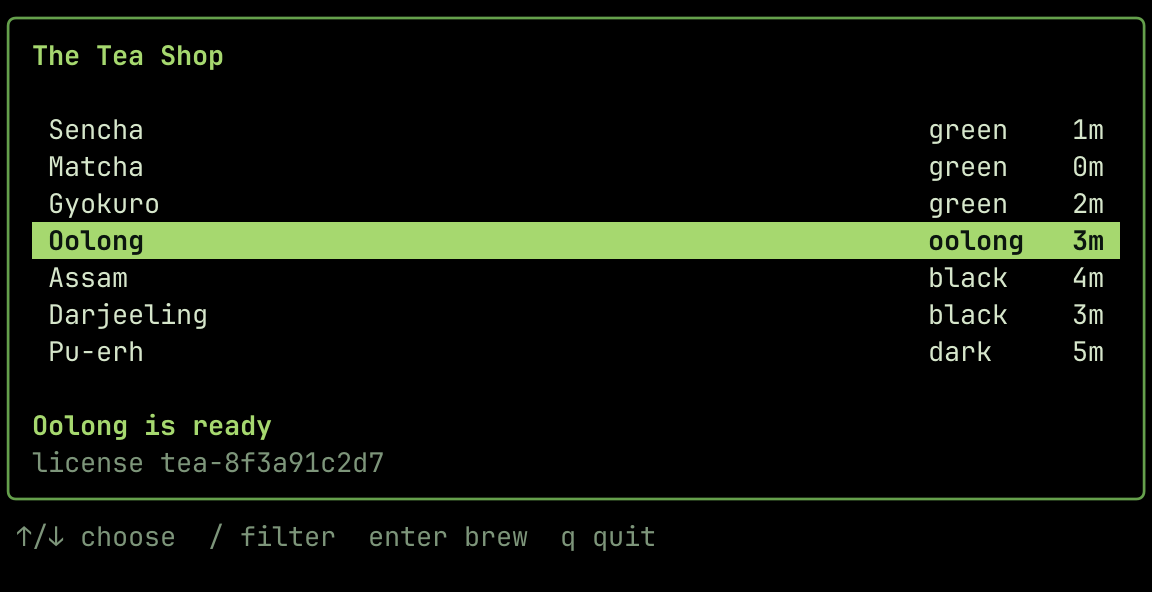
The default: just the cells.
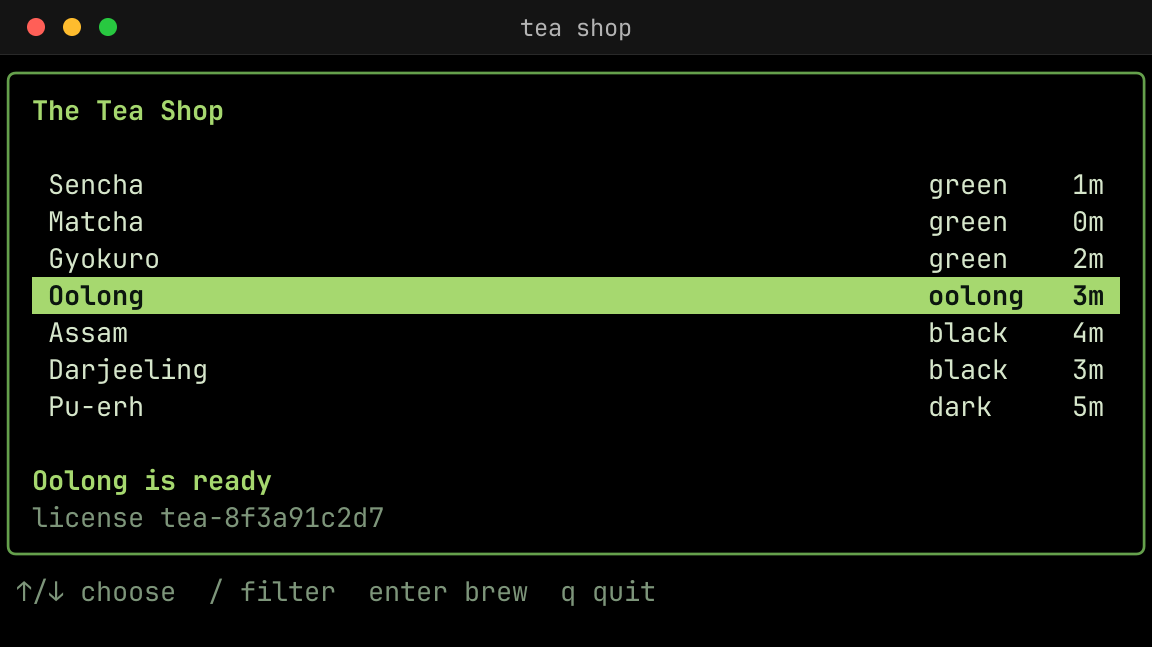
WithWindowChrome(true)
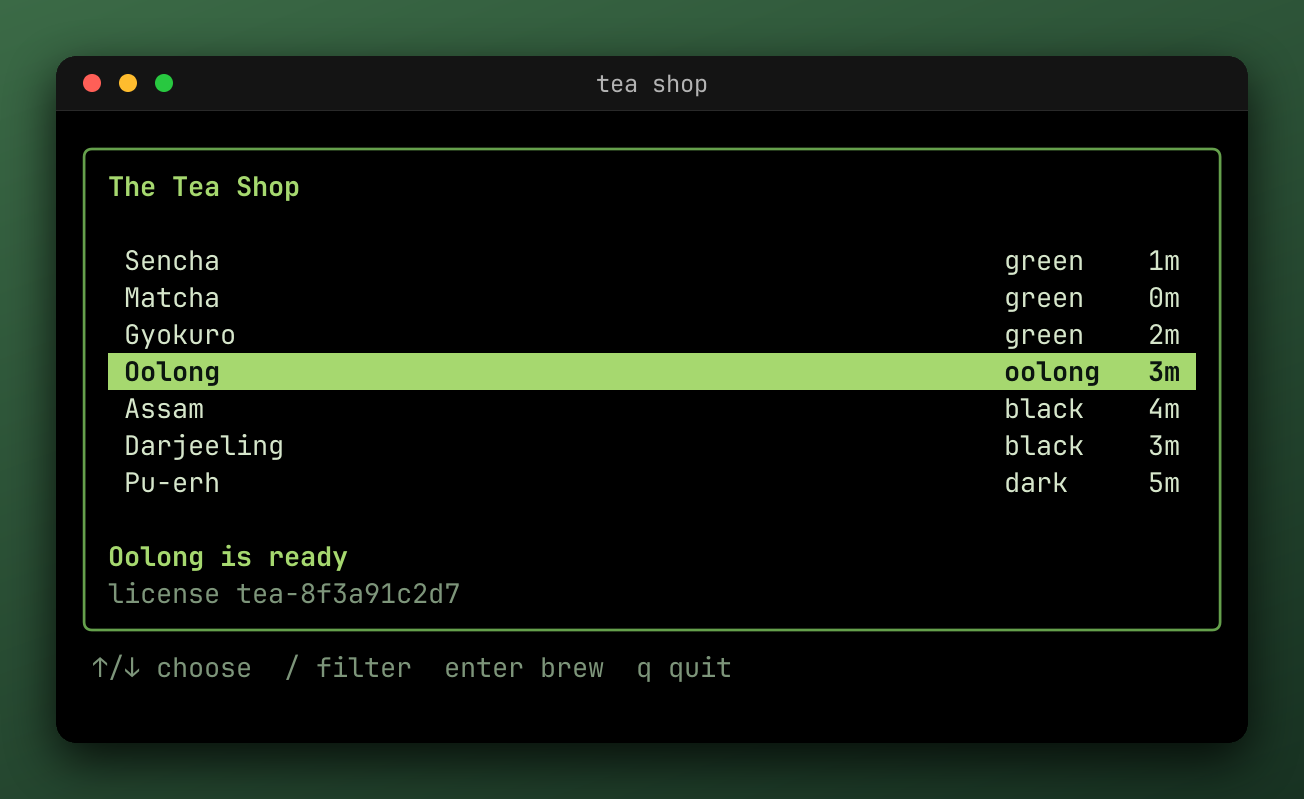
With padding, a margin gradient, a shadow, and a radius.
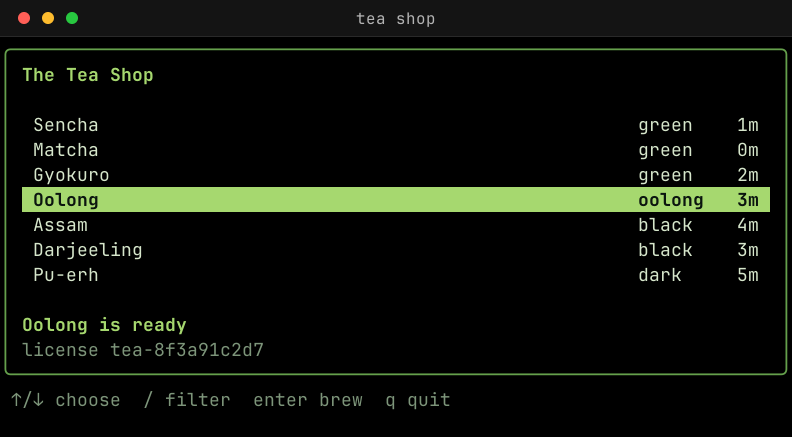
WithScale(1), the default. The others use WithScale(1.5).
```go
Render: []render.Option{
render.WithScale(1.5),
render.WithWindowChrome(true),
render.WithPadding(20),
render.WithMarginGradient(56, 160, lipgloss.Color("#3b6a46"), lipgloss.Color("#183222")),
render.WithShadow(0, 18, 48, color.NRGBA{R: 0x04, G: 0x08, B: 0x05, A: 0xe6}),
render.WithBorderRadius(20),
},
```
| Option | Does |
| --- | --- |
| `WithWindowChrome(enabled)` | Draws a title bar with window buttons, the title, and the working directory |
| `WithPadding(px)` | Adds space around the terminal, inside the window |
| `WithMargin(px, fill)` | Adds space around the window, in that color |
| `WithMarginGradient(px, angle, colors...)` | Adds space around the window, filled with a [gradient](#margin-gradients) |
| `WithShadow(x, y, blur, color)` | Draws a [drop shadow](#drop-shadow) behind the window, into the margin |
| `WithBorderRadius(px)` | Rounds the window's corners |
| `WithFocusDimming(factor)` | Dims the window while unfocused, 0.16 by default |
| `WithBackgroundOpacity(opacity)` | Makes the background translucent |
### Margin gradients [#margin-gradients]
`WithMarginGradient` fills the margin with a linear gradient instead of one color. It takes the place of `WithMargin`, and whichever comes last wins.
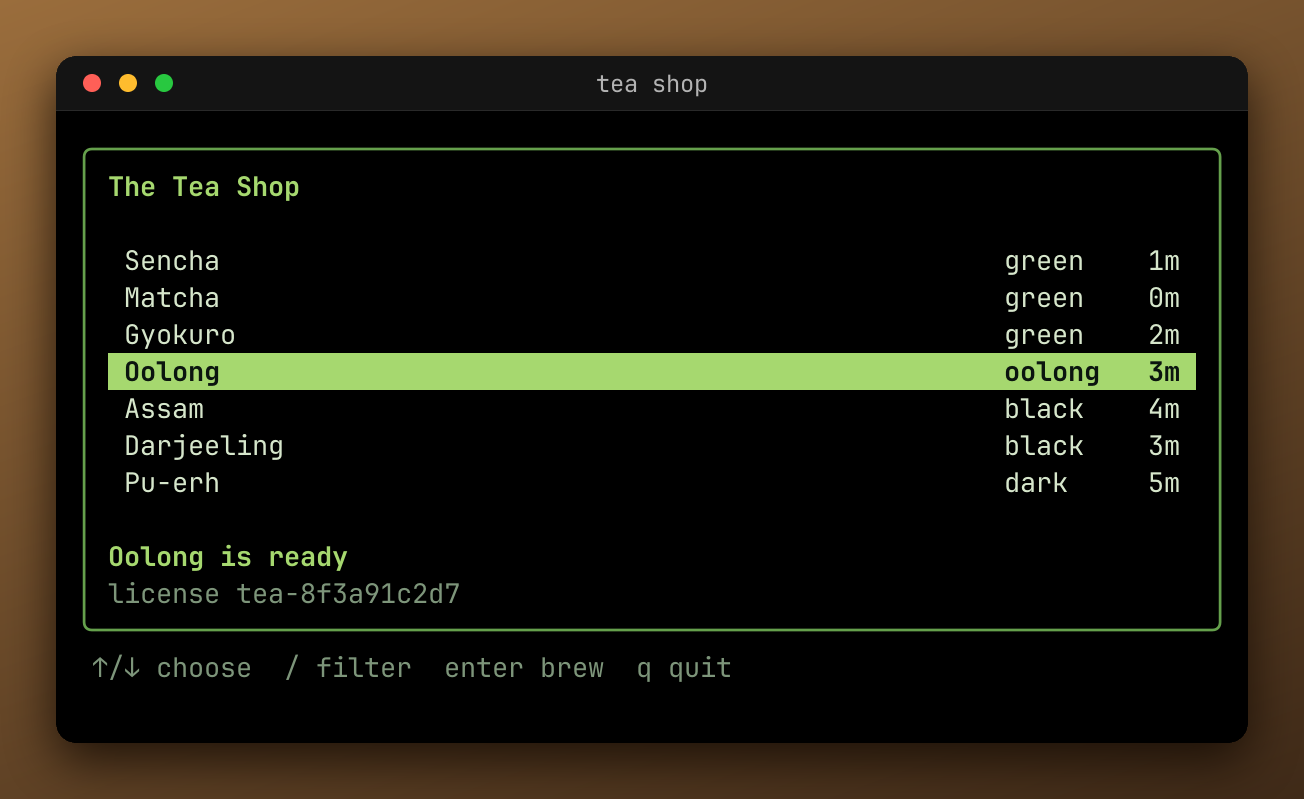
```go
render.WithMarginGradient(56, 160, lipgloss.Color("#9a6d3c"), lipgloss.Color("#3f2a18")),
```
The angle works like the angle in CSS `linear-gradient`: degrees clockwise from up, so 90 runs left to right, 180 top to bottom, and 135 from the top-left corner to the bottom-right. The colors are spaced evenly from one corner of the image to the opposite one, and the gradient shows behind the window's rounded corners too. Colors blend in the Oklab color space, as CSS gradients do by default, so lightness changes evenly and a color keeps its hue on the way to white or black instead of drifting (blue to white doesn't turn purple).
A GIF can only use 256 colors, and a gradient takes up more of them than a solid margin.
### Drop shadow [#drop-shadow]
`WithShadow` draws a shadow behind the window, as CSS `box-shadow` draws one: the window's shape, rounded as `WithBorderRadius` rounds it, moved `x` pixels right and `y` down, and blurred by `blur` pixels. A `nil` color is `render.DefaultShadowColor`, black at half opacity.
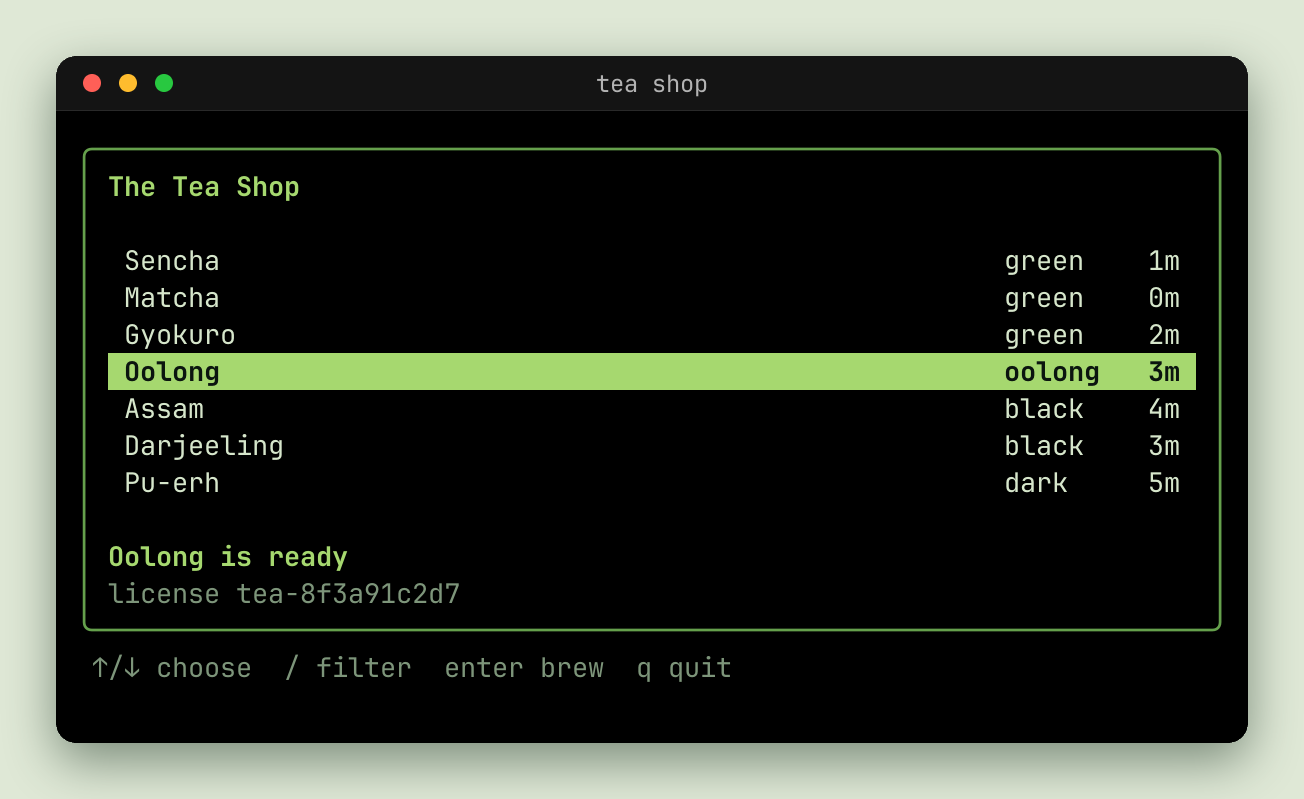
```go
render.WithMargin(56, lipgloss.Color("#dfe8d6")),
render.WithShadow(0, 18, 48, color.NRGBA{R: 0x17, G: 0x30, B: 0x1f, A: 0x80}),
```
The shadow is drawn into the margin, over its color or gradient, and shows past the window's rounded corners too. It isn't drawn under the window, so a window made translucent with `WithBackgroundOpacity` doesn't darken. The margin should be at least as wide as the blur and the offset together, or the edge of the image cuts the shadow off. The renderer draws the margin and shadow once for each image size and copies them into every frame, so a shadow costs no more per frame than a solid margin.
Over a transparent margin, as `WithMargin(px, nil)` gives without a palette margin color, the shadow is translucent. PNG and WebP keep that. A GIF has no translucency, only one fully transparent color, so its translucent pixels turn opaque, and the soft edge becomes a hard dark one. Give the GIF a [`background`](https://getsteep.dev/reel/formats.md#parameters), such as `out.gif?background=%23ffffff` (or `sink.WithBackground`), to composite each frame onto that color, or give the margin a color.
### Size [#size]
`WithScale` sets the size of everything drawn from the font, so the cell size and the image grow with it. At 1, the default, that's 13.5pt at 96 DPI, or 18px. `render.ScaleForFontSize(px)` converts from a font size.
To say how big the image may be instead, use `Profile.Fit`, which chooses the scale for you, so text stays sharp rather than the image being resized:
```go
reel.Profile{
Fit: image.Pt(1280, 0), // at most 1280 pixels wide
}
```
### Cells [#cells]
The renderer has more options for the grid itself: `WithCellWidth`, `WithCellHeight`, `WithCursorHeight`, `WithCursorThickness`, `WithFontBaseline`, `WithUnderlinePosition`, `WithUnderlineThickness`, `WithStrikethroughPosition`, `WithStrikethroughThickness`, `WithBoxThickness`, `WithFaintFactor`, `WithCursorBlinkSpeed`, `WithIconHeight`, and `WithIconHeightSingle`. See [`reel/render`](https://pkg.go.dev/getsteep.dev/steep/reel/render).
## Themes and palettes [#themes-and-palettes]
A palette sets the ANSI colors, the default foreground and background, the cursor, and the margin. Colors your program sets itself, in true color, are drawn as they are.
### In Go [#in-go]
```go
Render: []render.Option{
render.WithPalette(render.Palette{ /* the colors you want */ }),
},
```
Fields left unset fall back to built-in defaults. It applies to every frame, whatever the format, and replaces the timeline's palette. Indexed colors the program set itself are drawn over it. [`bubbletint`](https://github.com/lrstanley/bubbletint) is a source of hundreds of themes, and it's what the CLI uses.
### In the CLI [#in-the-cli]
The CLI has them by name, with [`--theme`](https://getsteep.dev/cli/appearance.md#themes):
```console
reel run demo.tape --theme "Tokyo Night" -o demo.gif
```
### The recording's colors [#the-recordings-colors]
A session can also set colors while it records, with `SetDefaultForeground` and friends, or a program can set them itself. Those are events in the timeline, and a replay applies them. So a theme chosen at export time doesn't change what a recording set for itself.
## Fonts [#fonts]
reel embeds fonts, so a recording draws the same on any machine with nothing installed. To use another family, name it. It has to be embedded or installed:
```go
Render: []render.Option{render.WithFontFamilyName("JetBrains Mono")},
```
Or for one test run, without changing it:
```console
STEEP_RENDERER_FONT_FAMILY="FiraMono Nerd Font Mono" STEEP_EXPORT_MODE=on go test -artifacts ./...
```
Construction fails with an error naming the family and the directories it searched, if it can't find it. The name is the family recorded in the font files, including the regular, bold, italic, and bold italic faces.
To see what's available, use [`reel fonts`](https://getsteep.dev/cli/commands/fonts.md):
```console
$ reel fonts | grep Mono | head -n 5
DejaVu Sans Mono
DejaVu Sans Mono Symbols
JetBrains Mono
Liberation Mono
Symbols Nerd Font Mono
```
Fonts are searched for in the usual directories for your platform: on Unix, that includes `XDG_DATA_HOME` and `XDG_DATA_DIRS`.
### Icons [#icons]
Programs that use [Nerd Font](https://www.nerdfonts.com) icons need one to draw them. Use a Nerd Font as the primary family, or map only the icons' ranges to one, with `WithCodepointMap`.
### Fallback [#fallback]
Runes that no configured or bundled font covers, such as CJK or emoji, can be drawn with an installed font. That's on by default. It makes the output depend on what's installed, so turn it off for output that has to be the same everywhere:
```go
render.WithSystemFontFallback(false)
```
The first such rune makes the renderer read every installed font, so it can be slow the first time.
### On the command line [#on-the-command-line]
`--font` takes a comma-separated list, and uses the first that's installed, with `--font-size`, `--letter-spacing`, and `--line-height`. See [Appearance](https://getsteep.dev/cli/appearance.md).
## Terminal indicators [#terminal-indicators]
A program can tell its terminal more than what to show. The renderer can draw that too.
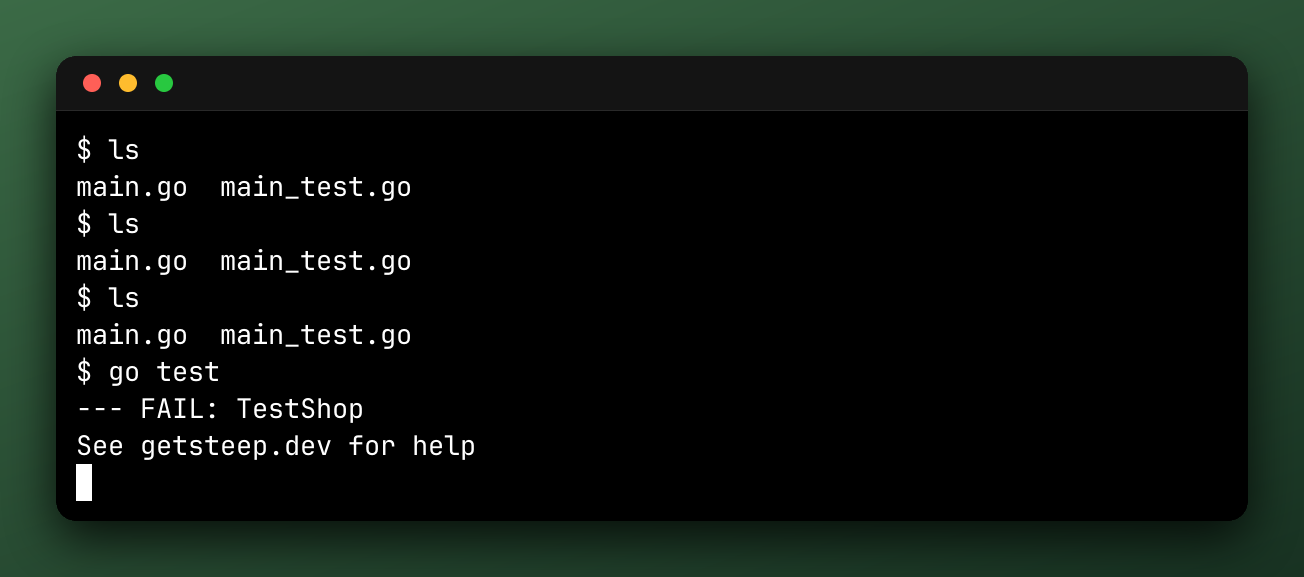
None of them.
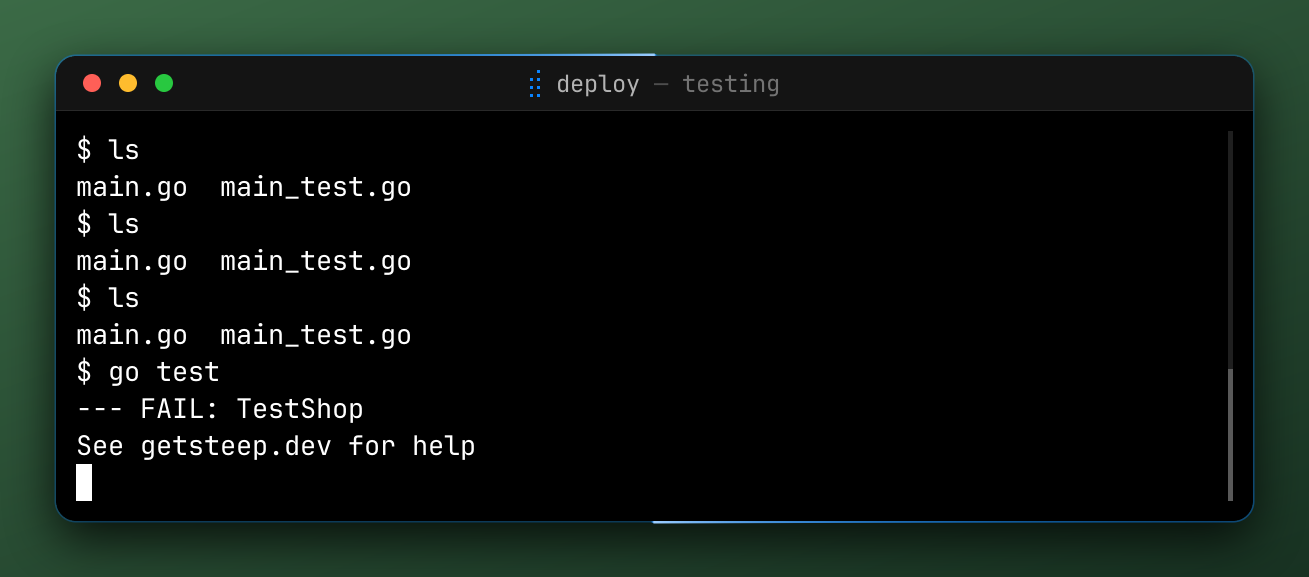
With a scrollbar, progress, and program status.
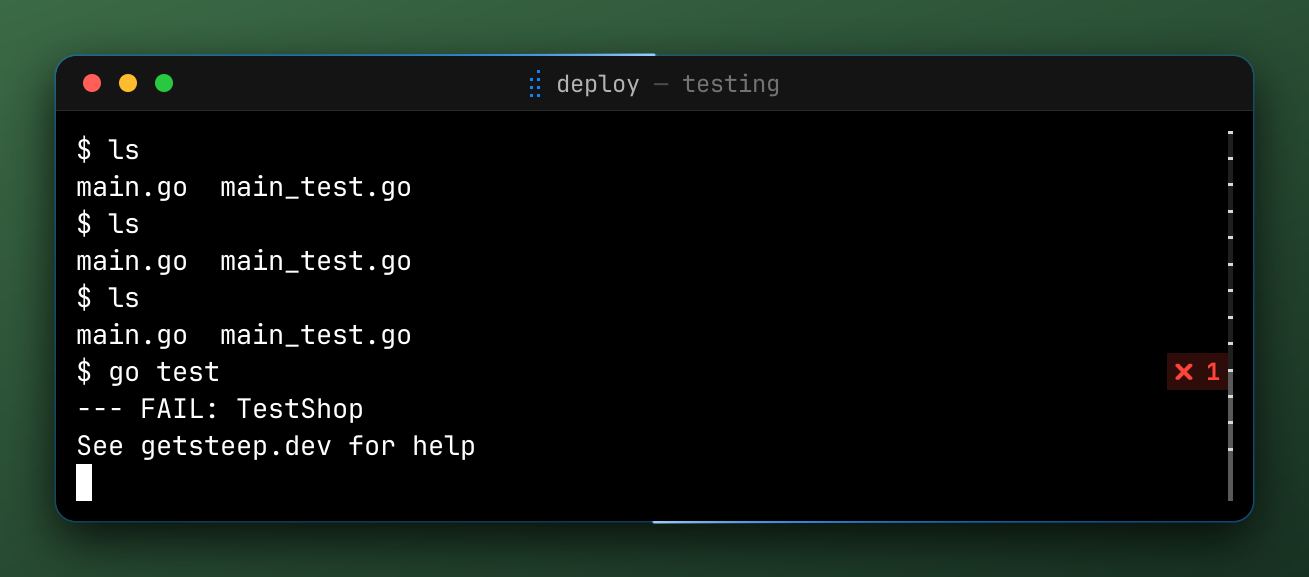
WithPromptMarks: a failed command gets a badge.
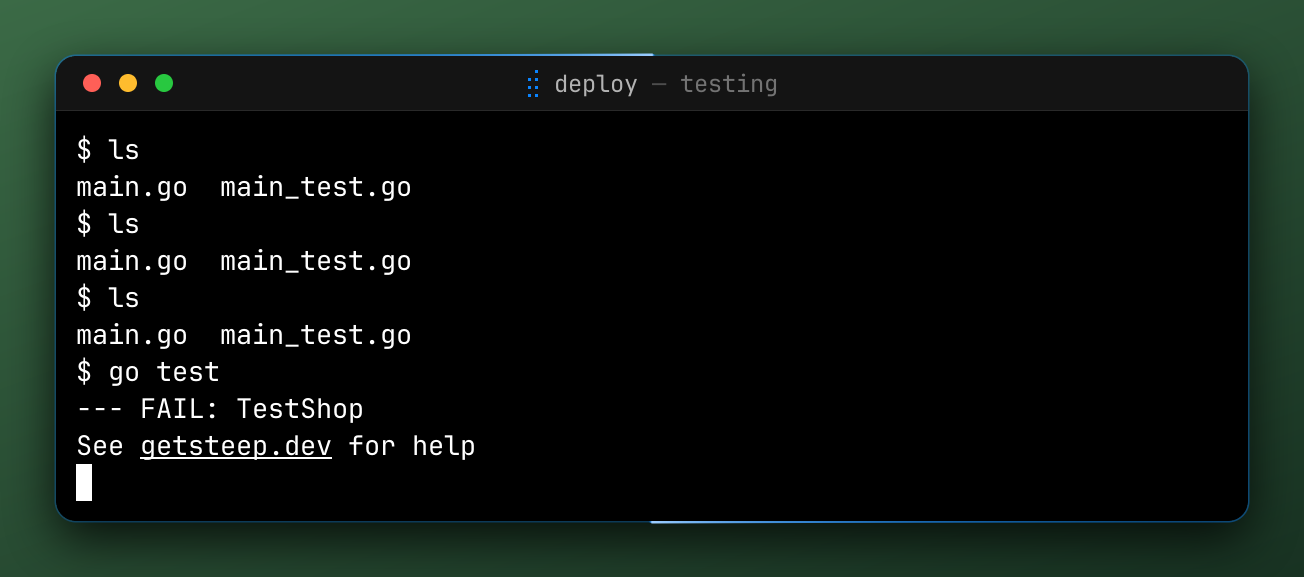
WithLinkUnderline
| Option | Draws | From | Default |
| --- | --- | --- | --- |
| `WithProgressBar(enabled)` | A thin progress bar, under the title bar or at the window's top edge | OSC 9;4 | On |
| `WithProgramStatus(enabled)` | Replaces the title with a state icon, title, and message, and outlines the window. Needs window chrome. | OSC 7501 | On |
| `WithScrollbar(enabled)` | A scrollbar, only when there's scrollback and not on the alternate screen | The viewport | Off |
| `WithPromptMarks(enabled)` | A badge on a failed command's row, and with a scrollbar, a tick for each prompt | OSC 133 | Off |
| `WithBell(enabled)` | A flash of the window, and a 🔔 before the title | BEL | Off |
| `WithLinkUnderline(enabled)` | An underline on hyperlinked cells | OSC 8 | Off |
Each draws what's in the terminal at that frame, so it needs your program to send the sequence. For Bubble Tea, a progress report is `view.ProgressBar`:
```go
v := tea.NewView(content)
v.ProgressBar = tea.NewProgressBar(tea.ProgressBarDefault, percent)
```
These are drawn from the recording, so they're on by export, not at record time. You can export the same `.cast` with and without them.
The notifications a program sends aren't drawn by the renderer, since a terminal doesn't have anywhere to show them. To show them, use [`effects.Toasts`](https://getsteep.dev/reel/effects.md#toasts).
# Effects (https://getsteep.dev/reel/effects.md)
An effect changes a recording's frames between the renderer and the file. You list them on the profile:
```go
reel.Profile{
Outputs: reel.MustFiles("demo.webp"),
Effects: []reel.Effect{
effects.Redact(effects.Env("API_TOKEN")),
effects.Highlight(effects.Text("Error")),
effects.Pause(),
effects.Keys(time.Second),
},
}
```
Each section below shows the same recording with one effect on. [Redact](https://getsteep.dev/reel/redact.md) and [your own effects](https://getsteep.dev/reel/custom-effects.md) have pages of their own.
## Order [#order]
Effects sort themselves by priority, so you can list them in any order. Each sees the frames of the one before, lowest priority first. Effects with the same priority run in the order you list them.
| Priority | Constant | Effects | Why here |
| --- | --- | --- | --- |
| 100 | `reel.PriorityConceal` | `Redact`, `RedactInputs` | Nothing after them sees what they hide. |
| 200 | `reel.PriorityCut` | `Hide` | The pauses at marks and the keys pressed in what it cuts are left out too. |
| 300 | `reel.PriorityZoom` | `Zoom` | It draws its zoomed cells over what ran before it, and `Mouse` draws the pointer through it. |
| 400 | `reel.PriorityHighlight` | `Highlight` | The overlays after it aren't dimmed. |
| 500 | `reel.PriorityPause` | `Pause`, `HoldLast` | Its badge is drawn over what ran before it. |
| 600 | `reel.PriorityOverlay` | `Keys`, `Mouse`, `Toasts` | They show what they showed when a pause started. |
| 700 | `reel.PriorityDefault` | An effect with no priority of its own | |
| 800 | `reel.PriorityCard` | `Intro`, `Outro`, `steep.Logo`, `steep.Outro` | No other effect has to draw on a card. |
The gaps are there for [your own effects](https://getsteep.dev/reel/custom-effects.md#priority).
## Regions [#regions]
`Highlight`, `Zoom`, and `Redact` work on a region of the terminal's cells:
| Region | Covers |
| --- | --- |
| `effects.Row(y)` | One row, from 0 |
| `effects.Rows(y0, y1)` | Rows from `y0` up to but not including `y1` |
| `effects.Cells(image.Rect(x0, y0, x1, y1))` | A rectangle of cells |
| `effects.Text(s)` | Each cell that shows `s`, wherever it moves |
| `effects.Regexp(re)` | Each match, on each line |
| `effects.Env(names...)` | Each cell that shows the value of a variable |
| `effects.Any(regions...)` | Any of them |
`Text`, `Regexp`, and `Env` are matched on each frame, so they follow what they find. A `Zoom` holds what it matched when it started. Text is searched line by line, where a line is a row and the rows it soft-wrapped over, so it never matches across a line break a program made itself.
## Timing [#timing]
Those three also take timing options, except that `Redact` only takes `Between`:
| Option | Does |
| --- | --- |
| `effects.Between(from, to)` | Limits it to the window between two marks. An empty label is the start or end. |
| `effects.Ease(d)` | Eases it in over `d` before the window, and out over `d` after |
| `effects.EaseIn(d)`, `effects.EaseOut(d)` | Eases only one end |
Without its `from` mark, an effect never comes on, and without its `to` mark, it stays on to the end. The exception is an effect that hides what it covers: `Redact` without its `from` mark covers the whole export, since where the secret starts isn't known. A missing mark is reported as a `NoMarkError`, and the outputs are still written.
## Effects and `.cast` [#effects-and-cast]
A `.cast` output skips the effects, since it's the raw recording. Most effects are recorded in it as annotations, so [an export of the file](https://getsteep.dev/reel/exporting.md#re-exporting-from-cast) applies them again. `Hide`, `Redact`, and `RedactInputs` can't be combined with a `.cast` output at all, so write that in a separate run.
## Keys [#keys]
`effects.Keys` draws the keys pressed in the bottom right corner, so that someone watching can follow along.
[Open the recording in the inspector](https://inspector.getsteep.dev/?url=https%3A%2F%2Fgetsteep.dev%2Fcasts%2Ftour.cast)
```go
Effects: []reel.Effect{effects.Keys(time.Second)},
```
The argument is how long keys stay. Keys pressed within that time of each other show together, with repeats as one key and a count. They stay for that long after the last of them, fading out over the final third. Zero or less is no overlay.
The text typed by one input event, with enter and tab, is one chip, so typing `hi\n` shows `hi⏎`. Paste and mouse input aren't shown. [`Mouse`](https://getsteep.dev/reel/effects.md#mouse) draws the mouse.
### Secrets [#secrets]
Keys shows what was typed, so add [`RedactInputs`](https://getsteep.dev/reel/redact.md#typed-secrets) if a recording includes a password:
```go
Effects: []reel.Effect{
effects.RedactInputs(effects.Env("PASSWORD")),
effects.Keys(time.Second),
},
```
### With other effects [#with-other-effects]
A [`Pause`](https://getsteep.dev/reel/effects.md#pause-and-holdlast) shows the keys as they were when it started, and the keys pressed in what a [`Hide`](https://getsteep.dev/reel/effects.md#hide) cuts are left out. The overlay shares the bottom right corner, so don't move a `Pause` badge there.
The CLI's flag is [`--keys`](https://getsteep.dev/cli/appearance.md#keys).
## Toasts [#toasts]
A terminal program can send a desktop notification, with OSC 9 or OSC 777. A recording has nowhere to show one, unless you use `effects.Toasts`.
[Open the recording in the inspector](https://inspector.getsteep.dev/?url=https%3A%2F%2Fgetsteep.dev%2Fcasts%2Ftour.cast)
```go
Effects: []reel.Effect{effects.Toasts()},
```
A toast is a rounded panel with the title in bold over the body, each cut to 40 columns. It slides and fades in, stays, and fades out. Up to three show at once, stacked in a corner.
| Option | Does |
| --- | --- |
| `WithToastCorner(c)` | Puts them in `TopLeft`, `TopRight` (the default), `BottomLeft`, or `BottomRight` |
| `WithToastDuration(d)` | Sets how long each stays, fades included. The default is 2s. |
| `WithClipboardToasts()` | Also shows "Copied to clipboard" when the program writes to the clipboard, without the text written |
Only the notifications in the timeline's window are shown, and a [`Hide`](https://getsteep.dev/reel/effects.md#hide) leaves out those that arrive in what it cuts.
The CLI's flag is [`--toasts`](https://getsteep.dev/cli/appearance.md#toasts).
## Mouse [#mouse]
Mouse input doesn't show in a terminal, so a recording of it looks like the program changing by itself. `effects.Mouse` draws it, from the mouse events in the timeline.
[Open the recording in the inspector](https://inspector.getsteep.dev/?url=https%3A%2F%2Fgetsteep.dev%2Fcasts%2Ftour.cast)
```go
Effects: []reel.Effect{effects.Mouse()},
```
It draws a pointer that glides to each event's cell, a ripple where a button is pressed, a disc under the pointer while it's held, and a trail along a drag, which fades once the button is released. The pointer moves the way a hand moves a mouse: it sets off ahead of each event so it lands as the event is sent, eases in and out along a slight arc, and takes longer the farther it goes. A drag's cell-by-cell motion is smoothed into a curve. The pointer hides once the mouse is idle, and fades back in where it was when it next moves.
| Option | Sets | Default |
| --- | --- | --- |
| `WithPointerStyle(s)` | `PointerArrow` or `PointerDot` | Arrow |
| `WithPointerSize(px)` | The pointer's height, or a dot's diameter | A cell's height, or half that for a dot |
| `WithPointerColor(c)` | Its fill | White |
| `WithPointerGlide(d)` | How long it takes to glide to the next cell; farther glides take up to 4× as long | 150ms |
| `WithPointerHide(d)` | How long it stays after the last event | 1s |
| `WithButtonColor(button, c)` | The ripples, disc, and trail of a button | Blue, green, and orange for left, middle, and right |
| `WithMouseParts(p)` | Which of `MousePointer`, `MouseClicks`, and `MouseDrags` to draw | All |
A session only sends a mouse event if the program asked for it, so events the program never saw aren't drawn either. If the pointer doesn't show, check that your program [enabled the mouse](https://getsteep.dev/steep/input.md#your-program-must-ask-for-the-mouse).
The CLI's flag is `--mouse`, and [`_examples/reel-mouse`](https://github.com/lrstanley/steep/blob/master/_examples/reel-mouse/main.go) has more.
## Intro and Outro [#intro-and-outro]
```go
Effects: []reel.Effect{
effects.Intro(1200*time.Millisecond,
effects.Line{Text: "The Tea Shop"},
effects.Line{Text: "a reel recording"},
),
effects.Outro(1200*time.Millisecond, effects.Line{Text: "Thanks for watching"}),
},
```
`Intro` shows a card before the first frame. Without lines, the card is the recording's title in bold, and a recording without a title gets no card.
`Outro` shows a card after the last. Without lines, it shows nothing. `OutroFunc` takes a function that's given the grid the card is laid out on, to show only as much as fits.
A duration of zero or less is no card, and `Profile.Speed` doesn't scale either.
### Lines [#lines]
A `Line` is text and a [`vt.Style`](https://pkg.go.dev/getsteep.dev/steep/reel/vt#Style). Text is drawn as is, so escape sequences aren't interpreted, and text that doesn't fit is cut off. Cards use the renderer's default colors, not ones the program set, so every card in a recording looks the same. On terminals larger than 80 by 24, the text is larger than the terminal's, so it stays readable when the recording is scaled down.
### Drawing your own cards [#drawing-your-own-cards]
`effects.NewCardRenderer` draws cards for [your own effects](https://getsteep.dev/reel/custom-effects.md).
### In steep [#in-steep]
[`steep.Logo` and `steep.Outro`](https://getsteep.dev/steep/recording.md#logo-and-outro) are built on these. `steep.Outro` shows the test's result.
The CLI's flags are `--intro DUR`, `--intro-line TEXT`, `--outro DUR`, and `--outro-line TEXT`.
## Pause and HoldLast [#pause-and-holdlast]
```go
Effects: []reel.Effect{
effects.Pause(
effects.PauseAtMarks(900*time.Millisecond, "filter:typed"),
effects.PauseAtEnd(time.Second),
),
},
```
`Pause` freezes the frame at each of the points you give it, and the recording grows by that long. Without any, it pauses for a second at the end.
| Option | Pauses |
| --- | --- |
| `PauseAtEnd(d)` | After the last terminal frame |
| `PauseAtMarks(d, labels...)` | At each mark with one of those labels, or every mark without any |
| `PauseAtMatch(d, re)` | At each mark whose label matches |
Pauses aren't scaled by `Profile.Speed`. A label that names no mark in the window is reported as a `NoMarkError` after the outputs are written. In steep, `failure:n` marks are an exception, so a profile can pause on `failure:1` whatever the result.
### The badge [#the-badge]
Each pause shows a badge: two bars on a translucent disc, so it reads as paused rather than frozen, and a looping recording's end reads as finished.
| Option | Sets |
| --- | --- |
| `WithBadgeCorner(c)` | The corner. The default is `TopRight`. `BottomRight` overlaps [`Keys`](https://getsteep.dev/reel/effects.md#keys). |
| `WithBadgeColor(c)` | The bars' color |
| `WithBadgeSize(px)` | Its diameter |
| `WithoutBadge()` | No badge |
A recording that plays once stays on its last frame, badge and all, so a profile with `loop=once` may want `WithoutBadge`.
### HoldLast [#holdlast]
`effects.HoldLast(d)` plays the last terminal frame for at least `d`, with no badge. A last frame that isn't the terminal's, such as a card, is left alone, so it holds the screen before an `Outro`'s card. The speed doesn't scale it.
The CLI's flags are `--pause`, `--pause-at MARK`, and `--hold-last DUR`.
## Highlight [#highlight]
```go
Effects: []reel.Effect{
effects.Highlight(
effects.Regexp(regexp.MustCompile(` Oolong.*3m `)),
effects.Between("brew:start", "brew:done"),
effects.DimOthers(0.6),
effects.Ease(200*time.Millisecond),
),
},
```
`Highlight` darkens everything outside a [region](https://getsteep.dev/reel/effects.md#regions), and can outline it. The region is matched on each frame, so a `Text` region follows its text.
| Option | Sets | Default |
| --- | --- | --- |
| `DimOthers(factor)` | How much to darken, from 0, unchanged, to 1, black. Window chrome and margins are included. | 0.5 |
| `Outline(c, px)` | A border around each rectangle of cells. A nil `c` is a warm yellow, and a `px` of zero is an eighth of a cell's height. | None |
| `Padding(px)` | How many pixels around the cells stay undimmed | A third of a cell's width |
| [`Between`, `Ease`, `EaseIn`, `EaseOut`](https://getsteep.dev/reel/effects.md#timing) | When it's on | The whole recording |
The CLI's flag is [`--highlight`](https://getsteep.dev/cli/effects.md), and [`_examples/reel-highlight`](https://github.com/lrstanley/steep/blob/master/_examples/reel-highlight/main.go) has a larger example.
## Zoom [#zoom]
```go
Effects: []reel.Effect{
effects.Zoom(
effects.Cells(image.Rect(1, 10, 38, 14)),
effects.Between("brew:start", "brew:done"),
effects.Ease(250*time.Millisecond),
),
},
```
`Zoom` shows a [region](https://getsteep.dev/reel/effects.md#regions) larger, inside the same grid. Everything around the grid, such as window chrome, is kept, so the image keeps its size. Easing moves smoothly between the whole grid and the zoom.
| Option | Sets | Default |
| --- | --- | --- |
| `Scale(factor)` | How many times larger | As large as fits, with a cell of margin on every side |
| `Anchor(x, y)` | Where the region sits, as a fraction of the grid. `(0, 0)` is the top left. | Centered: `(0.5, 0.5)` |
| [`Between`, `Ease`, `EaseIn`, `EaseOut`](https://getsteep.dev/reel/effects.md#timing) | When it's on | The whole recording |
The zoomed cells are drawn again at the larger scale, so text stays sharp. That needs the recording's rasterizer to be a `render.Renderer`, which it is by default. With one of your own, the frame's image is scaled up instead.
A zoom holds the part of the screen its region matched when it started, wherever the text moves after. It never shows past the edges of the terminal, so a region near one is drawn nearer it than its anchor asks.
Since zooms draw from the cells, they cover what effects before them drew.
The CLI's flag is [`--zoom`](https://getsteep.dev/cli/effects.md), and [`_examples/reel-zoom`](https://github.com/lrstanley/steep/blob/master/_examples/reel-zoom/main.go) has a larger example.
## Hide [#hide]
```go
Effects: []reel.Effect{
effects.Hide(effects.HideBetween("filter:start", "filter:done")),
},
```
`Hide` cuts parts of the recording out of playback, so it's shorter by them. A frame is hidden while any rule hides it.
| Rule | Hides |
| --- | --- |
| `HideBetween(hideLabel, showLabel)` | Each span from a mark to the next `showLabel` after it. An empty `hideLabel` starts hidden, and an empty `showLabel` hides the rest. |
| `HideWhile(region)` | Each frame on which a [region](https://getsteep.dev/reel/effects.md#regions) covers a cell, such as a password prompt |
| `HideUnless(region)` | Each frame on which it doesn't, such as until the first prompt shows |
Hiding from the start is how to skip setup. Nothing shows of it, not even a first frame:
```go
s.Mark("setup:done")
effects.Hide(effects.HideBetween("", "setup:done"))
```
This is what `Hide` and `Show` do in a VHS tape.
### Rules [#rules]
- Without a show mark after a span starts, the span runs to the end. A missing mark is a `NoMarkError`, and the outputs are still written.
- A recording it cuts entirely is an error from the export.
- Stills of marks show their marks whether `Hide` cuts them or not.
`Hide` is a cutter, so it can't be combined with a `.cast` output, which would still hold what's cut. That's an error wrapping `reel.ErrRawOutput`.
To cut a window out rather than the parts around it, use [`Timeline.Between`](https://getsteep.dev/reel/exporting.md#cuts).
The CLI's flag is [`--hide FROM,TO`](https://getsteep.dev/cli/effects.md).
# Redact (https://getsteep.dev/reel/redact.md)
`effects.Redact` hides the cells of a [region](https://getsteep.dev/reel/effects.md#regions) from every frame it passes on.
Block, the default.

Blur
Replace('•')
```go
Effects: []reel.Effect{
effects.Redact(effects.Env("API_TOKEN")),
effects.Redact(effects.Regexp(regexp.MustCompile(`sk-[A-Za-z0-9]{20,}`)), effects.Blur()),
},
```
| Style | Draws |
| --- | --- |
| `Block()` | A blank cell in the cell's background color, so it looks like the blank part of its row. The default. |
| `Blur()` | Blurred text. The cell is drawn as an `x` and then blurred, so what it held is never drawn, and no amount of sharpening brings it back. |
| `Replace(c)` | The character `c`, in the cell's own colors |
`Between` limits it to a window, and `MinPartial` is below.
## What it covers [#what-it-covers]
Effects after `Redact` never see what it hid, and it [runs first](https://getsteep.dev/reel/effects.md#order).
`Text`, `Env`, and `Regexp` regions also hide their text in the terminal's title, the program status, and desktop notifications, as a `•` for each character, and in the recording's title. `Cells`, `Row`, and `Rows` regions hide cells only.
`Text` and `Env` also hide a secret that only partly shows, such as while it's typed. `MinPartial(n)` sets how many characters of its start or end count, 3 by default. A lower number shows less as it's typed, and hides more unrelated text.
## Where it stops [#where-it-stops]
> **Check the result**
>
> Redaction only hides what it finds in the text as the program wrote it. Watch the recording before you share it.
It won't catch:
- Text a program lays out over several rows itself, as full-screen programs do.
- A middle part of a secret, cut off on both sides.
- A secret spelled with characters that draw as nothing, such as zero-width spaces.
- The first characters of a secret being typed, until `MinPartial` of them are typed.
- What effects after it draw themselves, such as your own card.
Use `Cells` or `Row` to hide a place on the screen where any of that matters.
These outputs skip effects, so they aren't redacted, and they hold the secret:
- **`.snap` and `.json`** are written from the replay. A `.snap` output in a profile with a redaction shows the secret.
- **`.cast`** can't be written with a concealer. An export returns an error wrapping `reel.ErrRawOutput` before anything's written, so write it in a separate run, and keep that file private.
## Typed secrets [#typed-secrets]
`effects.RedactInputs` hides typed text from what [`Keys`](https://getsteep.dev/reel/effects.md#keys) shows, as a `•` for each character. It changes no frames, so use it with `Redact`:
```go
Effects: []reel.Effect{
effects.Redact(effects.Env("PASSWORD")),
effects.RedactInputs(effects.Env("PASSWORD")),
effects.Keys(time.Second),
},
```
Its region has to find text: a `Text`, `Regexp`, or `Env`, or `Any` of them. It's matched against the text typed since the last key that isn't text, across input events, and backspace takes back a character. `Export` reads every input first, so it hides a secret's first characters too. A live `Record` shows them until enough are typed.
Under a keyboard mode that reports keys without their text, such as some kitty keyboard protocol modes, a shifted symbol can decode as its key and no longer match.
See [`_examples/reel-redact`](https://github.com/lrstanley/steep/blob/master/_examples/reel-redact/main.go), and the CLI's [`--redact`, `--redact-env`, and `--redact-regexp`](https://getsteep.dev/cli/effects.md).
# Custom effects (https://getsteep.dev/reel/custom-effects.md)
An effect is a value with a `Start` method. `Start` is called once per export, and returns a stage. The stage gets each frame in order, and emits what to keep.
```go
type Effect interface {
Start(ctx *reel.Context) (reel.Stage, error)
}
type Stage func(f reel.Frame, emit func(reel.Frame))
```
A stage can emit the frame itself to keep it, nothing to drop it, a changed copy, or several to insert or expand. Here's one that dims every frame during a window:
```go
type dim struct{ from, to time.Duration }
func (d dim) Start(*reel.Context) (reel.Stage, error) {
return func(f reel.Frame, emit func(reel.Frame)) {
if f.Cells == nil || f.At < d.from || f.At >= d.to {
emit(f)
return
}
out := *f.Image
out.Pix = bytes.Clone(f.Image.Pix) // Frames may share an image, so draw on a copy.
for i := 0; i < len(out.Pix); i += 4 {
out.Pix[i], out.Pix[i+1], out.Pix[i+2] = out.Pix[i]/2, out.Pix[i+1]/2, out.Pix[i+2]/2
}
f.Image = &out
f.Isolated = true // It has its own GIF palette, as a recolored frame should.
emit(f)
}, nil
}
```
## Priority [#priority]
Effects [run by priority](https://getsteep.dev/reel/effects.md#order). Without one, yours runs at `reel.PriorityDefault`, after the overlays and before the cards. To run somewhere else, add a `Priority` method:
```go
func (dim) Priority() int { return reel.PriorityHighlight + 10 } // Dims a highlight too, and no overlay.
```
## Frames [#frames]
| Field | Is |
| --- | --- |
| `Image` | The pixels. Neighboring frames may share it, so treat it as read-only and draw on a copy. |
| `Cells` | The terminal it was drawn from, or nil for an inserted frame, such as a card. Leave those alone. |
| `At` | The timeline offset it shows |
| `Delay` | How long it plays |
| `Paused` | It's a pause. Don't split it, and keep the flag when copying. |
| `First`, `Last` | The first and last frame a stage is given |
| `Isolated` | Gives the frame its own GIF palette, for cards and recolored frames |
## Context [#context]
`Start` gets a `*reel.Context`:
| Field | Is |
| --- | --- |
| `Timeline` | The timeline being recorded |
| `Live` | Whether it's growing, as for `Record` |
| `Rasterizer`, `Layout`, `Render` | How frames are drawn, so an effect can draw matching images |
| `Step` | The delay grid. Effects that expand a frame should split it on multiples of this. |
| `Speed`, `Title`, `Meta` | From the profile |
| `OnClose(fn)` | Runs after the last frame, such as to report a missing mark |
| `SetValue`, `Value` | Passes values between effects |
Keep per-recording state in the stage, not the effect. Then one effect value can be shared by parallel recordings.
## Optional interfaces [#optional-interfaces]
| Interface | Declares | Means |
| --- | --- | --- |
| `reel.Concealer` | `Conceals() bool` | It hides something, so it runs first (a priority that puts it after other effects is an export error), can't be combined with `.cast`, and runs on stills |
| `reel.Cutter` | `Cuts() bool` | It cuts stretches out, so it runs after the concealers, and can't be combined with `.cast` |
| `reel.StillEffect` | `Stills() bool` | It also runs on the stills of marks |
| `reel.Describer` | `Describe() (Annotation, error)` | It's recorded in `.cast` outputs, so an export of the file can apply it again |
| `reel.MarkChecker` | | It names marks, so a file never names marks it doesn't have |
A wrapping effect should have an `Unwrap() Effect` method, so a wrapped priority, concealer, cutter, or still effect is still found.
## Drawing [#drawing]
`effects.NewCardRenderer(ctx)` draws lines of text on a blank terminal that matches the recording's frames, for [cards](https://getsteep.dev/reel/effects.md#intro-and-outro) of your own. `steep.Logo` is an effect like this, in [`effects.go`](https://github.com/lrstanley/steep/blob/master/effects.go).
# Troubleshooting (https://getsteep.dev/reel/troubleshooting.md)
## ffmpeg [#ffmpeg]
MP4, WebM, and WebP need ffmpeg on your `PATH`. `Export` checks first, and fails at once. Builds without `libwebp` are common, so WebP can fail where MP4 works:
```console
ffmpeg -encoders | grep -E 'libwebp|libx264|libvpx-vp9'
```
To use a specific binary, pass `sink.WithFFmpeg(path)` in `Profile.Encode`.
## `ErrRawOutput` [#errrawoutput]
A profile with `Redact`, `RedactInputs`, or `Hide` can't also write `.cast`, which would keep what they hide. Write the `.cast` in a separate export, and keep it private.
## A mark isn't found [#a-mark-isnt-found]
`Between` returns a `NoMarkError` for a label it can't find, and effects that look for one report it after writing the outputs. `reel.MissingMarks(err)` separates these from other errors, for when a missing mark is fine. Check the label with `reel info`, or the [inspector](https://getsteep.dev/reel/inspecting.md#the-inspector).
## The export's first frame is blank [#the-exports-first-frame-is-blank]
A program may write capability queries before its first paint, as Bubble Tea does. Open the session with `reel.WithSkipPristine()`.
## The last frame is blank [#the-last-frame-is-blank]
A program that clears the screen as it exits leaves a blank end, and a `.png` output draws that. Open the session with `reel.WithSkipPristine()`, which leaves out a bare terminal after the last paint, as it does before the first. A steep harness does this for you.
When the end isn't bare, such as when the program leaves its title set, mark the end before it quits and cut there with `tl.Between("", "end")`.
## Lines don't start at the left edge [#lines-dont-start-at-the-left-edge]
With `reel.WithoutONLCR()`, `LF` moves down a row and keeps the column. A program that writes to the session directly and expects `LF` to start a new line then draws each line where the last one ended. Drop the option, so `Session.Write` adds the carriage return as a pseudo-terminal would.
## Borders and dividers land at the left edge [#borders-and-dividers-land-at-the-left-edge]
`Session.Write` writes each `LF` as `CR LF` by default. A program that writes `LF` to mean only "down a row" draws a vertical run of cells at the left edge instead, such as [Bubble Tea in your process](https://getsteep.dev/reel/sessions.md#bubble-tea-in-your-process) on Windows, or a raw-mode program whose output you forward from a pseudo-terminal, such as over SSH. Open the session with `reel.WithoutONLCR()`. A steep harness does this for you on Windows.
## Glyphs are boxes [#glyphs-are-boxes]
The bundled fonts don't cover every glyph. See [Fonts](https://getsteep.dev/reel/rendering.md#fonts). `WithFontFamilyName` fails with the directories it searched, if a family can't be found.
## Colors look wrong [#colors-look-wrong]
A program that checks `TERM` may be choosing fewer colors. `reel.Exec` sets a color environment for the command, so pass `cmd.Env` if you need something else. For themes not applying, see [The recording's colors](https://getsteep.dev/reel/rendering.md#the-recordings-colors).
## Recording in a test [#recording-in-a-test]
For tests, use [steep](https://getsteep.dev/steep.md), which handles the session, the waiting, and the export policy.
# How it works (https://getsteep.dev/reel/how-it-works.md)
reel splits recording from rendering. A session only logs events, and an export turns the log into files later.
```mermaid
flowchart LR
P[Program] <--> S[Session]
H[Host: keys, resizes, marks] --> S
S --> T[Timeline]
T --> R[Replay in a fresh terminal]
R --> A[Rasterizer]
A --> F[Effects, by priority]
F --> K[Sinks: GIF, MP4, WebM, WebP, PNG]
T --> C[.cast]
R --> X[.snap, .json]
```
## Recording [#recording]
A driver connects a program to a [session](https://getsteep.dev/reel/sessions.md). The program writes to the session and reads from it, and the host types, clicks, resizes, and adds marks. Each of these is appended to a [timeline](https://getsteep.dev/reel/how-it-works.md#timelines-and-asciicast), so recording costs one copy of the bytes.
## Replaying [#replaying]
`reel.Export` replays the timeline into a new terminal, and each visible change becomes a frame: program output, or a change of focus or colors. Nothing is drawn at a fixed rate. Frames stay on screen for as long as they did when recorded, on a grid of delays set by `Profile.FPS`.
Since this works from the log alone, the output is deterministic. A timeline and its saved `.cast` export to the same files, apart from invalid UTF-8 output (saved as U+FFFD) and cuts.
## Drawing and effects [#drawing-and-effects]
A `Rasterizer` draws each frame, by default a renderer built from `Profile.Render`. Then each frame runs through the [effects](https://getsteep.dev/reel/effects.md), [lowest priority first](https://getsteep.dev/reel/effects.md#order). An effect can change a frame, drop it, or add more.
## Writing [#writing]
Frames go to every output's sink. Not every output takes this whole path:
| Output | Comes from | Effects? |
| --- | --- | --- |
| `.gif`, `.mp4`, `.webm`, `.webp`, `.png` | The end of the pipeline | Yes |
| `.png?marks=...` | A frame at each mark | Only concealers and still effects |
| `.snap`, `.json` | The replay's screen | No, so they show what a redaction hides |
| `.cast` | The timeline itself | No, they're recorded as annotations instead |
All outputs are checked and created before any frame is drawn, and each is written to a temporary file and moved into place when complete. So a missing ffmpeg fails at once, and a failure leaves an existing file as it was.
## Timelines and asciicast [#timelines-and-asciicast]
A `reel.Timeline` is an append-only log of what the program wrote, what it was sent, and what the host did to its terminal. Each event has an offset in whole milliseconds. It holds no frames, since those are derived by replaying it.
### Events [#events]
| Event | What it is |
| --- | --- |
| `Output` | Bytes the program wrote |
| `Input` | Bytes the terminal sent the program |
| `Resize`, `Focus`, `Scroll`, `ScrollbackSize` | What the host did to the terminal |
| `Theme` | A color change |
| `Mark` | A named point |
| `Annotation` | A structured note, which players ignore |
| `Exit` | The end of a command run with `Exec` |
Read them with iterators:
```go
for ev := range tl.Events() { /* every event */ }
for m := range tl.Marks() { fmt.Println(m.At(), m.Label) }
for in := range tl.Inputs() { /* what was typed */ }
for a := range tl.Annotations() { /* notes */ }
```
A session's timeline grows as it runs, and iterators see events as of the call. `tl.Updated()` returns a channel that closes when the next event arrives, to follow one live.
### Marks [#marks]
A mark names a moment. Use the form `category:value`, so tools can group them, with `reel.SplitLabel`:
```go
s.Mark("login:done")
```
Effects and stills address a recording by its marks, and a label doesn't have to be unique.
### Cutting [#cutting]
`Between` returns the part of a timeline between two marks. See [Cuts](https://getsteep.dev/reel/exporting.md#cuts).
### Saving and reading [#saving-and-reading]
A timeline saves as an [asciicast](https://docs.asciinema.org/manual/asciicast/v2/) file, which any asciicast player reads:
```go
f, err := os.Create("demo.cast")
// ...
_, err = tl.WriteCast(f, reel.CastV2)
```
`reel.ReadTimeline` reads a v2 or v3 file back, whether reel wrote it or asciinema recorded it. Comment and blank lines, unknown header fields, and unknown event codes are skipped.
A cut timeline is saved as just its window, opening on a redraw of the screen at its start. Only the visible screen is redrawn, so a cut that starts on the alternate screen and later leaves it shows a blank primary screen. An export of the cut doesn't have that problem.
## Export vs live Record [#export-vs-live-record]
`reel.Export` works from a finished timeline. `reel.Record` writes the same outputs while the session runs, replaying each event as it's appended, so frames are drawn and encoded live.
```go
rec, err := reel.Record(ctx, s, reel.Profile{
Outputs: reel.MustFiles("demo.gif"),
Effects: []reel.Effect{effects.Keys(time.Second)},
})
if err != nil {
return err
}
// ... drive the program ...
if err := rec.Stop(); err != nil {
return err
}
```
`Stop` ends the recording on the events so far and writes its outputs. It's safe to call more than once. Canceling `ctx` abandons the recording and discards its outputs.
### Which to use [#which-to-use]
Almost always `Export`. It's simpler, a recording doesn't cost anything while the program runs, and you can export a timeline as many times as you want. `Record` is for long sessions, where you'd rather encode as you go than hold everything until the end.
### How they differ [#how-they-differ]
| | `Export` | `Record` |
| --- | --- | --- |
| Draws frames | After the fact | While the program runs |
| `{duration}` in a path | Available | An error, since it isn't known |
| `{timestamp}` | The timeline's start | When the timeline started, or now if it's empty |
| Outputs with `match=` | Yes | No, since it starts before the marks exist |
| A mark that never comes | Writes the rest, returns a `NoMarkError` | The same, from `Stop` |
| Effects see | A complete timeline | A growing one, with `Context.Live` set |
| `RedactInputs` | Hides secrets from the first character | Shows the first characters, until enough are typed |
| `EaseIn` | Eases in before a mark | Eases in after it |
# Terminal features (https://getsteep.dev/reel/terminal-features.md)
This page lists the escape sequences reel tracks, what it does with each one, and the exact name it goes by in Go. reel's terminal emulator, `reel/vt`, is a checked-in build of libghostty-vt.
## Tracked or executed [#tracked-or-executed]
reel treats a sequence in one of two ways:
- **Tracked and exposed.** reel reads the result and gives it a Go name, so you can test it, draw it, or export it. The tables below are these sequences.
- **Executed.** libghostty-vt acts on the sequence, and you only see what it did to the screen. Ordinary cursor movement is the usual example. See [Executed by libghostty-vt](#executed-by-libghostty-vt).
On the wire, `CSI` is `ESC [`, `OSC` is `ESC ]`, `DCS` is `ESC P`, `APC` is `ESC _`, and `ST` is `ESC \`. An OSC can also end in `BEL`.
Names are in package `vt` unless they say otherwise, so `State.Title` is `vt.State.Title`. `Session.State` returns the same `vt.State`, with `Focused` filled in. `Terminal` has a method of the same name for most `State` fields, but not for `Palette`, `Glyphs`, or `PromptMarks`.
## Control characters and ESC [#control-characters-and-esc]
| Sequence | Name | What reel does | Exposed by |
| --- | --- | --- | --- |
| `BEL` (0x07) | Bell | Counts it and stamps the time | `State.Bell`, `Bell.Count`, `Bell.At`, `render.WithBell`, `render.WithBellDuration` |
| `ESC c` | RIS, full reset | Clears everything in the list below | `Terminal.Reset` does the same from the host |
A full reset clears `Title`, `WorkingDirectory`, `Bell`, `Progress`, `Notifications`, `Clipboard`, `Prompt`, `PromptMarks`, `ProgramStatuses`, `Palette`, `Glyphs`, and Kitty images. It keeps the colors a program set with OSC 10, 11, and 12, and it turns LNM back on (see [ANSI modes](#ansi-modes)).
## OSC [#osc]
| Sequence | Name | What reel does | Exposed by |
| --- | --- | --- | --- |
| `OSC 0 ; text`, `OSC 2 ; text` | Window title | Keeps the latest title. `OSC 1` doesn't set it. | `State.Title`, `render.WithWindowChrome` |
| `OSC 4 ; index ; color` | Palette color | Keeps colors that differ from the default. The renderer draws them over its own. | `State.Palette`, `Palette.Color` |
| `OSC 104 ; index`, `OSC 104` | Reset palette color | Resets one color, or all of them | `State.Palette` |
| `OSC 7 ; url` | Working directory | Keeps the value as sent, such as `file:///tmp` | `State.WorkingDirectory`, `render.WithWindowChrome` |
| `OSC 8 ; params ; url` | Hyperlink | Stores the URL on each cell, and an `id` as `id=value`. libghostty-vt drops other parameters. | `Cell.Link`, `Link.URL`, `Link.Params`, `render.WithLinkUnderline` |
| `OSC 9 ; text` | Desktop notification | Appends a notification with a body | `State.Notifications`, `Notification.Body`, `Notification.At`, `effects.Toasts` |
| `OSC 777 ; notify ; title ; body` | Desktop notification | Appends a notification with a title and body | `State.Notifications`, `Notification.Title`, `effects.Toasts` |
| `OSC 9 ; 4 ; state ; percent` | Progress report | See [OSC 9;4](#osc-94-progress) | `State.Progress`, `State.ShownProgress`, `render.WithProgressBar` |
| `OSC 10 ; color` | Foreground color | Sets the default foreground | `State.Foreground` |
| `OSC 11 ; color` | Background color | Sets the default background | `State.Background` |
| `OSC 12 ; color` | Cursor color | Sets the cursor color | `State.CursorColor`, `State.CursorColorSet` |
| `OSC 110`, `OSC 111`, `OSC 112` | Reset color | Undoes OSC 10, 11, and 12 | Same as above |
| `OSC 21 ; foreground=color`, `OSC 21 ; index=color` | Kitty color control | Sets the same colors as OSC 10 and OSC 4 | `State.Foreground`, `State.Palette` |
| `OSC 52 ; c ; base64` | Clipboard write | Keeps the latest text and counts writes. The text may be a secret. The `p` and `s` selections count too. | `State.Clipboard`, `ClipboardWrite.Text`, `ClipboardWrite.Count`, `effects.WithClipboardToasts` |
| `OSC 1337 ; Copy=:base64` | iTerm2 copy | Same as OSC 52 | `State.Clipboard` |
| `OSC 5522 ; type=write`, `OSC 5522 ; type=wdata:mime=... ; base64` | Kitty clipboard | Same as OSC 52. A `type=read` is answered from `Terminal.SetClipboard`. | `State.Clipboard` |
| `OSC 133 ; ...` | Semantic prompt | See [OSC 133](#osc-133-semantic-prompts) | `State.Prompt`, `State.PromptMarks`, `render.WithPromptMarks` |
| `OSC 7501 ; ...` | Program status | See [OSC 7501](#osc-7501-program-status) | `State.ProgramStatuses`, `render.WithProgramStatus` |
A color the program set with OSC 10, 11, or 12 comes first in `State` and in `OSC 10 ; ?`, ahead of one the host set with `Terminal.SetForeground`, `Terminal.SetDefaultForeground`, or the matching background and cursor methods. The host's applies again after OSC 110, 111, or 112.
### OSC 9;4 progress [#osc-94-progress]
`Progress` holds `Reported`, `State`, and `Percent`. `Percent` is -1 when the report left it out, except for state 1, which reads 0. `State.ShownProgress` returns nothing for `ProgressRemove`, and nothing once any OSC 7501 report has arrived, until the next full reset.
| State on the wire | Constant | `String()` |
| --- | --- | --- |
| `0` | `ProgressRemove` | `remove` |
| `1` | `ProgressSet` | `set` |
| `2` | `ProgressError` | `error` |
| `3` | `ProgressIndeterminate` | `indeterminate` |
| `4` | `ProgressPause` | `pause` |
### OSC 133 semantic prompts [#osc-133-semantic-prompts]
`State.Prompt` is the latest step, as a `Prompt` with `Kind`, `HasExitCode`, `ExitCode`, `Command`, and `At`.
| Sequence | Constant | Value | What reel does |
| --- | --- | --- | --- |
| `OSC 133 ; A`, `OSC 133 ; P`, `OSC 133 ; N` | `PromptStart` | `start` | Ends working and blocked OSC 7501 records. A primary prompt also adds a `PromptMark`. `k=s`, `k=c`, and `k=r` prompts don't. |
| `OSC 133 ; B`, `OSC 133 ; I` | `PromptInput` | `input` | Records the step |
| `OSC 133 ; C`, `OSC 133 ; C ; cmdline_url=echo%20a` | `PromptOutput` | `output` | Sets `Prompt.Command` when the shell sends `cmdline_url` or `cmdline` |
| `OSC 133 ; D`, `OSC 133 ; D ; 3` | `PromptCommand` | `end` | Sets `Prompt.ExitCode`, and ends the latest mark |
`State.PromptMarks` lists the primary prompts on the screen and in the scrollback, oldest first, up to 1024. Each `PromptMark` has `Row`, `Ended`, `HasExitCode`, and `ExitCode`, and `PromptMark.Failed` reports a non-zero exit. It's nil on the alternate screen, and a prompt written there gets no mark.
### OSC 7501 program status [#osc-7501-program-status]
A report is `OSC 7501 ; key=value:key=value`. reel keeps up to 256 records, one per `id`, and drops the least recently updated. A report with an invalid part is ignored as a whole.
| Key | Field of `ProgramStatus` | Notes |
| --- | --- | --- |
| `state` | `State` | Required. See the next table. |
| `id` | `ID` | Slash-separated, such as `build/test`. Empty is the root record. |
| `app` | `App` | Inherited from the nearest ancestor that set one |
| `kind` | `Kind` | Only kept when `state=blocked` |
| `progress` | `Progress` | 0 to 100, and only kept for working and blocked. -1 when absent. |
| `title` | `Title` | Base64 |
| `msg` | `Message` | Base64 |
| `state=` | Constant | What it means |
| --- | --- | --- |
| `idle` | `ProgramIdle` | At rest, waiting for the next instruction |
| `done` | `ProgramDone` | A piece of work finished |
| `working` | `ProgramWorking` | Running on its own |
| `blocked` | `ProgramBlocked` | Can't continue until the user does something |
| `error` | `ProgramError` | Failed and stopped |
| `clear` | None | Removes the record and those beneath it, or all of them with no `id` |
| `kind=` | Constant |
| --- | --- |
| Left out | `ProgramKindNone` |
| `permission` | `ProgramKindPermission` |
| `question` | `ProgramKindQuestion` |
| `auth` | `ProgramKindAuth` |
`State.ProgramStatuses` is sorted by id, and `OSC 7501 ; ?` asks whether the terminal supports the protocol. `State.ProgramStatusGeneration` changes when the records do, and `State.ProgramStatusReported` is true once any report has arrived since the last full reset, including a clear. `reel.ProgramStatus` is the same record in a `.json` output.
## CSI [#csi]
| Sequence | Name | What reel does | Exposed by |
| --- | --- | --- | --- |
| `CSI style SP q` | DECSCUSR | Sets the shape and blink: `1` and `2` block, `3` and `4` underline, `5` and `6` bar. Odd styles blink. `0` is a steady block. | `Cursor.Shape`, `Cursor.Blink`, `CursorBlock`, `CursorUnderline`, `CursorBar` |
| `CSI 3 J` | ED 3, erase scrollback | Empties the scrollback and its prompt marks | `State.ScrollbackLen`, `Terminal.ClearScrollback` sends it from the host |
| `CSI 8 ; rows ; cols t` | XTWINOPS resize | Records the request and doesn't apply it | `Terminal.ResizeRequest` |
| `CSI > flags u`, `CSI < u`, `CSI = flags ; mode u` | Kitty keyboard flags | Push, pop, and set the flags that decide how keys encode | `Terminal.EncodeKey`, `Session.Key` |
| `CSI > 4 ; 2 m` | modifyOtherKeys | Changes how keys encode, such as `CSI 27 ; 2 ; 65 ~` | `Terminal.EncodeKey`, `Session.Key` |
| `CSI flags # y` | XTCHECKSUM | Picks the DECRQCRA variant until the next reset | `ChecksumFlags`, `ChecksumPositive`, `ChecksumNoAttributes`, `ChecksumNoTrim`, `ChecksumUndrawn`, `ChecksumFull`, `Terminal.SetChecksumFlags` |
Queries such as DA1 are CSI too. They're listed under [Replies](#replies-to-queries).
### SGR [#sgr]
libghostty-vt applies SGR, and reel copies the result onto each cell as `Cell.Style`, a `Style`.
| Sequence | Exposed by |
| --- | --- |
| `CSI 1 m` | `AttrBold` |
| `CSI 2 m` | `AttrFaint` |
| `CSI 3 m` | `AttrItalic` |
| `CSI 5 m` | `AttrBlink` |
| `CSI 6 m` | `AttrRapidBlink` |
| `CSI 7 m` | `AttrReverse` |
| `CSI 8 m` | `AttrConceal` |
| `CSI 9 m` | `AttrStrikethrough` |
| `CSI 4 m`, `CSI 4:1 m` | `UnderlineSingle` |
| `CSI 21 m`, `CSI 4:2 m` | `UnderlineDouble` |
| `CSI 4:3 m` | `UnderlineCurly` |
| `CSI 4:4 m` | `UnderlineDotted` |
| `CSI 4:5 m` | `UnderlineDashed` |
| `CSI 31 m`, `CSI 91 m`, `CSI 38 ; 5 ; 33 m`, `CSI 38 ; 2 ; r ; g ; b m` | `Style.Fg`, an `Indexed` or a `color.NRGBA` |
| `CSI 41 m`, `CSI 48 ; 5 ; 33 m`, `CSI 48 ; 2 ; r ; g ; b m` | `Style.Bg`, the same types |
| `CSI 58 ; 5 ; 33 m`, `CSI 58 ; 2 ; r ; g ; b m` | `Style.UnderlineColor`, the same types |
`CSI 53 m` (overline) has no field in `Style`, so reel doesn't report it.
## DEC private modes [#dec-private-modes]
`CSI ? n h` sets a mode and `CSI ? n l` resets it. `Terminal.Mode` reads any of them, with `Mode{Number: n}`, and reports `ok` as false for a number it doesn't recognize.
| Sequence | Name | What reel does | Exposed by |
| --- | --- | --- | --- |
| `CSI ? 1 h` | DECCKM, cursor keys | Arrow keys encode as `ESC O A` rather than `CSI A` | `Terminal.EncodeKey` |
| `CSI ? 5 h` | DECSCNM, reverse video | The renderer swaps the default foreground and background. Cells don't change. | `State.ReverseColors` |
| `CSI ? 12 h` | Cursor blink | Sets the blink. The host draws the frames. | `Cursor.Blink`, `render.WithCursorBlinkSpeed` |
| `CSI ? 25 h` | DECTCEM, cursor visible | Shows or hides the cursor | `Cursor.Visible` |
| `CSI ? 47 h`, `CSI ? 1047 h`, `CSI ? 1049 h` | Alternate screen | Switches screens. `ScrollbackLen` and `ScrollbackOffset` are zero there, and `PromptMarks` is nil. | `State.AltScreen` |
| `CSI ? 9 h` | X10 mouse | Selects mouse tracking | `Terminal.EncodeMouse`, `Session.Mouse` |
| `CSI ? 1000 h` | Normal mouse tracking | Selects mouse tracking | `Terminal.EncodeMouse`, `Session.Mouse` |
| `CSI ? 1002 h` | Button-event mouse tracking | Selects mouse tracking | `Terminal.EncodeMouse`, `Session.Mouse` |
| `CSI ? 1003 h` | Any-event mouse tracking | Selects mouse tracking | `Terminal.EncodeMouse`, `Session.Mouse` |
| `CSI ? 1005 h` | UTF-8 mouse | Selects the report format | `Terminal.EncodeMouse` |
| `CSI ? 1006 h` | SGR mouse | Selects the report format | `Terminal.EncodeMouse` |
| `CSI ? 1015 h` | urxvt mouse | Selects the report format | `Terminal.EncodeMouse` |
| `CSI ? 1016 h` | SGR pixel mouse | Selects the report format | `Terminal.EncodeMouse` |
| `CSI ? 1004 h` | Focus events | Focus changes send a report | `Terminal.EncodeFocus`, `Session.Focus` |
| `CSI ? 2004 h` | Bracketed paste | Pastes are wrapped | `Terminal.EncodePaste`, `Session.Paste` |
| `CSI ? 2026 h` | Synchronized output | Reads return the frame from when the hold began, and exports make no frames during it. Waits count the output once it ends. | `Terminal.Held`, `Session.WaitIdle` |
| `CSI ? 2048 h` | In-band size reports | Sends `CSI 48 ; rows ; cols ; height ; width t` when set and on each resize | `WithCellSize` sets the cell pixels |
When several tracking modes are set, the highest number wins. For formats the order is 1016, 1006, 1015, then 1005.
`Terminal.Mode` also recognizes these, and reel doesn't act on them itself:
- By name: 6 (DECOM), 7 (DECAWM), 66 (DECNKM), 67 (DECBKM), 69 (DECLRMM), 1048 (save cursor), 2027 (grapheme clusters), and 2031 (color scheme reports).
- By number only: 3, 4, 8, 40, 45, 1007, 1035, 1036, 1039, 1045, 2033, and 5522.
Modes 1001 and 9001 aren't recognized. The [inspector](https://getsteep.dev/reel/inspecting.md#the-inspector) still labels 9001 as `win32 input`, since it names what a program sent, not what the terminal did.
## ANSI modes [#ansi-modes]
These use `CSI n h` and `CSI n l`, with no `?`. Read them with `Terminal.Mode` and `Mode{Number: n, ANSI: true}`.
| Sequence | Name | What reel does |
| --- | --- | --- |
| `CSI 20 h` | LNM, line feed new line | Executed by libghostty-vt. Off by default, so `LF` moves down and keeps the column, as in a terminal with `stty raw`. In cooked mode the kernel's `ONLCR` adds the carriage return, as `Session.Write` does unless the session is opened `WithoutONLCR`. |
| `CSI 4 h` | IRM, insert | Executed by libghostty-vt |
| `CSI 2 h` | KAM | Recognized by `Terminal.Mode` |
| `CSI 12 h` | SRM | Recognized by `Terminal.Mode`. On by default. |
## DCS [#dcs]
reel keeps no state from DCS sequences. It only sees them as queries and replies:
| Sequence | Name | Where |
| --- | --- | --- |
| `DCS $ q setting ST` | DECRQSS | A query, see [Replies](#replies-to-queries) |
| `DCS + q names ST` | XTGETTCAP | A query, see [Replies](#replies-to-queries) |
| `DCS > \| reel ST` | XTVERSION reply | Sent by the terminal |
| `DCS ! \| 00000000 ST` | DA3 reply | Sent by the terminal |
| `DCS 1 ! ~ FF3D ST` | DECRQCRA reply | Sent by the terminal |
Any other DCS is dropped, and it doesn't reach `WithUnknownSequence`.
## APC: Kitty graphics [#apc-kitty-graphics]
Commands are `APC G key=value,key=value ; base64 ST`. The module is built with Kitty graphics on, by `reel/vt/build/kitty-freestanding.patch`. The renderer draws placements in their layers, and there's no option to turn that off.
| Sequence | Name | What reel does | Exposed by |
| --- | --- | --- | --- |
| `APC G a=t ...` | Transmit | Stores an image | `Image` once it's placed |
| `APC G a=T ...` | Transmit and display | Stores and places an image at the cursor | `Terminal.Images`, `Buffer.Images`, `Placement`, `Placement.Rect`, `Placement.Source` |
| `APC G a=p ...` | Put | Places a stored image | `Placement.PlacementID` |
| `APC G a=d ...` | Delete | Removes placements | `Terminal.Images` |
| `APC G a=f ...`, `APC G a=a ...` | Animation frame and control | Runs on the terminal's clock | `Image.Generation`, `Terminal.AnimationDue`, `Terminal.Animate` |
| `APC G a=q ...` | Query | Replies `APC G i=1 ; OK ST` | `Terminal.Read` |
| `z=` | Layer | Orders placements | `Placement.Z`, `Placement.BelowBackground`, `Placement.BelowText` |
| `U=1`, with U+10EEEE cells | Unicode placeholder | Draws the image in those cells | `Placement.Clip`, `Cell.KittyPlaceholder` |
| `f=24`, `f=32`, `f=100`, `o=z` | RGB, RGBA, PNG, zlib | Decodes the payload | `Image.Pixels` |
| `t=f`, `t=t`, `t=s` | File, temporary file, shared memory | Replies `EINVAL: unsupported medium`, unless the session reads them | `reel.WithKittyFiles` |
Storage is capped at `DefaultKittyStorage`, 32 MiB. Set it with `vt.WithKittyStorage`, `reel.WithKittyStorage`, or `Terminal.SetKittyImageStorageLimit`. A `.cast` keeps a custom limit in its `kitty_storage` header field. `WithCellSize` sets the pixels per cell that placements are measured in.
## APC: Glyph Protocol [#apc-glyph-protocol]
Commands are `APC 25a1 ; verb ; ... ST`. Each register command is decoded into a `Glyph`, and `State.Glyphs` holds them all. The renderer draws a registered glyph in place of the font's, and there's no option to turn that off. It places a glyph with `Glyph.UnitsPerEm`, `Glyph.Cells`, and the outline's bounds.
| Sequence | Name | What reel does | Exposed by |
| --- | --- | --- | --- |
| `APC 25a1 ; s ST` | Support | Replies `APC 25a1 ; s ; fmt=glyf ST` | `Terminal.Read` |
| `APC 25a1 ; q ; cp=e000 ST` | Query | Replies with `status=glossary` for a registered glyph, or an empty `status=` | `Terminal.Read` |
| `APC 25a1 ; r ; cp=e000 ; ... ; base64 ST` | Register | Adds the glyph. Replies `status=0`, or `status=1` and a `reason` such as `out_of_namespace`. `reply=0` asks for no reply. | `State.Glyphs`, `Glyphs.Lookup`, `Glyph` |
| `APC 25a1 ; c ; cp=e000 ST`, `APC 25a1 ; c ST` | Clear | Removes one glyph, or all of them | `State.Glyphs` |
Only Private Use Area codepoints and the `glyf` format are accepted.
| Register option | Field of `Glyph` | Values |
| --- | --- | --- |
| `cp` | `Rune` | Hex codepoint |
| `upm` | `UnitsPerEm` | Default 1000 |
| `aw` | `Advance` | Defaults to `upm` |
| `lh` | `LineHeight` | Defaults to `upm` |
| `width` | `Cells` | 1 or 2 |
| `size` | `Size` | `height` is `GlyphSizeHeight`, `advance` is `GlyphSizeAdvance`, `contain` is `GlyphSizeContain`, `cover` is `GlyphSizeCover`, `stretch` is `GlyphSizeStretch` |
| `align` | `AlignX`, `AlignY` | `center` is `GlyphAlignCenter`, `start` is `GlyphAlignStart`, `end` is `GlyphAlignEnd`, `baseline` is `GlyphAlignBaseline` |
| `pad` | `Pad` | Four comma-separated fractions |
| Payload | `Contours`, of `GlyphPoint` | Base64 of a `glyf` simple-glyph record |
## Replies to queries [#replies-to-queries]
The terminal answers a program's queries by itself, so a program doesn't stall. A program reads the reply with `Session.Read` or `Terminal.Read`. `Terminal.WriteReplies` also returns them to the caller.
A session records each query as an annotation of kind `reel.query` (`reel.QueryKind`), with the fields of `reel.Query`: `Query`, `Param`, `Request`, `Reply`, and `Truncated`. Replies aren't recorded as input, since replaying the output makes the terminal reply again. `reel.WithoutQueries` turns the annotations off, which keeps a clipboard read out of the recording. See [Annotations](https://getsteep.dev/reel/inspecting.md#annotations).
| Query | Name | Reply | `query` | `param` |
| --- | --- | --- | --- | --- |
| `ENQ` (0x05) | Enquiry | `ACK` (0x06) | `enq` | |
| `CSI c`, `CSI 0 c` | DA1 | `CSI ? 64 c` | `da1` | |
| `CSI > c` | DA2 | `CSI > 0 ; 0 ; 0 c` | `da2` | |
| `CSI = c` | DA3 | `DCS ! \| 00000000 ST` | `da3` | |
| `CSI > q` | XTVERSION | `DCS > \| reel ST` | `xtversion` | |
| `CSI 5 n` | DSR | `CSI 0 n` | `dsr` | `5` |
| `CSI 6 n` | CPR | `CSI row ; col R` | `cpr` | `6` |
| `CSI ? 6 n` | DECXCPR | `CSI ? row ; col ; 1 R` | `cpr` | `?6` |
| `CSI ? 996 n` | Color scheme | `CSI ? 997 ; 1 n`, always dark | `color_scheme` | |
| `CSI ? 2026 $ p`, `CSI 4 $ p` | DECRQM | `CSI ? 2026 ; 2 $ y`: 1 set, 2 reset, 0 not recognized | `decrqm` | `?2026`, `4` |
| `CSI ? u` | Kitty keyboard flags | `CSI ? 0 u` | `kitty_keyboard` | |
| `OSC 10 ; ?`, `OSC 11 ; ?`, `OSC 12 ; ?` | Dynamic colors | `OSC 11 ; rgb:1111/1111/1111`, once the host or program has set that color | `osc_color` | `10`, `11`, `12` |
| `OSC 13 ; ?` to `OSC 19 ; ?` | Dynamic colors | None | `osc_color` | `13` to `19` |
| `OSC 4 ; 1 ; ?` | Palette color | `OSC 4 ; 1 ; rgb:cccc/6666/6666` | `osc_color` | `4` |
| `OSC 52 ; c ; ?` | Clipboard read | `OSC 52 ; c ; base64`, from `Terminal.SetClipboard` | `osc52` | `c` |
| `OSC 5522 ; type=read` | Kitty clipboard read | `OSC 5522 ; type=read:status=OK`, then the data and `status=DONE` | `kitty_clipboard` | |
| `OSC 7501 ; ?` | Program status support | `OSC 7501 ; ?:states=...:kinds=...` | `program_status` | |
| `APC G a=q ... ST` | Kitty graphics | `APC G i=7 ; OK ST` | `kitty_graphics` | The `i`, such as `7` |
| `APC 25a1 ; s ST`, `APC 25a1 ; q ; cp=e000 ST` | Glyph Protocol | `APC 25a1 ; s ; fmt=glyf ST` | `glyph` | `s`, `q` |
| `ESC Z` | DECID | `CSI ? 64 c` | `da1` | |
| `DCS $ q m ST` | DECRQSS | `DCS 1 $ r 0 m ST` | `decrqss` | `m` |
| `DCS + q 636f6c73 ST` | XTGETTCAP | `DCS 1 + r 636F6C73=3830 ST` | `xtgettcap` | `cols` |
| `CSI 14 t` | XTWINOPS, window pixels | `CSI 4 ; height ; width t` | `xtwinops` | `14` |
| `CSI 16 t` | XTWINOPS, cell pixels | `CSI 6 ; height ; width t` | `xtwinops` | `16` |
| `CSI 18 t` | XTWINOPS, grid size | `CSI 8 ; rows ; cols t` | `xtwinops` | `18` |
| `CSI 19 t` | XTWINOPS, screen size | `CSI 9 ; rows ; cols t` | `xtwinops` | `19` |
| `CSI 11 t`, `13`, `15`, `20`, `21` | XTWINOPS, others | None | `xtwinops` | `11`, and so on |
| `CSI 1 ; 1 ; 1 ; 1 ; 2 ; 2 * y` | DECRQCRA | `DCS 1 ! ~ FF3D ST`, only after `Terminal.SetChecksumReport(true)` | `decrqcra` | |
`CSI ? 15 n` and other status numbers are recorded as `dsr`, with no reply.
Some replies are recorded with no `Request`:
- A reply whose query was split across two writes.
- A reply to a command that isn't a query: a Kitty graphics command other than `a=q`, a Glyph Protocol register (`glyph`, with `param` set to `r`), or an OSC 5522 write.
- The size report after `CSI ? 2048 h`, as `in_band_resize`.
Programs run with `reel.Exec` get `TERM=xterm-ghostty` when that terminfo entry is installed, and `xterm-256color` otherwise, with `COLORTERM=truecolor`.
## Input sent to the program [#input-sent-to-the-program]
These go the other way. reel encodes them for the modes the program set. Keys, pastes, and mouse reports are recorded as `i` events (`reel.Input`), and `DecodeInput` reads those bytes back as `Stroke` values.
| Sequence | Name | Sent by | Decoded as |
| --- | --- | --- | --- |
| `CSI A`, `CSI 99 ; 5 u`, `CSI 27 ; 2 ; 65 ~` | Keys, in legacy, Kitty, and modifyOtherKeys forms | `Terminal.EncodeKey`, `Session.Key`, `Session.Type` | `StrokeKey`, `StrokeText` |
| `CSI 200 ~ text CSI 201 ~` | Bracketed paste | `Terminal.EncodePaste`, `Session.Paste` | `StrokePaste` |
| `CSI M ...`, `CSI < 0 ; 4 ; 2 M`, `CSI 32 ; 4 ; 2 M` | Mouse reports, in X10, SGR, and urxvt forms. `MouseMotion` with `MouseUnknown` is hover, which only `CSI ? 1003 h` reports. | `Terminal.EncodeMouse`, `Session.Mouse` | `StrokeMouse` |
| `CSI I`, `CSI O` | Focus in and out | `Terminal.EncodeFocus`, `Session.Focus` | Skipped |
A focus change is recorded as a `reel.Focus` event, code `f` in a `.cast`, whether or not the program asked for focus reports.
## How it's recorded [#how-its-recorded]
A `.cast` keeps program output as raw bytes in `o` events, so sequences don't get events or names of their own. The only exception is queries, as `reel.query` annotations under code `R`. An export replays those bytes to get every value on this page.
A `.json` output (`reel.Screen`) holds some of the tracked state, under these names:
| Field | From |
| --- | --- |
| `title` | `State.Title` |
| `alt_screen` | `State.AltScreen` |
| `focused` | `State.Focused` |
| `cursor` | `Cursor`, as `position`, `visible`, `style`, and `blink`, with the cursor color as `color` |
| `fg_color`, `bg_color` | `State.Foreground`, `State.Background` |
| `reverse_colors` | `State.ReverseColors` |
| `program_status` | `State.ProgramStatuses` |
| `cells`, each with `style` and `link` | `Cell.Style`, `Cell.Link` |
Progress, the bell, notifications, the clipboard, prompts, the palette, glyphs, and images aren't in it.
## Unknown sequences [#unknown-sequences]
A sequence the terminal doesn't implement does nothing on screen, but its bytes stay in the recording. To see them, pass a callback to `vt.WithUnknownSequence` or `reel.WithUnknownSequence`. Each one arrives as an `UnknownSequence`.
| Field | Holds |
| --- | --- |
| `UnknownSequence.Kind` | `SequenceOSC` (`osc`) or `SequenceAPC` (`apc`) |
| `UnknownSequence.Data` | Everything between the introducer and the terminator, such as `7400;status=busy` |
| `UnknownSequence.Truncated` | True when `Data` holds only the first `UnknownSequenceMaxBytes` (4096) |
| `UnknownSequence.At` | When it arrived, on the terminal's clock |
What is and isn't reported:
- An OSC with a number the terminal doesn't implement is reported, such as `OSC 7400 ; status=busy`.
- An APC other than `G` and `25a1` is reported. PM (`ESC ^`) and SOS (`ESC X`) strings are too, with `Kind` set to `SequenceAPC`.
- An OSC with a number it does implement is never reported, even when malformed.
- CSI and DCS sequences are never reported.
The implemented OSC numbers are 0, 1, 2, 4, 5, 7, 8, 9, 10 to 19, 21, 22, 52, 66, 72, 99, 104, 105, 110 to 119, 133, 777, 1337, 3008, 5522, and 7501. Of those, 1, 5, 13 to 19, 22, 66, 72, 99, 105, 113 to 119, and 3008 have no Go name, so you can't read what they did. The same goes for OSC 1337 commands other than `Copy`.
## Executed by libghostty-vt [#executed-by-libghostty-vt]
Most of what a program writes is carried out by libghostty-vt, and reel doesn't track it by name. You see the result in `Terminal.Screen`, `Terminal.Text`, and `Cursor`. The commit is pinned by `GHOSTTY_REV` in `reel/vt/build/Dockerfile`, and its own documentation covers what it implements.
These groups are confirmed to work:
- **Cursor movement:** CUU, CUD, CUF, CUB, CUP, HVP, CHA, and VPA.
- **Saving the cursor:** DECSC and DECRC (`ESC 7`, `ESC 8`), SCOSC and SCORC (`CSI s`, `CSI u`).
- **Erasing and editing:** ED, EL, ECH, ICH, DCH, and REP.
- **Scrolling:** DECSTBM.
- **Character sets:** `ESC ( 0` and `ESC ( B`.
- **Soft reset:** DECSTR (`CSI ! p`).
`Terminal.Redraw` restores the screen, modes, scrolling region, tab stops, and keyboard state for a [cut](https://getsteep.dev/reel/exporting.md#stills-and-cuts), without reel tracking them itself. In the [inspector](https://getsteep.dev/reel/inspecting.md#the-inspector), the timeline shows these sequences in lanes by group.
# Introduction (https://getsteep.dev/cli.md)
`reel` is a command for making terminal recordings. It runs [VHS](https://github.com/charmbracelet/vhs) tapes, records commands, drives programs for scripts and agents, and turns asciicast files into GIFs, videos, and stills. It doesn't need Go to use, a browser, or anything else to run, apart from ffmpeg for some formats.
```console
$ reel run demo.tape
demo.tape: wrote demo.gif
demo.tape: wrote demo.cast
```
This site's tour, recorded from a tape.
[Open the recording in the inspector](https://inspector.getsteep.dev/?url=https%3A%2F%2Fgetsteep.dev%2Fcasts%2Fcli-tour.cast)
## What it does [#what-it-does]
| You want to | Use | Guide |
| --- | --- | --- |
| Script a demo, and regenerate it when your program changes | `reel run` | [Make demos from tapes](https://getsteep.dev/cli/tapes.md) |
| Test a program without writing code | `reel test` | [Test with tapes](https://getsteep.dev/cli/test.md) |
| Record yourself using a program | `reel rec` | [Record your terminal](https://getsteep.dev/cli/record.md) |
| Drive a program from a script, or let an agent use one | `reel session` | [Drive programs](https://getsteep.dev/cli/sessions.md) |
| Change how a recording looks, or cut it | `reel export`, `still`, `cut` | [Edit existing recordings](https://getsteep.dev/cli/edit-recordings.md) |
| Render a `script(1)` recording | `reel attach` | [Render script(1) recordings](https://getsteep.dev/cli/record.md#render-script1-recordings) |
## All the commands [#all-the-commands]
```console
$ reel --help | sed '/version:/,/go version:/d'
Usage: reel [flags]
Record terminals, and render recordings.
helpful links:
docs :: https://getsteep.dev/cli
llms.txt :: https://getsteep.dev/llms.txt
inspector :: https://inspector.getsteep.dev
Commands:
run Run VHS tapes and write their outputs.
... Tapes to run, in order.
test Run tapes as tests: a failed Wait or Snapshot fails the
tape.
... Tapes to run, and directories of *.tape files.
rec Record a command, or your shell, in this terminal.
[ ...] Program to record, and its arguments (after --); defaults
to $SHELL.
session (s) Drive a program in a detached, recorded terminal,
one command at a time.
start Start a program in a new session, and print its name.
... Program to run, and its arguments (after --).
list (ls) List the running sessions.
type Type text.
Text to type.
key Press keys, such as enter, ctrl+c, shift+tab, f5, or a.
... Keys to press, in order.
paste Paste text.
Text to paste.
click Click a cell.
Column, from 0.
Row, from 0.
scroll Scroll the viewport through the scrollback.
Rows to scroll.
resize Resize the terminal.
New size.
mark Mark this moment in the recording.