

Appearance
Title bars, keys, toasts, themes, and fonts, turned on and off with flags.
These flags change how a recording is drawn, and they work on run, export, attach, rec, and session exports. Since an export is a replay, you can try them on a .cast as many times as you like. Each of these previews was made by reel export on one recording.
Chrome
reel export in.cast -o out.png --chrome
reel export in.cast -o out.png --no-chrome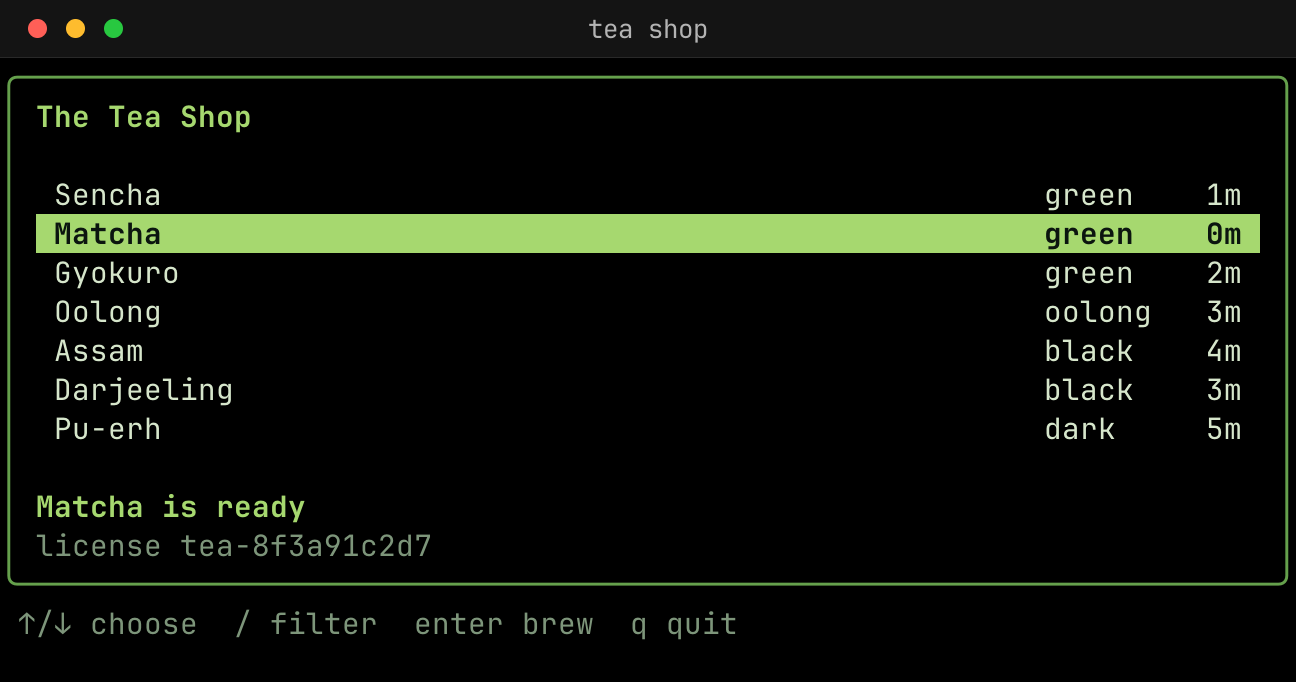
Padding, margin, and corners
reel export in.cast -o out.png --chrome --padding 24 --margin 24 --margin-fill "#0b150f" --radius 12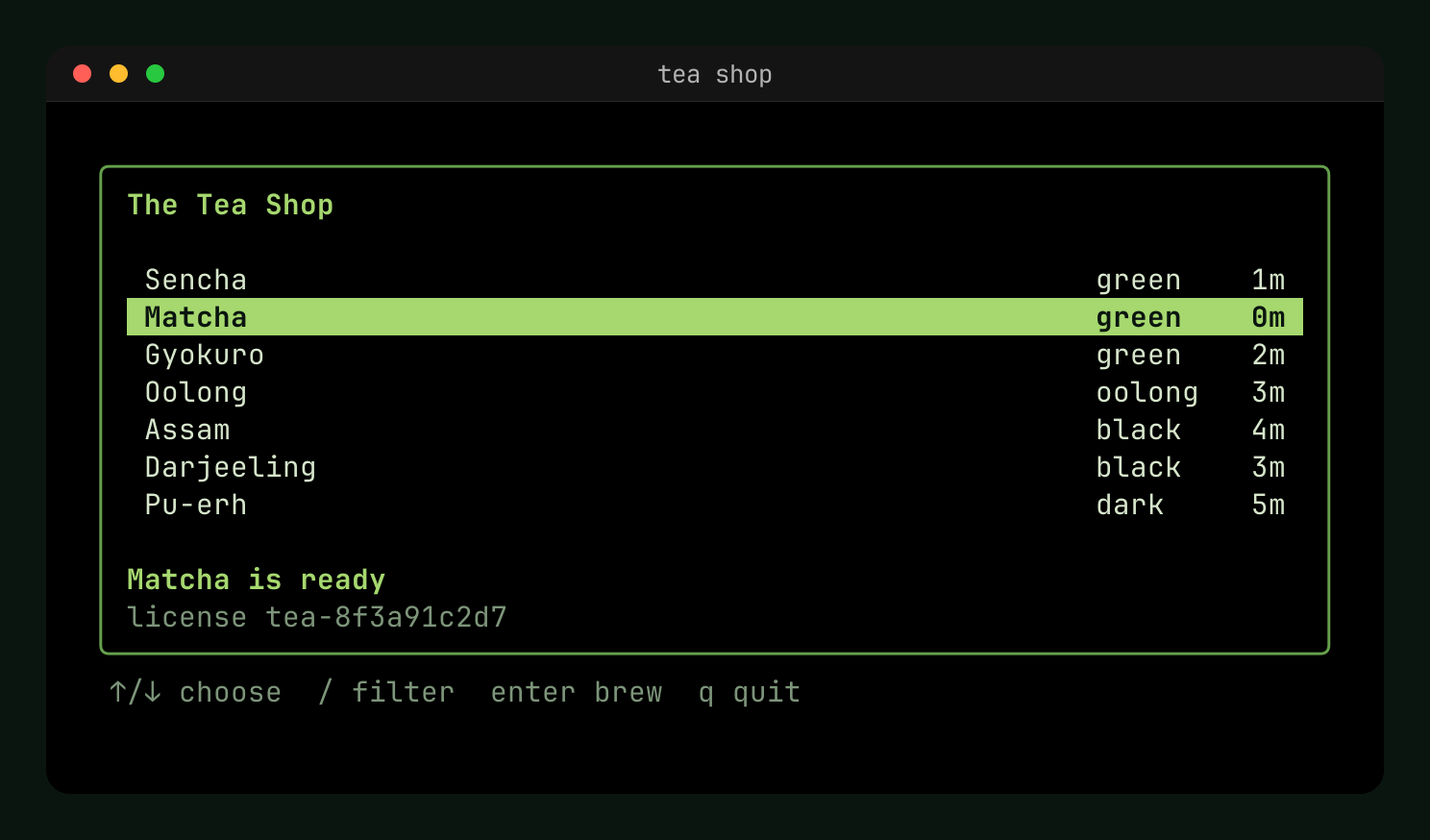
--margin-fill also takes a gradient: two or more colors, after an optional angle in degrees clockwise from up, as in CSS. Without an angle, it runs top to bottom.
reel export in.cast -o out.png --chrome --padding 24 --margin 24 --margin-fill "160deg #4b5a63 #1f272c" --radius 12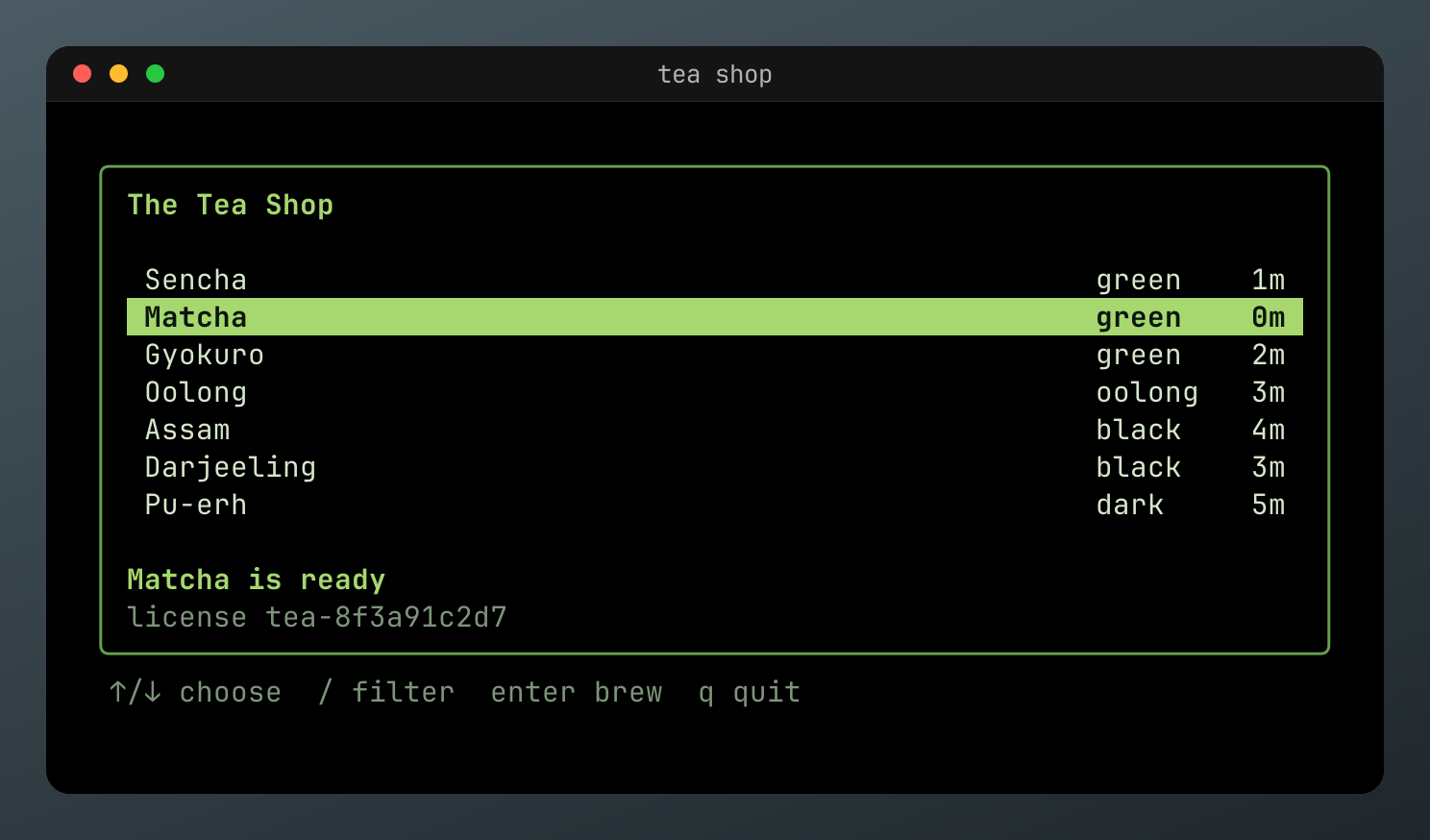
Drop shadow
--shadow draws a shadow behind the window, into the margin. It takes the order of CSS box-shadow: the x and y offsets in pixels, then an optional blur in pixels, then an optional #RRGGBB or #RRGGBBAA color, which is black at half opacity by default. none turns off a shadow a tape sets.
reel export in.cast -o out.png --chrome --padding 24 --margin 64 --margin-fill "#dfe8d6" --radius 12 --shadow "0 18 48 #17301f80"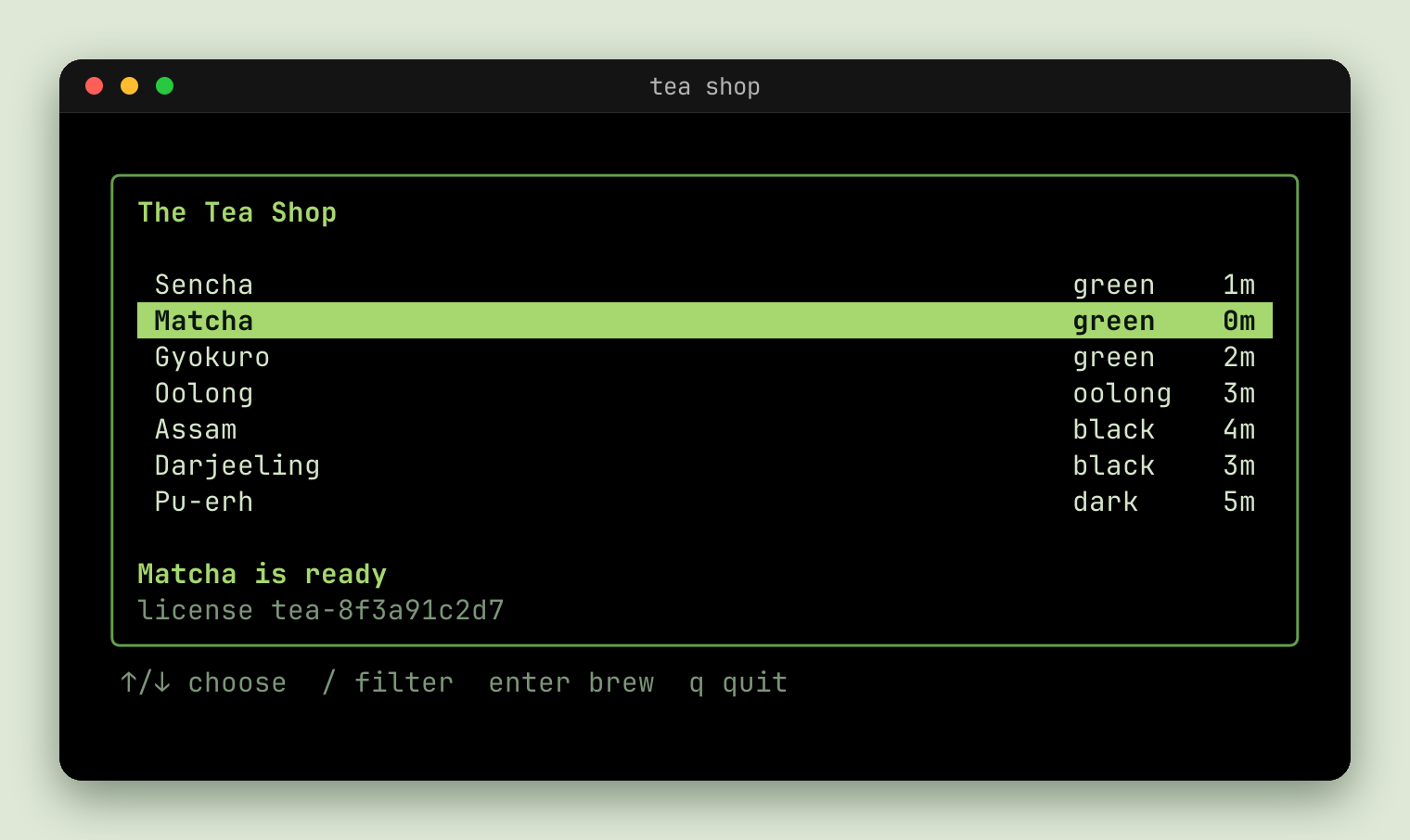
The shadow only shows in the margin, so give it one at least as wide as the blur and the offset together, or the image's edge cuts it off.
Keys
--keys overlays the keys pressed.
reel export in.cast -o out.webp --chrome --keys
Toasts
--toasts shows the program's notifications and clipboard writes as toasts.
reel export in.cast -o out.webp --chrome --toasts
Themes
--theme takes a name from reel themes, in any case, a file of xterm.js theme JSON, or that JSON itself. Themes are the bubbletint catalog.
reel run demo.tape --theme "Tokyo Night" -o out.png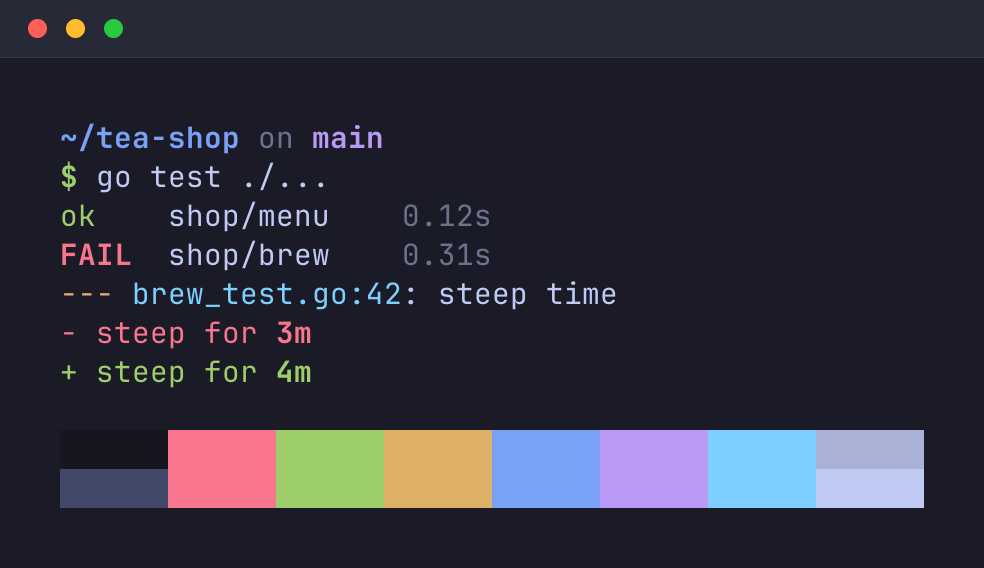
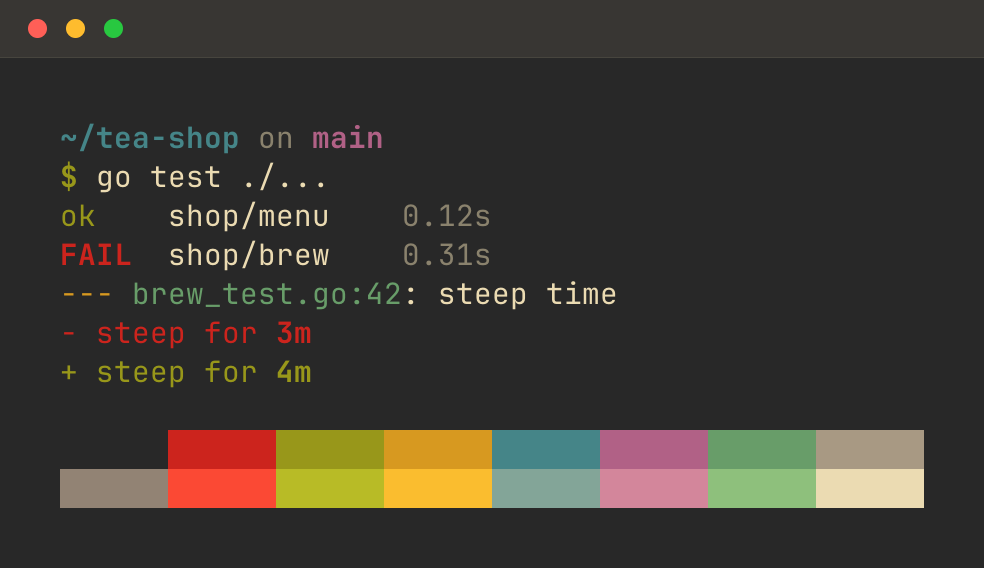
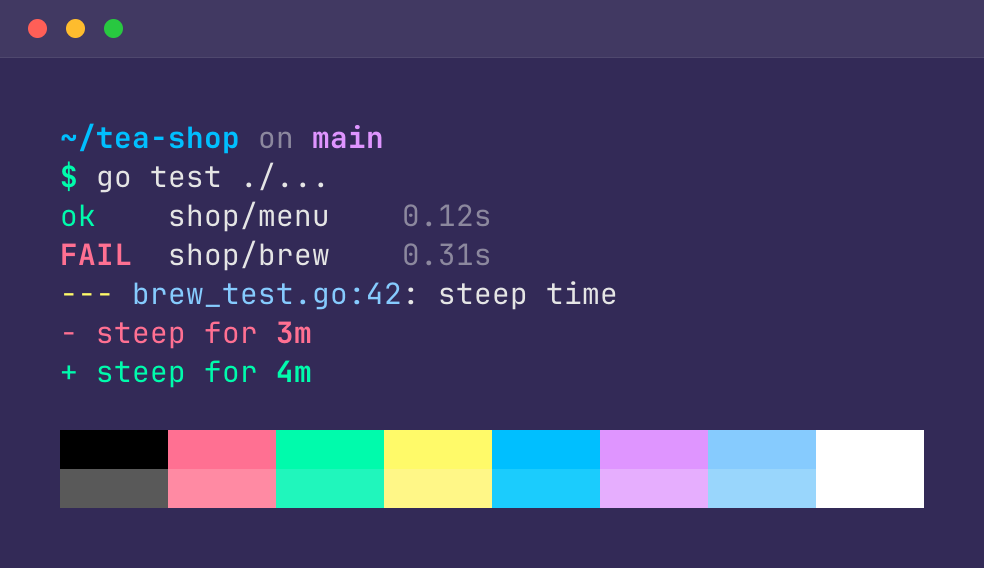
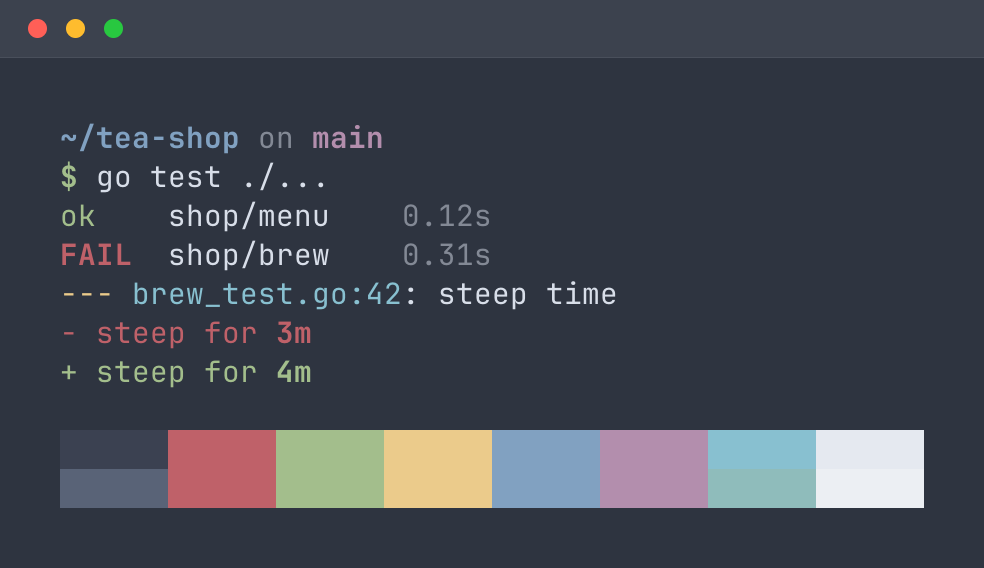
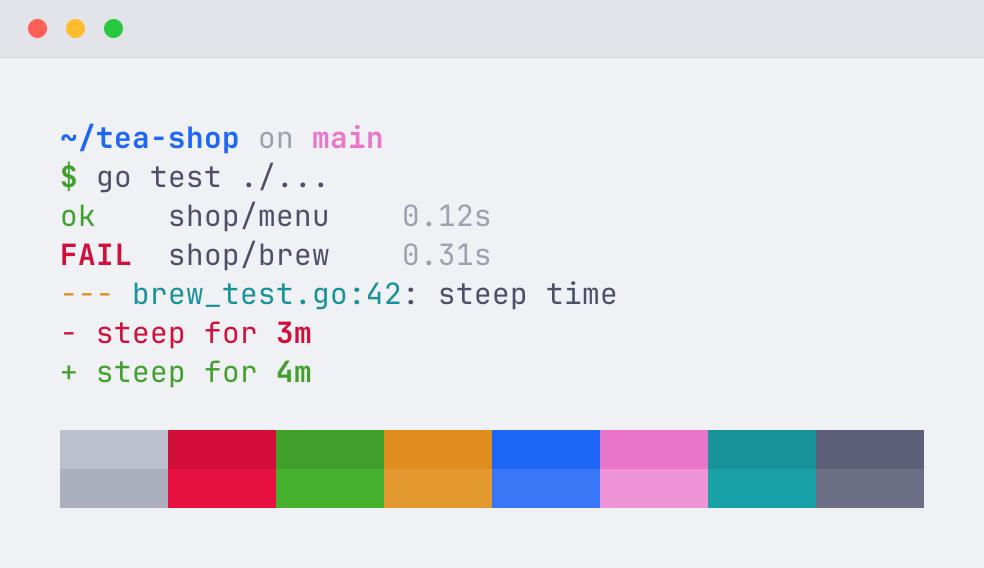
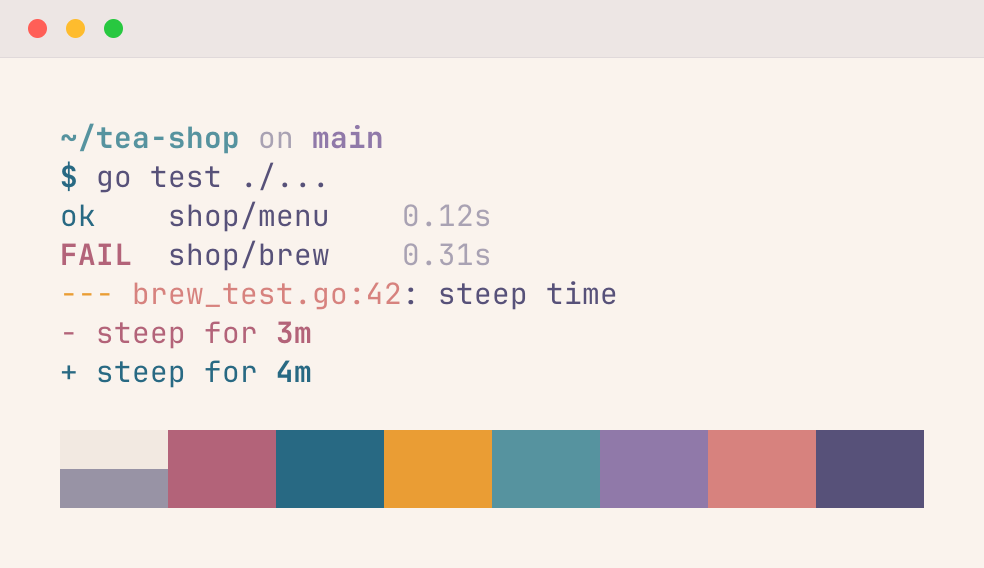
A theme sets a program's ANSI colors and defaults. It doesn't change the 24-bit colors a program chose, or colors a recording already set. A tape's run sets them for you, so use --theme on reel run rather than on a later reel export. See The recording's colors.
Fonts
| Flag | Sets |
|---|---|
--font FAMILY[,FAMILY...] | The first installed family in the list |
--font-size PX | The size, which sizes the image too |
--letter-spacing PX | Extra space between letters |
--line-height X | A multiple of the font's line height |
reel fonts lists them.
Terminal indicators
| Flag | Draws |
|---|---|
--[no-]scrollbar | A scrollbar, if there's scrollback |
--[no-]prompt-marks | A badge on a failed command's row, from OSC 133 |
--[no-]link-underline | An underline on OSC 8 hyperlinks |
--[no-]bell | A flash for the bell |
Terminal indicators shows them.
Timing
| Flag | Sets |
|---|---|
--fps N | The frame rate. The default is 20. |
--speed X | Playback speed. 2 plays twice as fast. |
--title TEXT | The recording's title, for the window bar, intro card, and asciicast header |
All together
Flags have environment variables too, and tapes have settings. See Configuration.
Last updated on