

Edit existing recordings
Render, cut, screenshot, and convert asciicast files, from reel, steep, or asciinema.
A .cast file holds a whole recording, so you can render it as many ways as you like. These commands read any asciicast v2 or v3 file, from reel, a steep test, or asciinema.
Render it
reel export in.cast -o out.gif
reel export in.cast -o out.gif -o out.mp4 --chrome --keys --pause
Each -o is an output. All the appearance and effect flags work here.
A recording may have effects stored in it. reel export applies those first, and --no-cast-effects ignores them.
Cut it
--between FROM,TO renders a window between two marks. Either can be empty for the start or end:
reel export in.cast -o part.gif --between login,logout
reel export in.cast -o end.gif --between logout,
reel cut writes the window as a new asciicast file. It opens on a redraw of the screen at the start, so it plays correctly anywhere:
reel cut in.cast --from login --to logout -o part.castTake a screenshot
reel still renders one moment. Without --at or --mark, that's the end:
reel still in.cast --mark done -o shot.png
reel still in.cast --at 3.2s -o shot.snap
reel still in.cast -o screen.json
Or write a still at each mark during an export:
reel export in.cast -o 'shot-{mark}.png?match=step:*'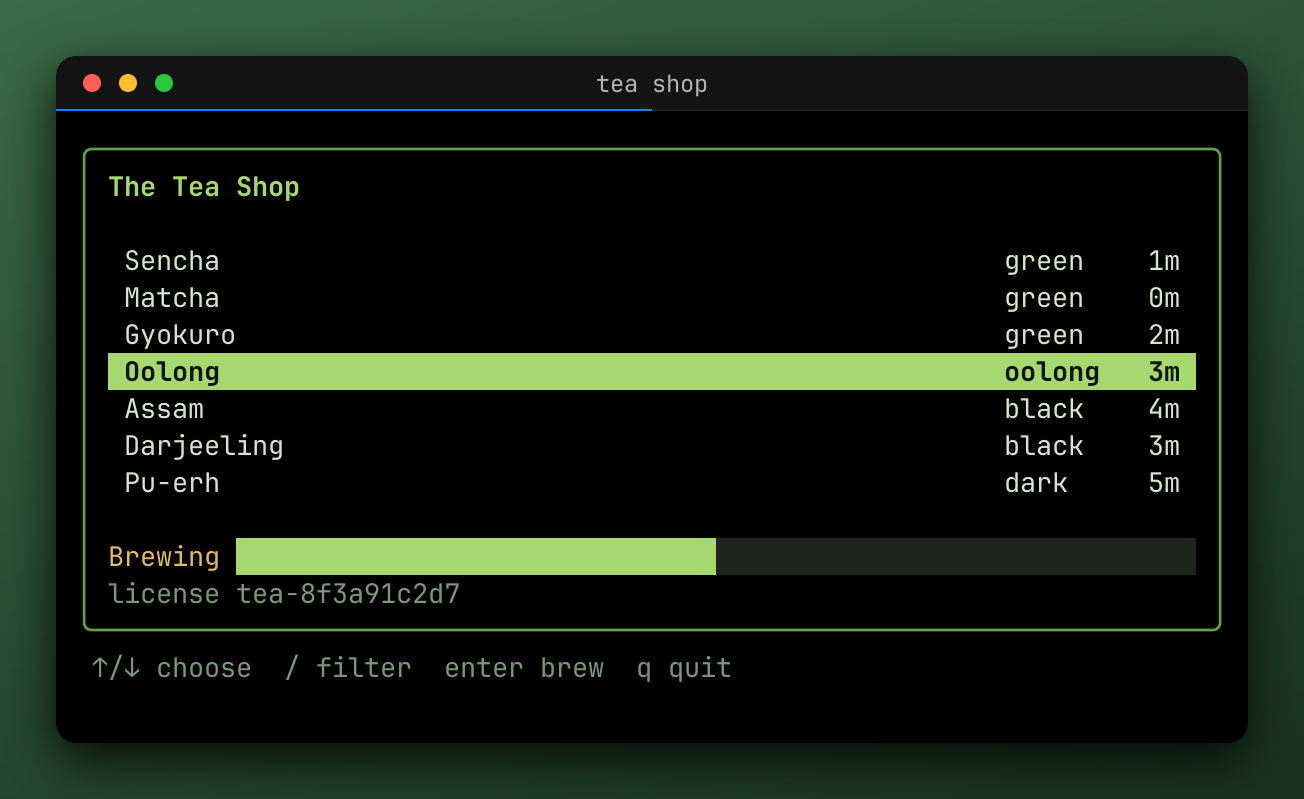
Look at it
reel info in.cast
reel info in.cast --json
reel play in.cast --speed 2 --idle-limit 1s
reel play replays it in this terminal, in reel's emulator, drawn on the alternate screen, so the recording can't change your terminal. q or ctrl+c stops it.
$ reel info public/casts/cli-tour.cast
title        tea shop
size         72x16
duration     6.877s
events       3 annotation · 20 input · 8 mark · 46 output
marks        1.089s	browse:start
             1.711s	filter:start
             2.474s	filter:typed
             2.785s	filter:done
             3.096s	brew:start
             4.314s	brew:done
             6.816s	brew:toasted
             6.877s	tape:end
annotations  3 reel.query
Convert it
reel convert in.cast -o out.cast --cast-version 3Pipes
All of these read standard input with -, and cut and convert can write to standard output:
reel cut in.cast --from a -o - | reel export - -o out.gifLast updated on