

Exporting
Turn a timeline into files, cut it, take stills, and export a recording again later.
reel.Export replays a timeline and writes the outputs of a reel.Profile.
err := reel.Export(ctx, tl, reel.Profile{
	Outputs: reel.MustFiles("demo.gif", "demo.cast"),
	Render:  []render.Option{render.WithWindowChrome(true)},
	Effects: []reel.Effect{effects.Keys(time.Second), effects.Pause()},
	FPS:     30,
	Title:   "demo",
})
Every field but Outputs has a usable zero value. A profile holds no state, so parallel recordings can share one.
Fields
| Field | Sets |
|---|---|
Outputs | The files to write. It must not be empty. |
Render | How frames are drawn. A palette here replaces the timeline's. |
Fit | The largest size in pixels, chosen by scaling the font so text stays sharp. An error with render.WithScale. |
Rasterizer | Your own frame drawing, in place of Render. |
Encode | Options for every frame output, from the sink package. |
Effects | Effects, in any order. |
FPS | The delay grid: frames play whole steps of 10ms × max(1, 100/FPS). Zero means 20, and the most is 100. |
Speed | Playback speed. 2 plays twice as fast, and zero means 1. |
Title | Names the recording, for cards and .cast outputs. Defaults to the timeline's. |
Meta | Passed to effects in Context.Meta. reel never reads it. |
Vars | Extra path variables. |
FPS isn't a frame rate in the usual sense. Frames aren't drawn at a fixed rate: each visible change is a frame, ending on the step nearest its time. Of the changes on one step, only the newest shows.
Profile.Merge combines two profiles, for a base profile and a change to it.
Paths
Output paths take variables in braces. An unknown name is an error, and so are two outputs with one path.
| Variable | Is |
|---|---|
{duration} | The window's length rounded to 100ms, such as 4.2s |
{timestamp} | Its start in UTC, as 20060102T150405, or now if it has none |
{mark} | The mark's label, for an output of stills |
| Yours | From Profile.Vars, by name without braces |
Missing directories are created. Each output is written to a temporary file and moved into place when complete.
Errors
- All outputs are checked and created before any frame is drawn, so a missing ffmpeg fails at once.
- A mark the profile looks for that the window doesn't have doesn't stop the export. The outputs are written, and
Exportthen returns aNoMarkErrorfor each.reel.MissingMarks(err)separates them from other errors. - A profile with a concealer or a cutter, plus a
.castoutput, returnsErrRawOutputbefore anything's written. - Canceling
ctxstops the export, which then writes nothing.
Stills and cuts
Stills
A path with {mark} and a marks= or match= writes one file per mark, rather than a recording:
reel.MustFiles(
	"shot-{mark}.png?match=brew:*",
	"done.snap?marks=brew:done",
)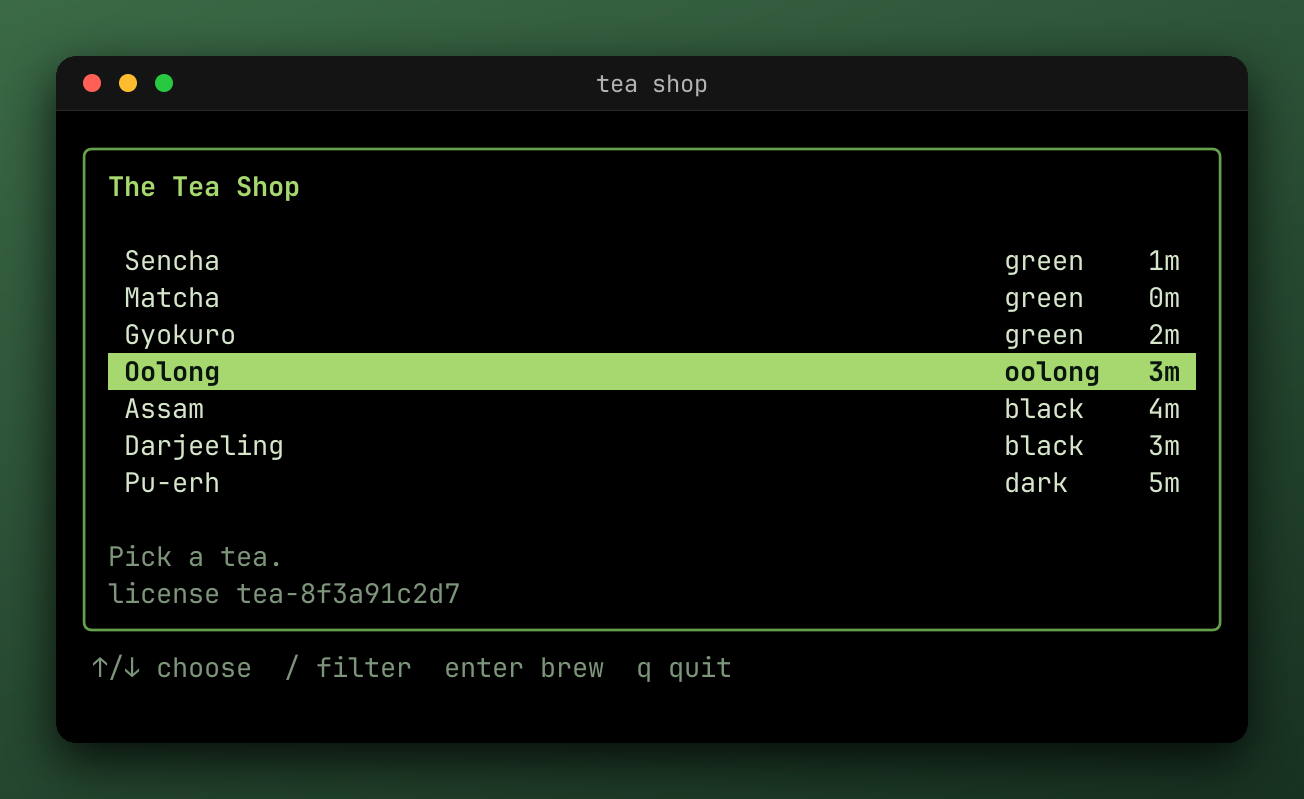
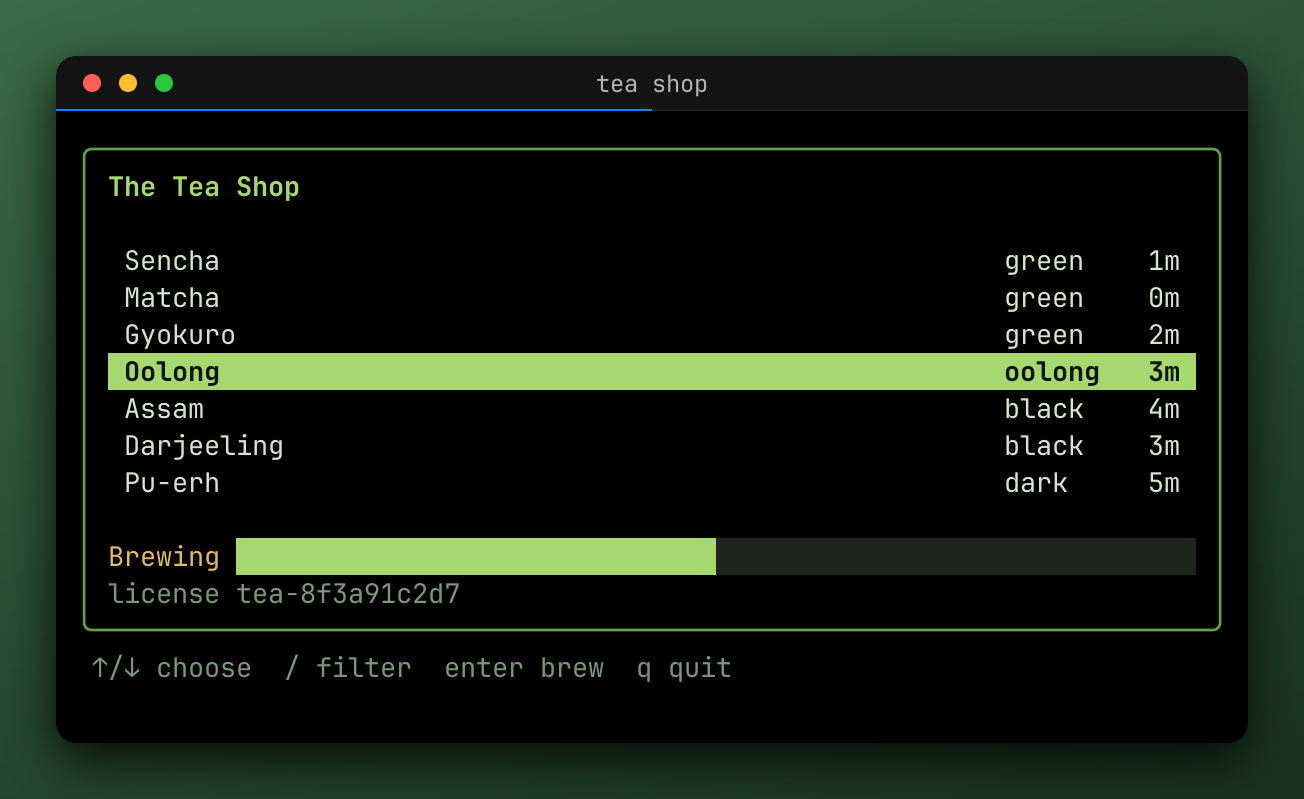
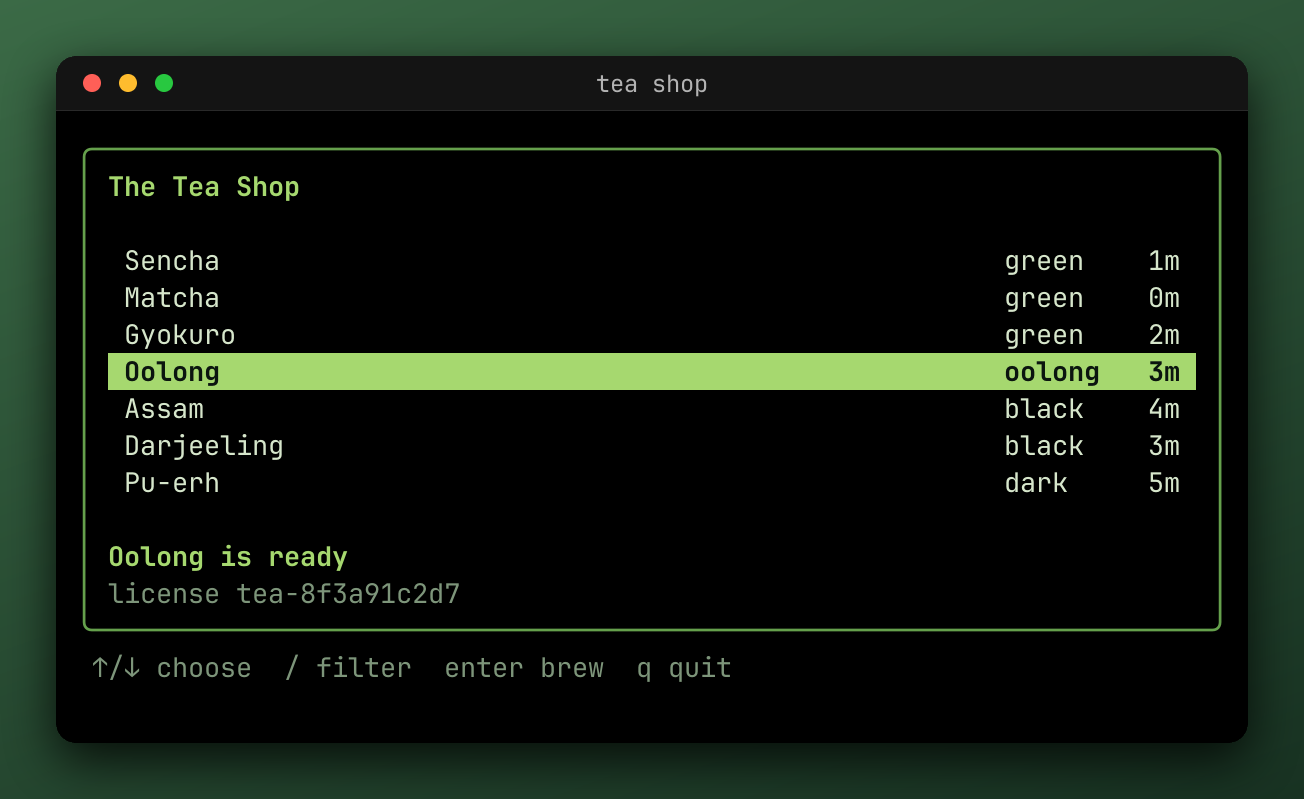
In the file name, {mark} is the label with each character that Windows doesn't allow replaced by -, so brew:start is brew-start. Two labels written the same, such as step:1 and step-1, are an error.
A repeated label uses its first mark in the window. A marks= label that's missing writes nothing, and is reported as a NoMarkError once the other outputs are written. A match= pattern that matches nothing isn't an error.
Stills run through only concealers and still effects, so they don't have key overlays or cards on them, and a still can't be matched by a live Record, which starts before the marks exist.
For a single image of the last frame, write a plain .png.
Cuts
Timeline.Between returns the part between two marks, and an empty label means the start or the end:
window, err := tl.Between("brew:start", "brew:done")
if err != nil {
	return err
}
err = reel.Export(ctx, window, reel.Profile{Outputs: reel.MustFiles("brew.webp")})
Effects look at the same window, so a mark outside it doesn't exist for them. Replaying still starts from the beginning, to reach the screen at the start of the window.
To cut out the middle instead, keeping what's on either side, use effects.Hide.
Where a test's recording ends
A harness ends its own exports where Close starts, so the program's repaint as it exits is left out. Exporting h.Timeline() yourself needs the same cut:
window, err := h.Timeline().Between("", "close:1")Re-exporting from .cast
A .cast file is the whole timeline, so you can export it again at any time:
f, err := os.Open("demo.cast")
if err != nil {
	return err
}
defer f.Close()

tl, err := reel.ReadTimeline(f)
if err != nil {
	return err
}
err = reel.Export(ctx, tl, reel.Profile{Outputs: reel.MustFiles("demo.webp")})
Exports are deterministic. The same timeline and the same profile write the same files, from the original or from its .cast, except for invalid UTF-8 output, which is saved as U+FFFD, and cuts.
Getting the effects back
When a .cast is written, each effect that can describe itself is recorded in it as an annotation. effects.FromTimeline reads them back:
fx, err := effects.FromTimeline(tl)
if err != nil {
	return err
}
err = reel.Export(ctx, tl, reel.Profile{
	Outputs: reel.MustFiles("again.gif"),
	Effects: fx,
})
A description loses a little:
- A region of your own has none, so the file leaves that effect out.
- An
Envregion is recorded by its variable names, never their values. - A
Regexpregion is recorded by its source text. - Durations are rounded to the millisecond.
Hide and Redact aren't recorded, because a profile with one of them can't write a .cast at all. So a recording that needs redacting needs its effects at each export, and it's worth keeping the .cast private.
The CLI does this by default: reel export demo.cast applies what the file records, and --no-cast-effects ignores it.
From a test
A steep .cast also holds the test's annotations. Pass the steep.Result as Profile.Meta to get the same Outro card, which reads it from there.
Last updated on